
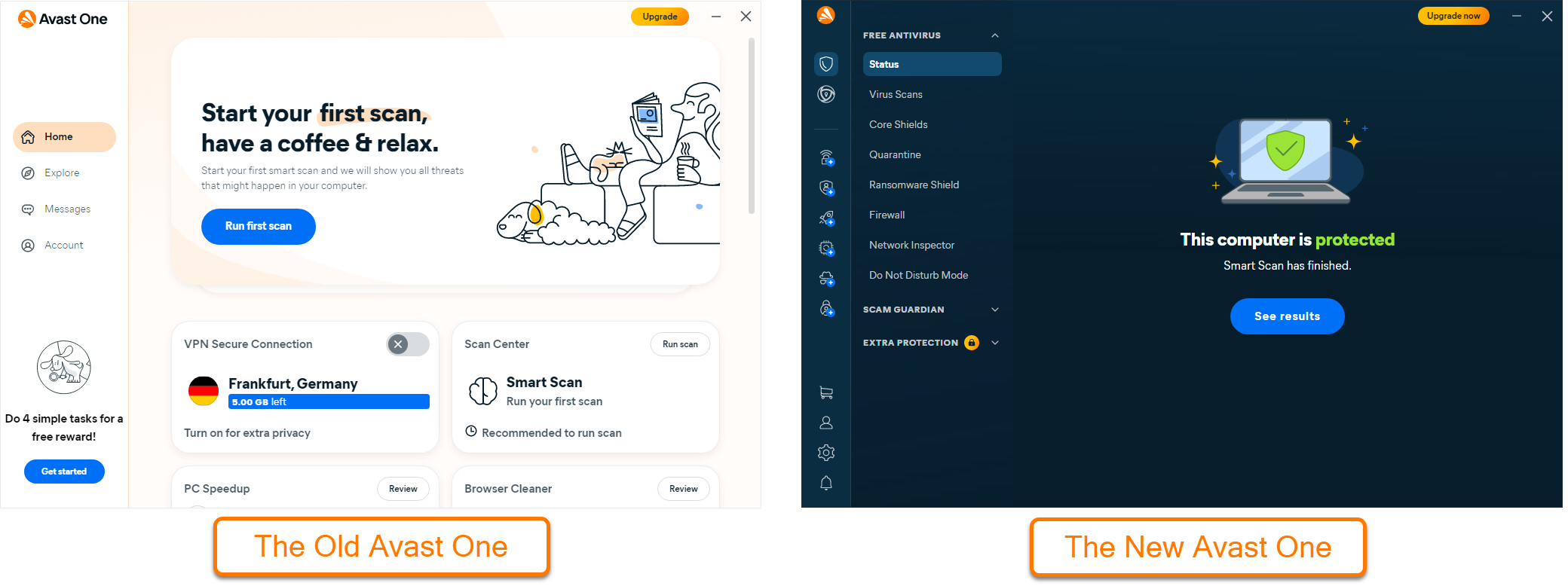
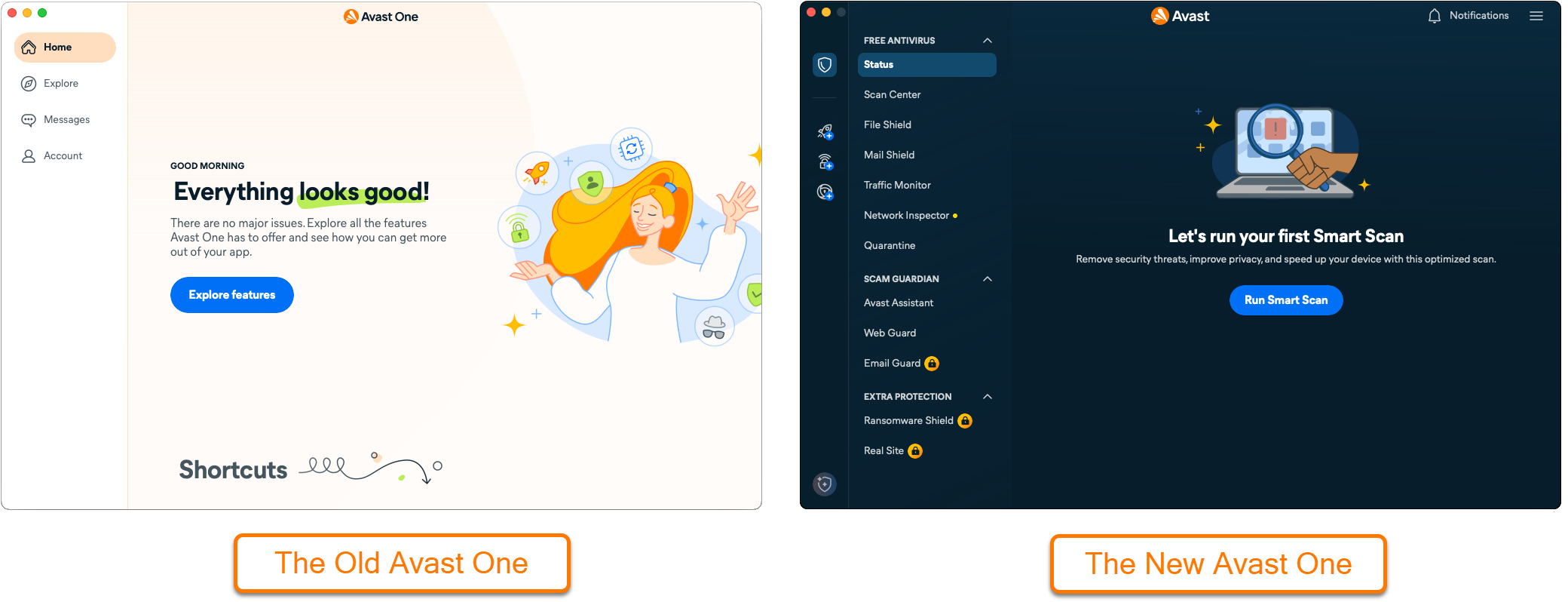
This article is about the old version of Avast One. For information about the new Avast One refer to the following article: New Avast One - FAQs.
General
What is Avast One Silver?
Avast One Silver is a paid subscription that offers different modules with advanced features to enhance your device's security, online privacy, or performance according to your needs.
For detailed information on each module, refer to the following sections:
What is Avast One Silver Device Protection?
Avast One Silver Device Protection is designed to provide advanced security while you surf the web and use your device. It allows you to shop and bank online more safely and avoid harmful websites, get notified if any new devices join your network, keep 5 of your webmail accounts safer.
With this subscription module you gain access to the following features:
- Advanced Firewall settings
- Web Hijack Guard
- The option to continuously monitor your network with Network Inspector
- Cloud-based email protection with Email Guardian
What is Avast One Silver Privacy?
Avast One Silver Privacy is designed to encrypt your online activities thanks to VPN Secure Connection and prevent trackers and other third parties from collecting information about you. It allows you to disguise your digital fingerprint (the data you leave when visiting a website), which helps you browse the web even more privately.
With this subscription module you gain access to the following features:
What is Avast One Silver Performance?
Avast One Silver Performance includes optimization tools that free up disk space and help you remove unwanted apps. With this subscription module you gain access to the following features:
What is Avast One Gold?
Avast One Gold is the most comprehensive Avast One subscription that includes all the Avast One Basic and paid Avast One features, plus all the Avast One Silver modules.
What features are included in each version of Avast One?
Avast One provides multiple levels of protection, allowing you to choose the security plan that best fits your needs. The following options are available:
- Avast One Basic (the free version): Includes antivirus protection and basic online privacy tools.
- Avast One Silver: Offers three different modules to choose from:
- Avast One Silver Device Protection: Includes features that provide comprehensive security while browsing the web and using your device.
- Avast One Silver Privacy: Includes features that encrypt your online activity and prevent trackers and other third parties from collecting your information.
- Avast One Silver Performance: Includes optimization tools that free up disk space, and help you remove unwanted apps.
- Avast One Gold: Includes all the free and paid Avast One features and modules for the most comprehensive protection.
The following Avast One Basic (free) features are available in all Avast One subscriptions: Antivirus Scans, File Shield, Web Shield, Ransomware Protection, Quarantine, and Browser Cleaner.
Refer to the chart below for a comparison of the available premium features with each subscription:
|
Features |
Avast One Basic |
Avast One Silver Device Protection |
Avast One Silver Privacy |
Avast One Silver Performance |
Avast One Gold |
|
Limited |
✓ |
Limited |
Limited |
✓ |
|
|
X |
✓ |
X |
X |
✓ |
|
|
Limited |
✓ |
Limited |
Limited |
✓ |
|
|
Limited |
✓ |
Limited |
Limited |
✓ |
|
|
X |
X |
✓ |
X |
✓ |
|
|
X |
X |
✓ |
X |
✓ |
|
|
Limited |
Limited |
✓ |
Limited |
✓ |
|
|
X |
X |
✓ |
X |
✓ |
|
|
X |
X |
X |
✓ |
✓ |
|
|
X |
X |
X |
✓ |
✓ |
|
|
X |
X |
X |
✓ |
✓ |
|
|
X |
X |
X |
✓ |
✓ |
Download and Installation
What are the system requirements for Avast One?
For detailed information about the system requirements for Avast One, refer to the following article: System requirements for Avast applications.
Do I need to uninstall other Avast apps before I install Avast One?
If you have Avast Security or Avast Premium Security installed on your Mac, you need to uninstall these apps before installing Avast One. If you try to install Avast One when you already have Avast Security or Avast Premium Security installed on your Mac, the Avast One installation is blocked due to a conflict with your existing Avast app.
For uninstallation instructions, refer to the relevant article below:
- Avast Security ▸ Uninstalling Avast Security from Mac
- Avast Premium Security ▸ Uninstalling Avast Premium Security
If you have other Avast standalone paid subscriptions (such as for Avast Cleanup Premium and Avast SecureLine VPN), you can continue using them without interruption.
How can I get Avast One Silver or Avast One Gold?
A new version of Avast One has been introduced and Avast One Silver and Avast One Gold are no longer available for purchase. For more information about the new Avast One, refer to the following article: New Avast One - FAQs.
If you already have an active subscription to Avast One Silver or Avast One Gold, you can download and activate them through your Avast Account. For detailed installation and activation instructions, refer to the following articles:
For detailed installation and activation instructions, refer to the following articles:
Can I use Avast One on multiple devices and platforms?
Avast One Silver and Avast One Gold can be used on Windows, Mac, Android, and iOS devices.
Both Avast One Silver and Avast One Gold are available as Individual and Family subscriptions:
- Avast One Silver: Helps protect up to 3 devices with the Individual and up to 30 devices with the Family subscription.
- Avast One Gold: Helps protect up to 5 devices with the Individual and up to 30 devices with the Family subscription.
To learn more about sharing or transferring Avast One, refer to the following articles: Using Family Sharing in your Avast Account and Transferring an Avast subscription to another device.
Can I have multiple Avast One Silver modules?
Yes. You can have up to two Avast One Silver modules. Avast One Gold gives you access to all three modules.
Troubleshooting
How can I stop my Avast One subscription from automatically renewing?
You can stop your subscription from automatically renewing via the Avast Account that is linked to the email address you provided during purchase.
To cancel the subscription renewal via your Avast Account:
- Sign in to your Avast Account using the following link: Avast Account.
- Click the My subscriptions tab in the top menu.
- Click Unsubscribe or Cancel Renewal under the subscription you want to cancel.
- Follow the on-screen instructions to complete the cancellation.
Your cancellation request is now submitted. A confirmation email will be sent to the email address you provided at purchase.
Canceling the renewal for your subscription won't generate a refund. This is because your subscription will continue through to the end of your already paid subscription term after which it will end and not automatically renew. For information about canceling a contract and requesting a refund refer to the How can I get a refund? section in this article.
What happens after I cancel the renewal for my subscription?
Avast One is sold as a continuous subscription. Your subscription will automatically renew at the end of your initial term unless you cancel the renewal before your billing date.
When you cancel the renewal for your subscription, the subscription status displayed in your Avast Account changes to Expiring, and the expiration date is shown. You can continue to use your paid version of Avast One until the expiration date. After this date, you will lose access to Avast One paid features.
Can I keep Avast One if I cancel Avast One Silver or Avast One Gold?
If you cancel your Avast One Silver or Avast One Gold subscription, you can continue using the free version Avast One Basic.
How can I get a refund?
For detailed information, refer to the following article:
How do I uninstall Avast One?
Removing Avast One from your device does not automatically cancel your subscription. For information about canceling an Avast subscription, refer to the following article: Canceling an Avast subscription - FAQs.
For detailed uninstallation instructions, refer to the following article:
