
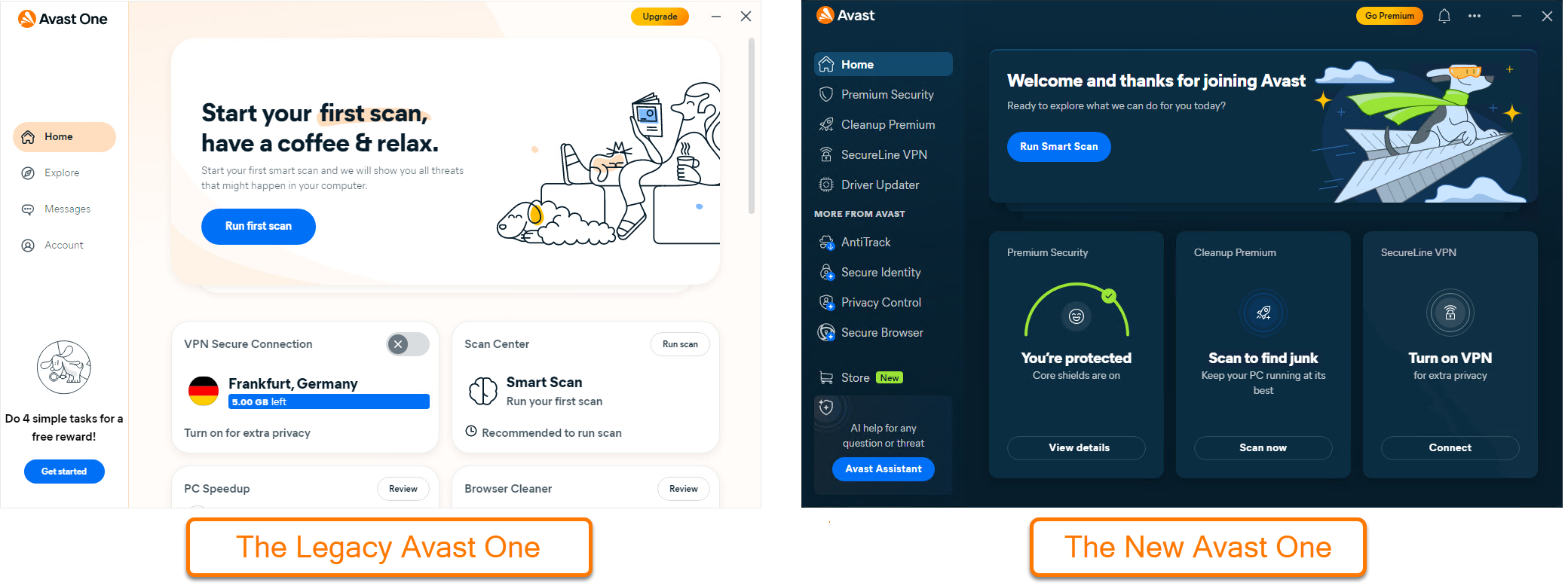
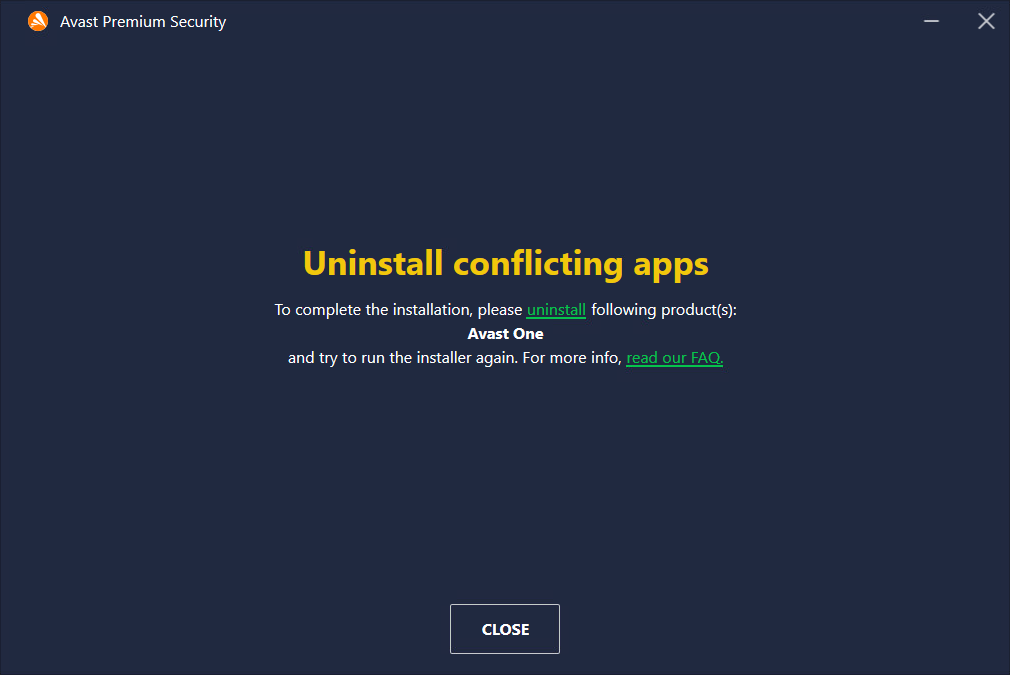
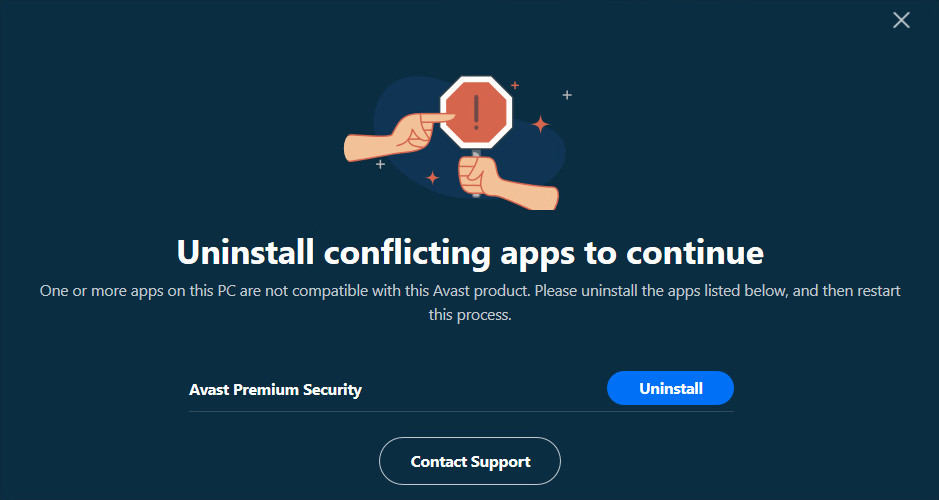
This article is about the new version of Avast One. For information about conflicts during the installation of the old Avast One, refer to the following article: Avast One - FAQs.
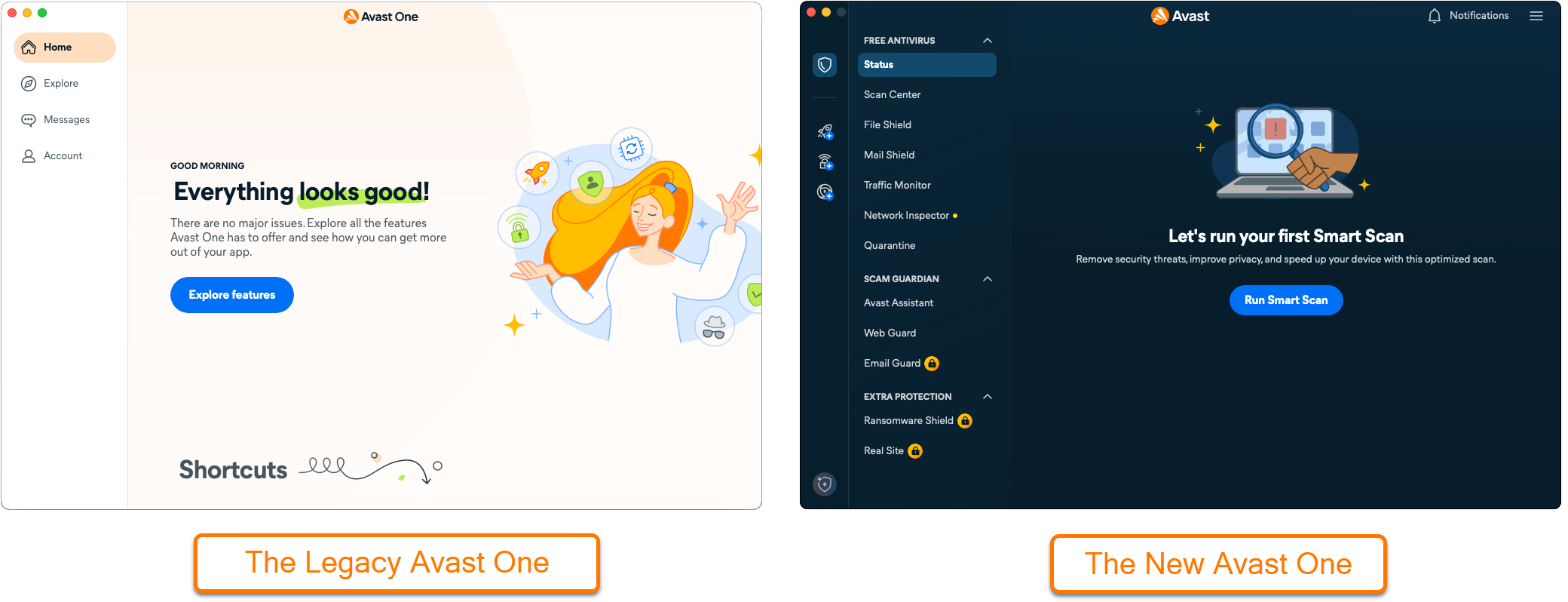
The new version of Avast One provides access to multiple Avast apps through a single, unified interface. Since Avast Antivirus is included with Avast One by default, it is not possible to use standalone versions of Avast Security or Avast Premium Security alongside it. This article explains how to resolve these installation conflicts.
If you have separate, paid subscriptions for Avast Cleanup Premium or Avast SecureLine VPN you can continue using them without interruption. However, we recommend activating these apps through Avast One for a more integrated experience.
Conflicts while installing standalone Avast apps
If you attempt to install Avast Security or Avast Premium Security, while Avast One is installed, the installation will be blocked.
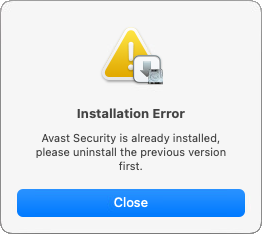
To resolve this, refer to the following options:
-
Recommended: Cancel the installation of the standalone app and activate Avast Premium Security directly through Avast One. For instructions, refer to the following article: Installing and Activating Avast One apps ▸ Activate Avast One apps.
-
Alternative: Uninstall Avast One and install Avast Premium Security.
Conflicts while installing Avast One
If you try to install Avast One when you already have Avast Security or Avast Premium Security installed on your Mac, the Avast One installation is blocked due to a conflict with your existing Avast app.
To resolve this, you must uninstall the standalone version of the Avast Antivirus, then install Avast One. For detailed instructions, refer to one of the following articles:
-
Avast Security ▸ Uninstalling Avast Security from Mac
-
Avast Premium Security ▸ Uninstalling Avast Premium Security
After uninstalling the standalone app, you can activate Avast Premium Security through Avast One: Installing and Activating Avast One apps ▸ Activate Avast One apps.
Conflicts with the old Avast One
The new version of Avast One is not compatible with the previous version of the application. If you wish to use the new version of Avast One, you must first uninstall the old version and vice-versa. For detailed instructions, refer to the following articles:
Conflicts with third-party apps
Avast One is not compatible with other antivirus apps. Before you uninstall Avast One, you must uninstall any other antivirus apps from your Windows device. For instructions on how to uninstall other Antivirus apps, refer to the following article: Uninstalling other antivirus software.
