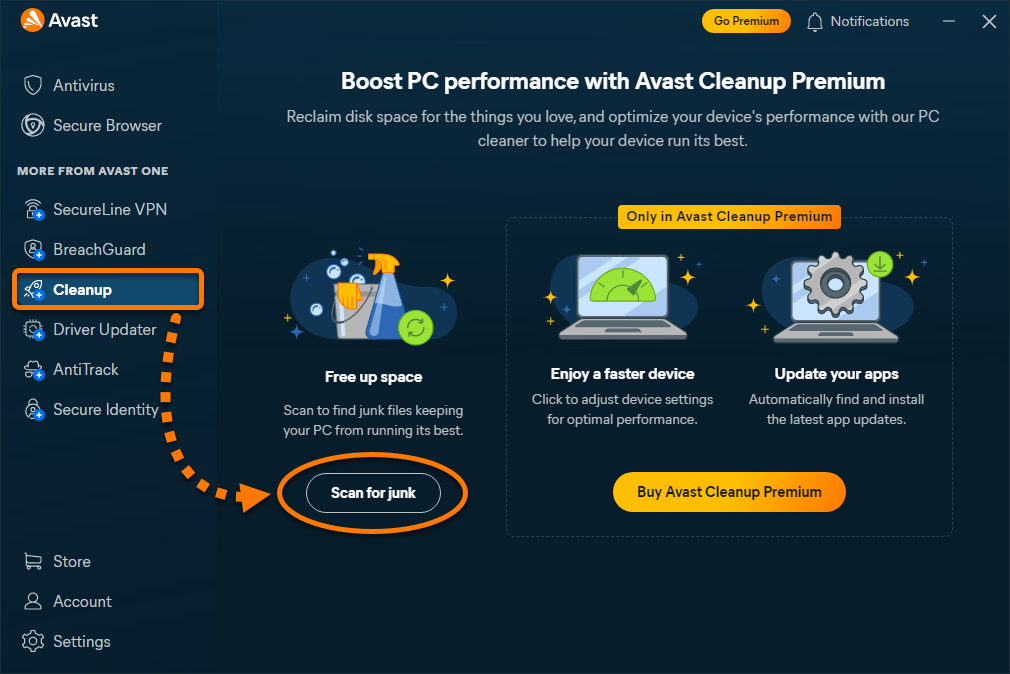
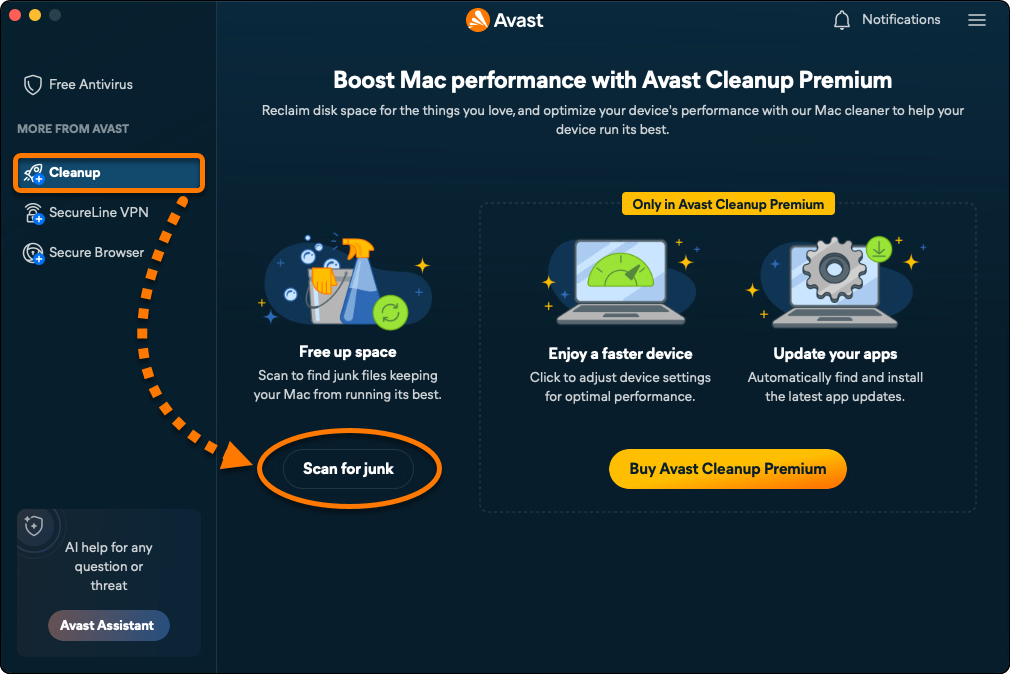
- Open Avast One, hover your mouse over the side menu, and select Cleanup ▸ Scan for junk.
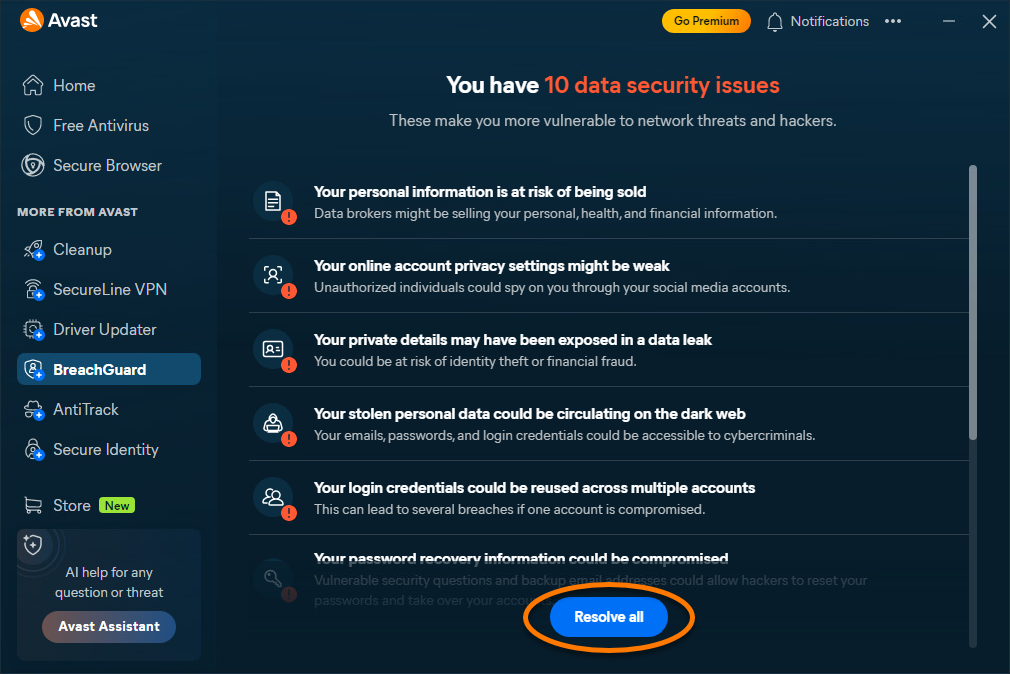
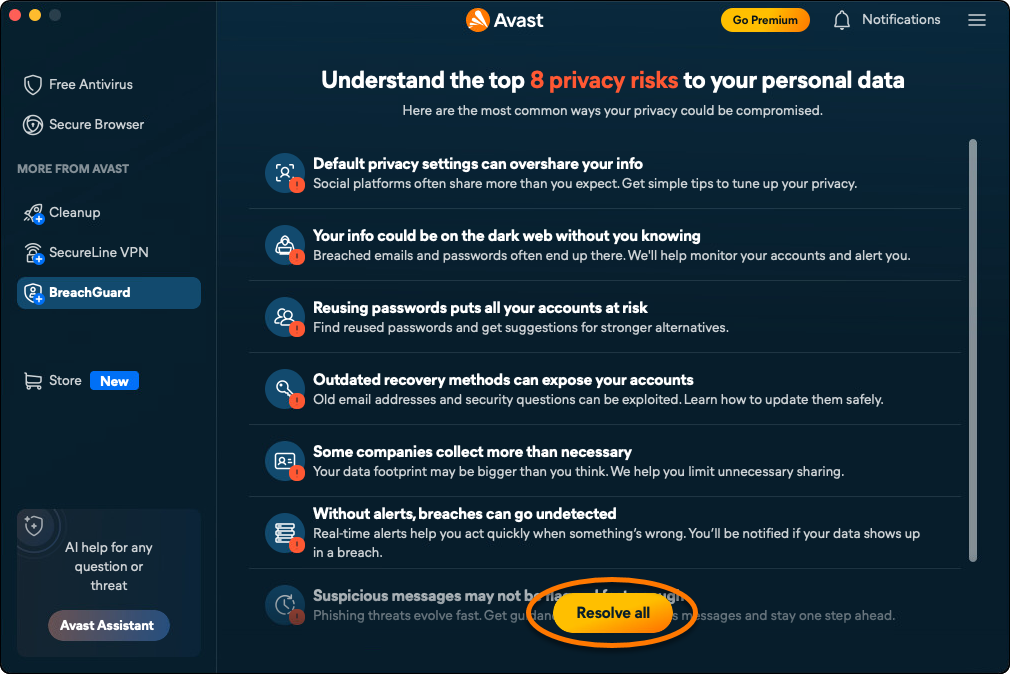
- Wait for the scan to finish, then click Resolve all.
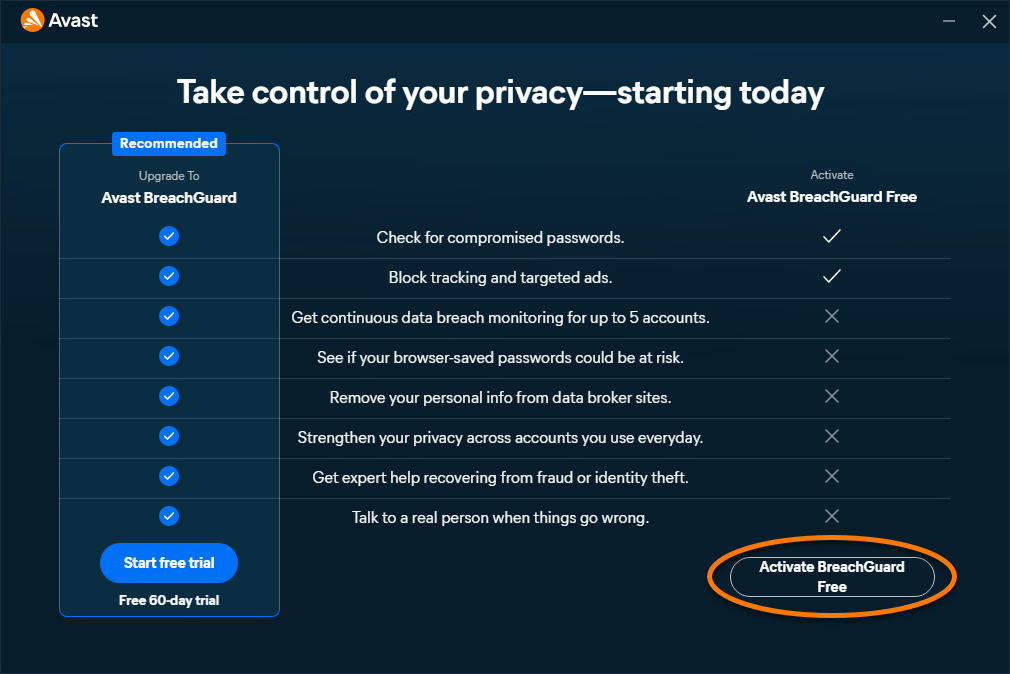
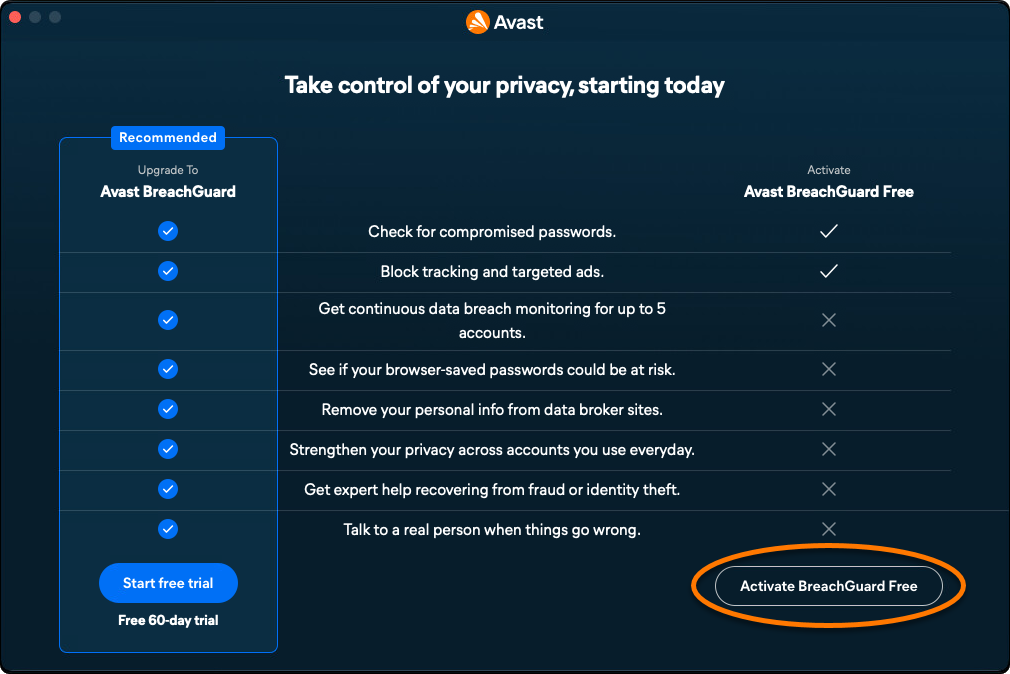
- Click Continue with free.
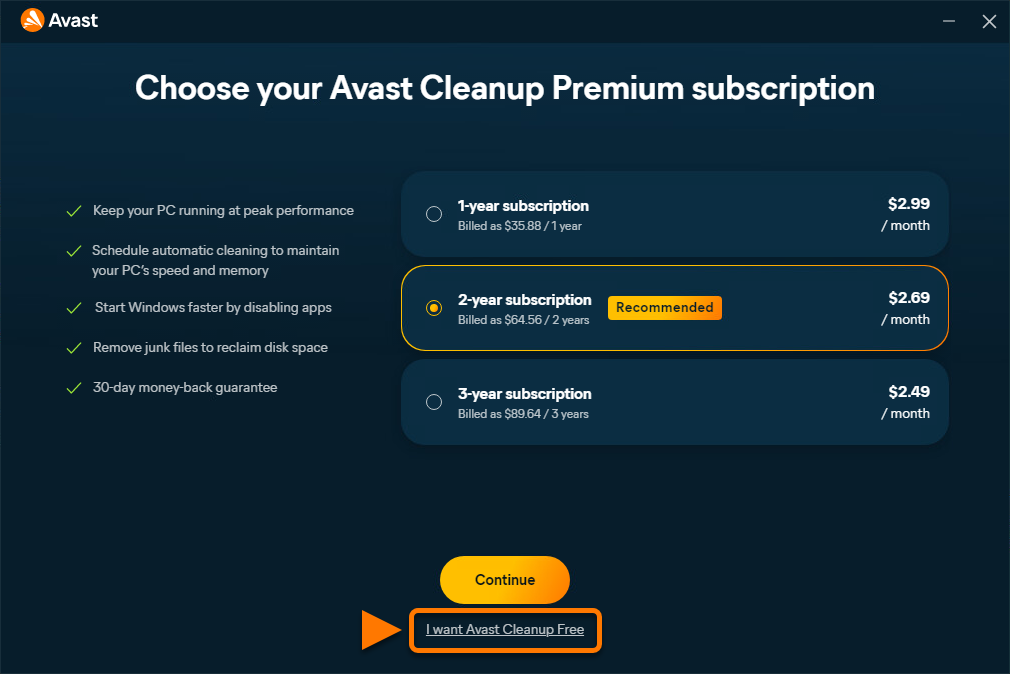
- Click I want Avast Cleanup Free.
Avast Cleanup Free is now installed.
Upgrade to the paid version
If you have purchased a paid version of Avast Cleanup on our website, you need to manually activate the app. For instructions, refer to the following article: Installing and Activating Avast One apps.
Alternatively, you can subscribe to the paid version of Avast Cleanup by clicking Go Premium in the top-right corner of the application screen. Follow the on-screen instructions to complete the transaction. Avast Cleanup activates automatically after you complete the purchase.

Troubleshoot installation issues
If you experience any installation issues:
- Ensure your device meets the minimum system requirements and your system is up to date. For information about the requirements for your device, refer to the following article:
- Restart your device, and try again to install Avast Cleanup Free by following the instructions in this article.
Further recommendations
- To learn more about the Avast Cleanup app in Avast One, refer to the following articles:
- Open Avast One and select Cleanup ▸ Scan for junk.
- Wait for the scan to finish, then click Resolve all.
- Click Continue with free.
Avast Cleanup Free is now installed.
Upgrade to the paid version
If you have purchased a paid version of Avast Cleanup on our website, you need to manually activate the app. For instructions, refer to the following article: Installing and Activating Avast One apps.
Alternatively, you can subscribe to the paid version of Avast Cleanup by clicking Go Premium in the top-right corner of the application screen. Follow the on-screen instructions to complete the transaction. Avast Cleanup activates automatically after you complete the purchase.

Troubleshoot installation issues
If you experience any installation issues:
- Ensure your device meets the minimum system requirements and your system is up to date. For information about the requirements for your device, refer to the following article:
- Restart your device, and try again to install Avast Cleanup Free by following the instructions in this article.
Further recommendations
- To learn more about the Avast Cleanup app in Avast One, refer to the following articles:

