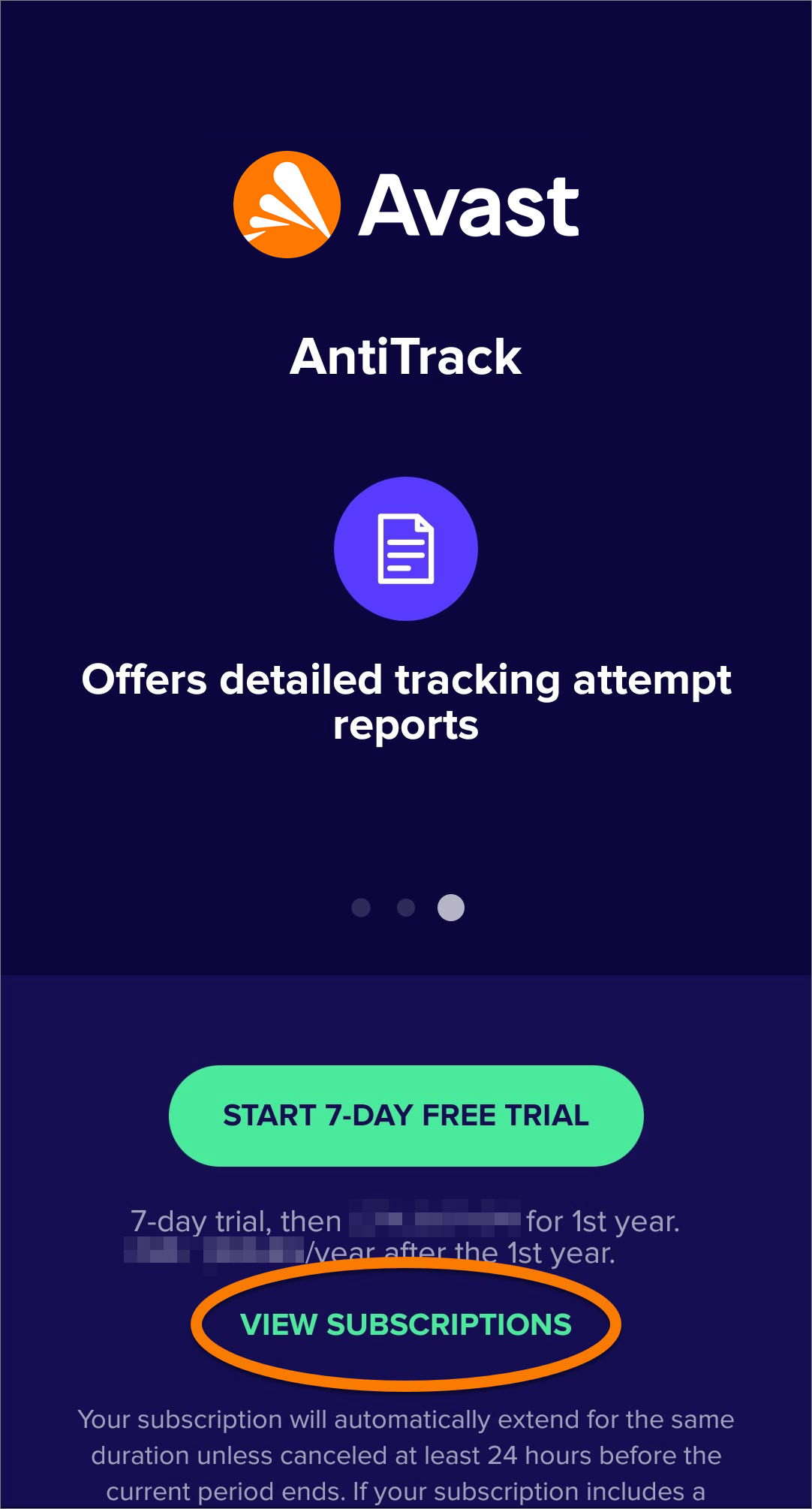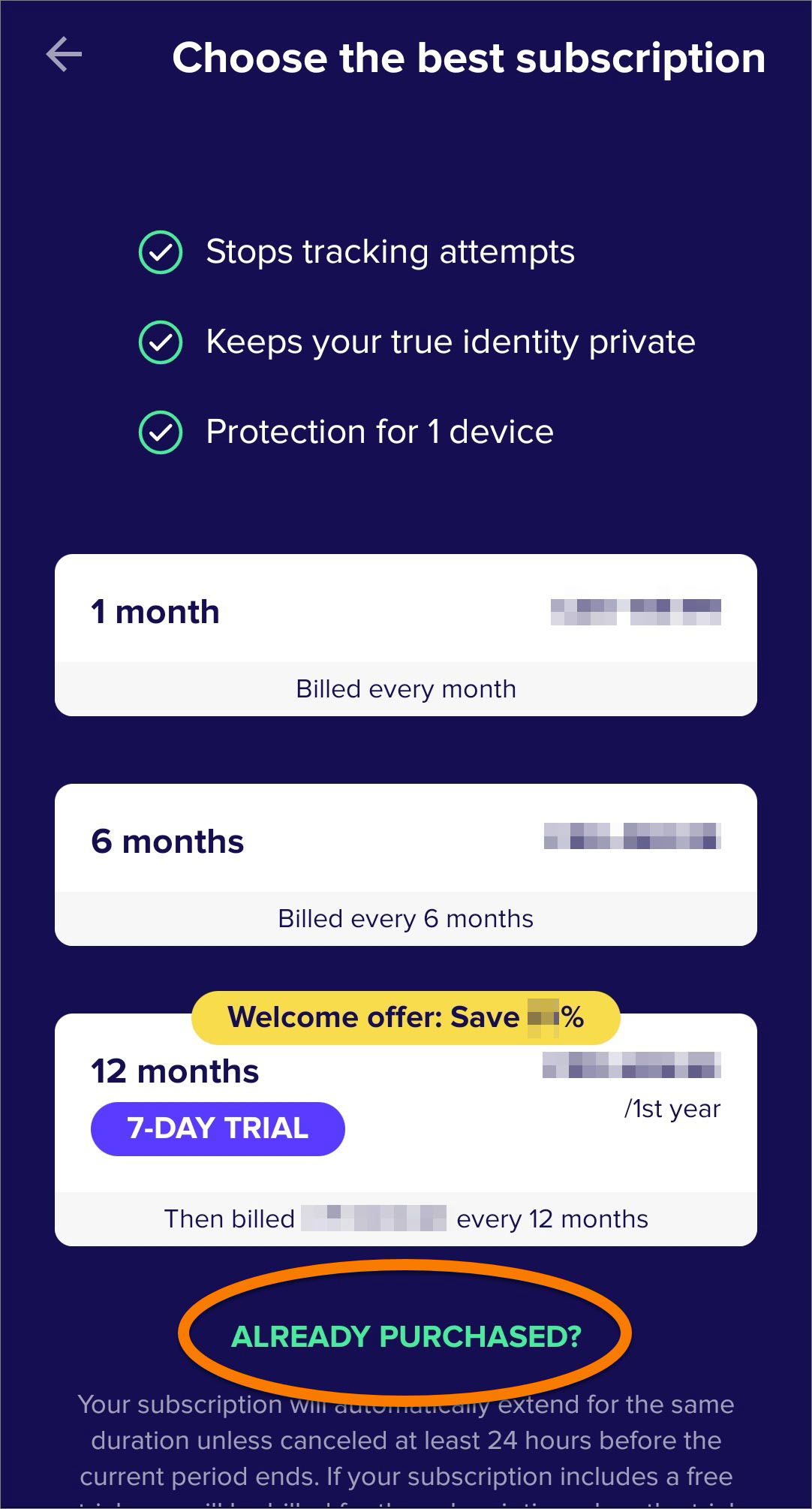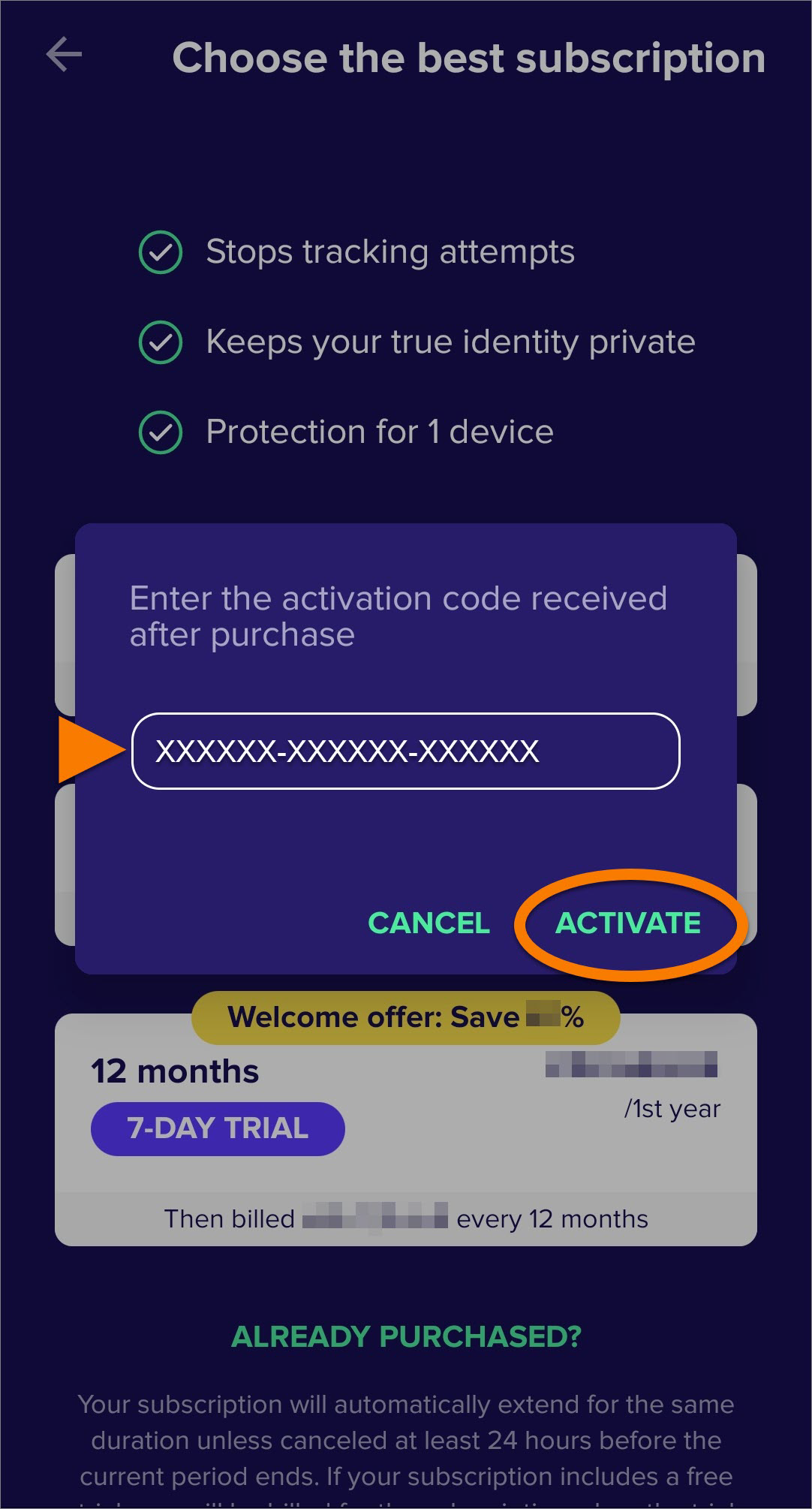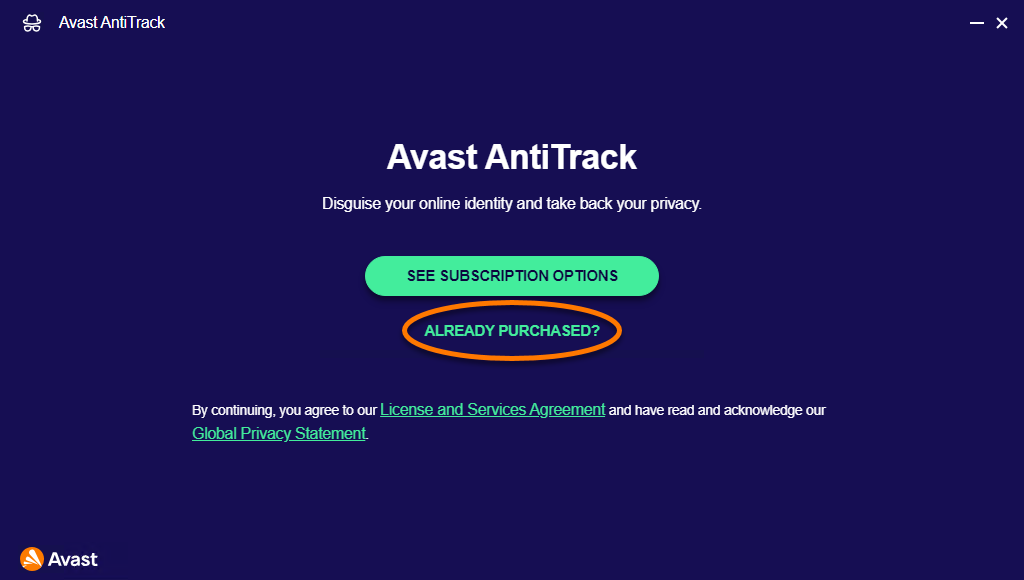
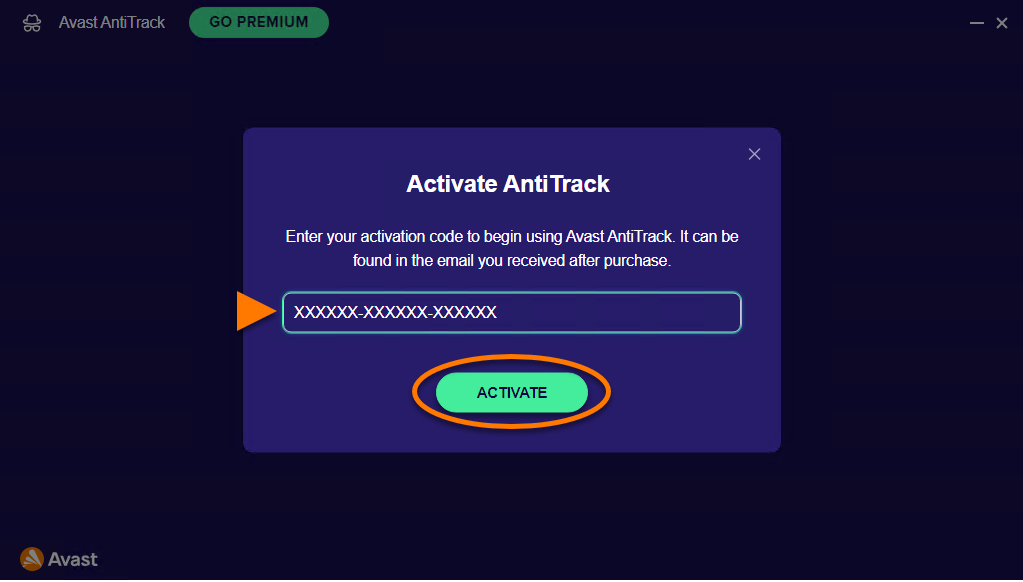
 Settings (the gear icon) ▸ Subscription.
Avast AntiTrack is a paid app that requires a subscription to use. After installing Avast AntiTrack, you may need to manually activate your subscription by entering a valid activation code.
If your Avast AntiTrack subscription expires, you need to reactivate Avast AntiTrack to continue using the app.
Avast AntiTrack subscriptions purchased via Google Play Store are activated automatically on the device used to make the purchase. You do not need to manually activate the app.
This article assumes that the latest version of Avast AntiTrack is installed on your device. For instructions, refer to the following article: Installing Avast AntiTrack
Activate Avast AntiTrack
To activate an existing subscription directly after installation:
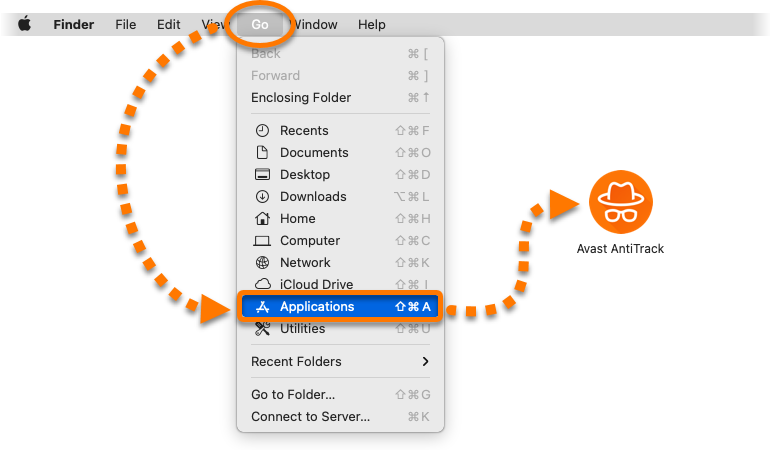
- Click Go ▸ Applications in the Apple menu bar, then double-click the Avast AntiTrack icon to open the application.
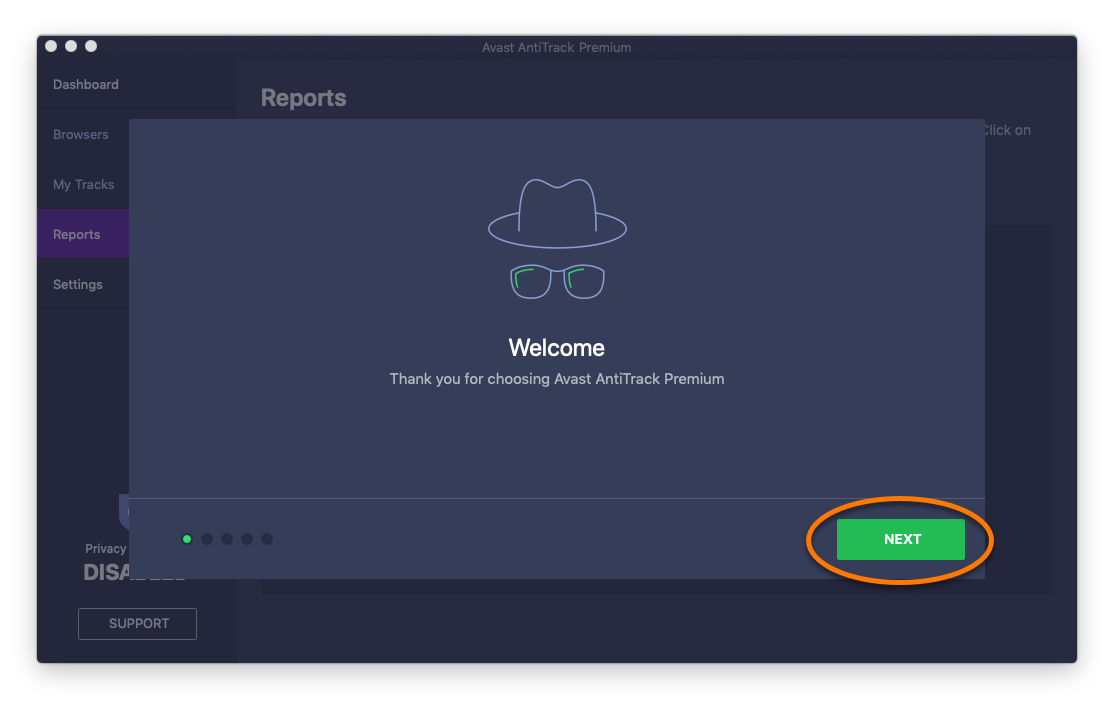
- Review the Welcome tutorial by clicking Next.
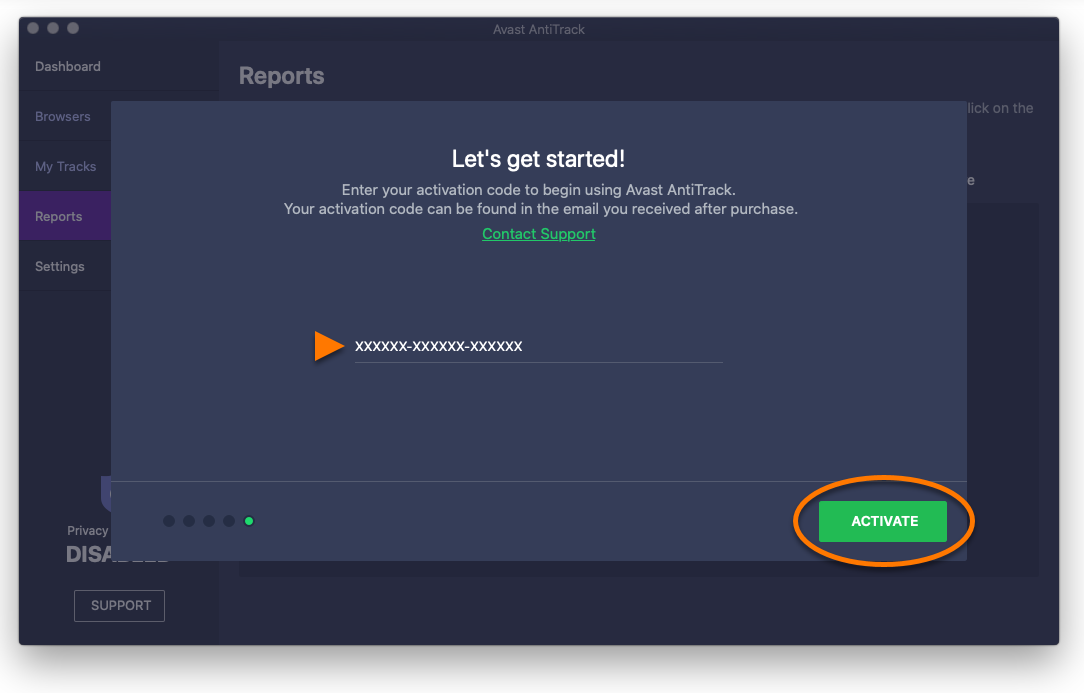
- When the Let's get started! screen appears, type or paste your activation code (including hyphens), and click Activate.
- When the message Activation successful appears, click OK to close the dialog.
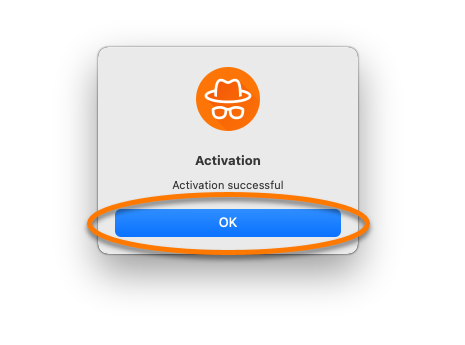
Your Avast AntiTrack subscription is now active.
You can check your subscription details via Settings ▸ Activation Keys.

Reactivate Avast AntiTrack
To reactivate Avast AntiTrack with an activation code:
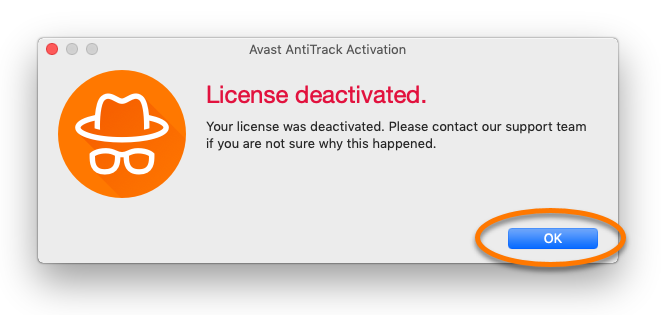
- When the License deactivated message appears, click OK.
- If you already purchased a new subscription, type or paste your activation code (including hyphens), and click Activate.
- When the message Activation successful appears, click OK to close the dialog.
Your Avast AntiTrack subscription is now active.