
IS YOUR COMPUTER SLOW? RUN LIKE NEW
If they are not maintained, computers lose performance over time. Avast Cleanup Premium can help significantly improve the performance of your computer.
Renewing Gmail permissions in Email Guardian
Windows, Mac, Android, iOS
Google has changed its policies for applications listed under the email reporting and monitoring categories. To protect your account, you may need to renew Gmail access every six months, or provide Avast Email Guard ongoing access to your Google account data.
Before your Gmail access expires, you receive an email to the Gmail address that was protected, as well as an alert in the Email Guard section of your Avast application. You receive another email and alert when your Gmail access expires.
Instructions
To renew Gmail permissions, follow the steps below using your Gmail account:
You may also renew permissions through the Email Guard section of your Avast application.
- Open your preferred browser and go to your Gmail inbox, or open your mobile Gmail application.
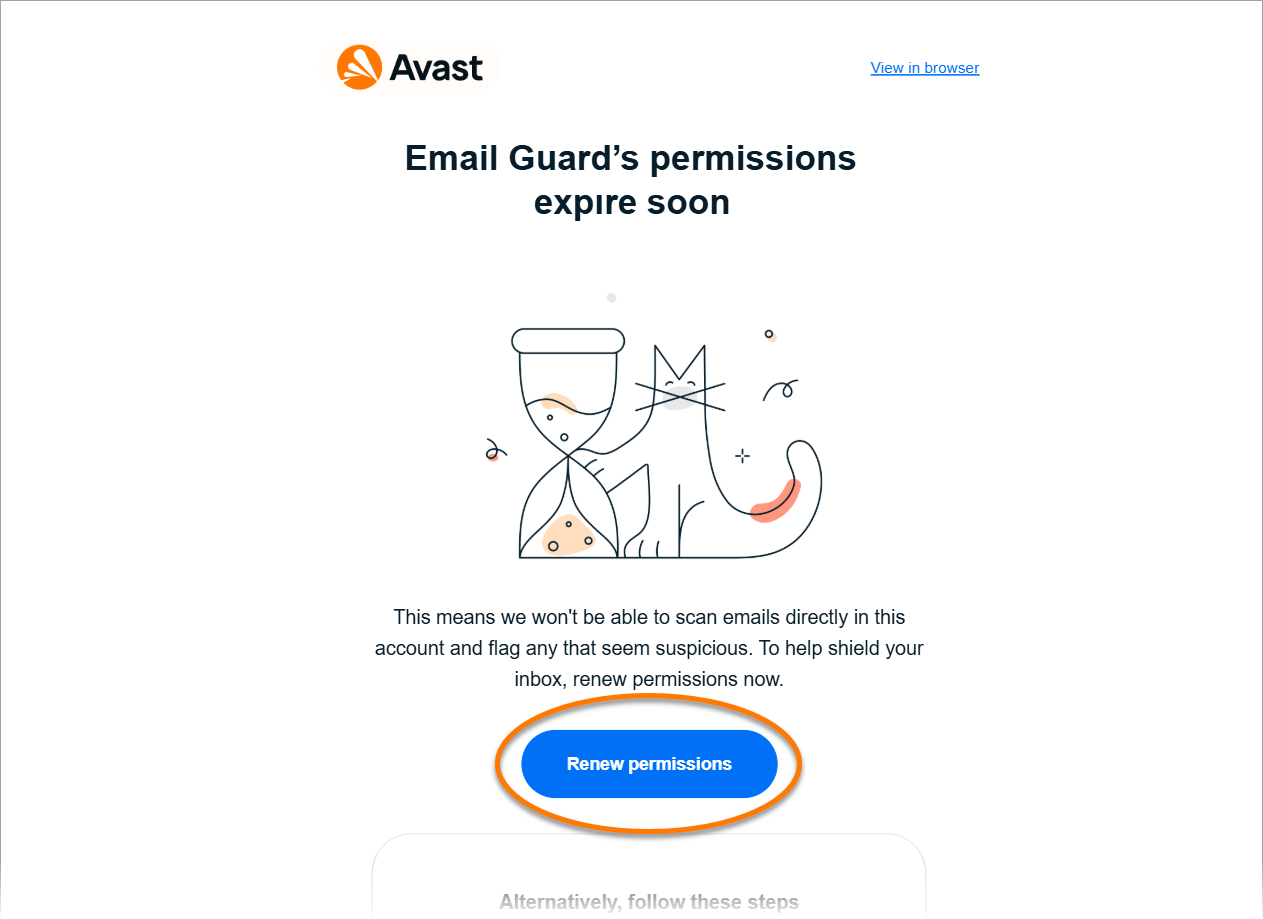
- Find and open the email titled Email Guard's permissions expire soon.
- Click or tap the Renew permission button.
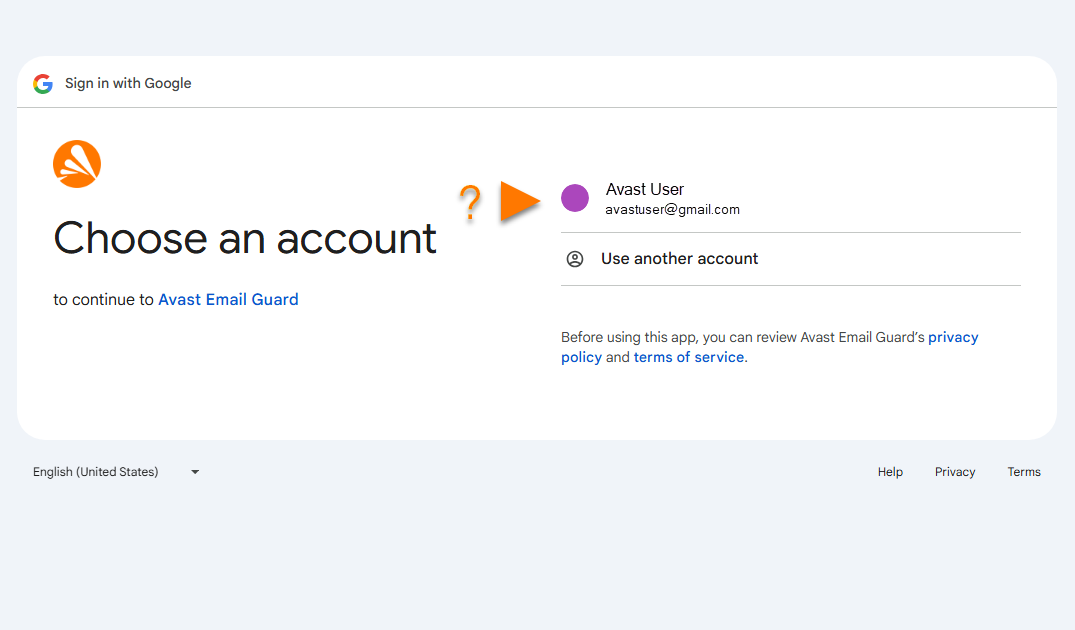
- Select the relevant Gmail account.
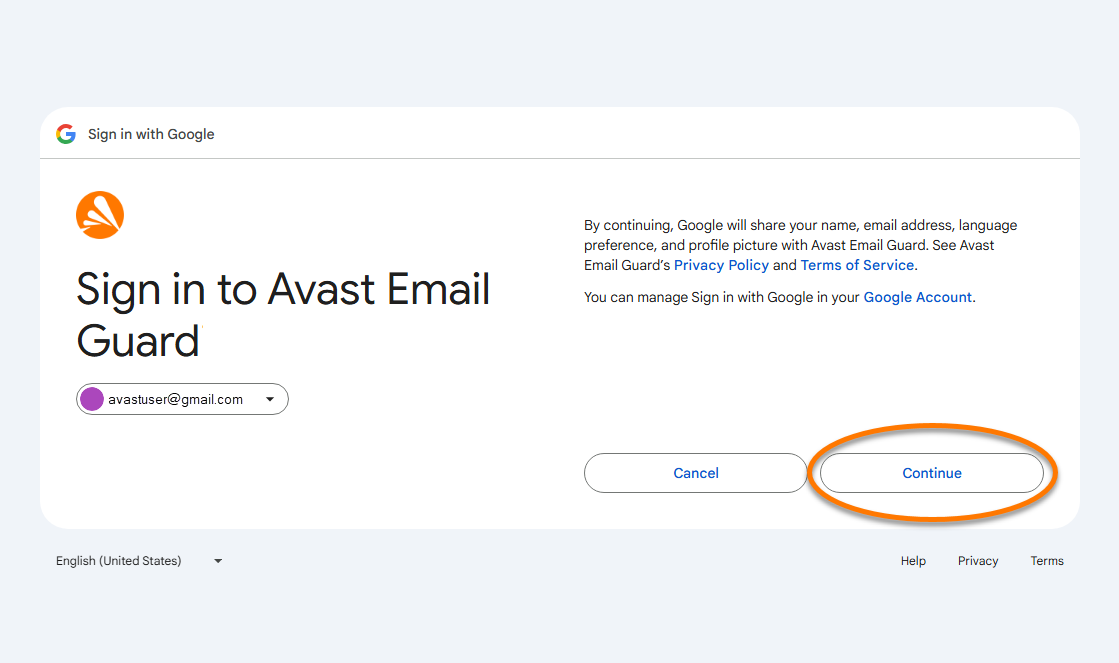
- Click or tap Continue.
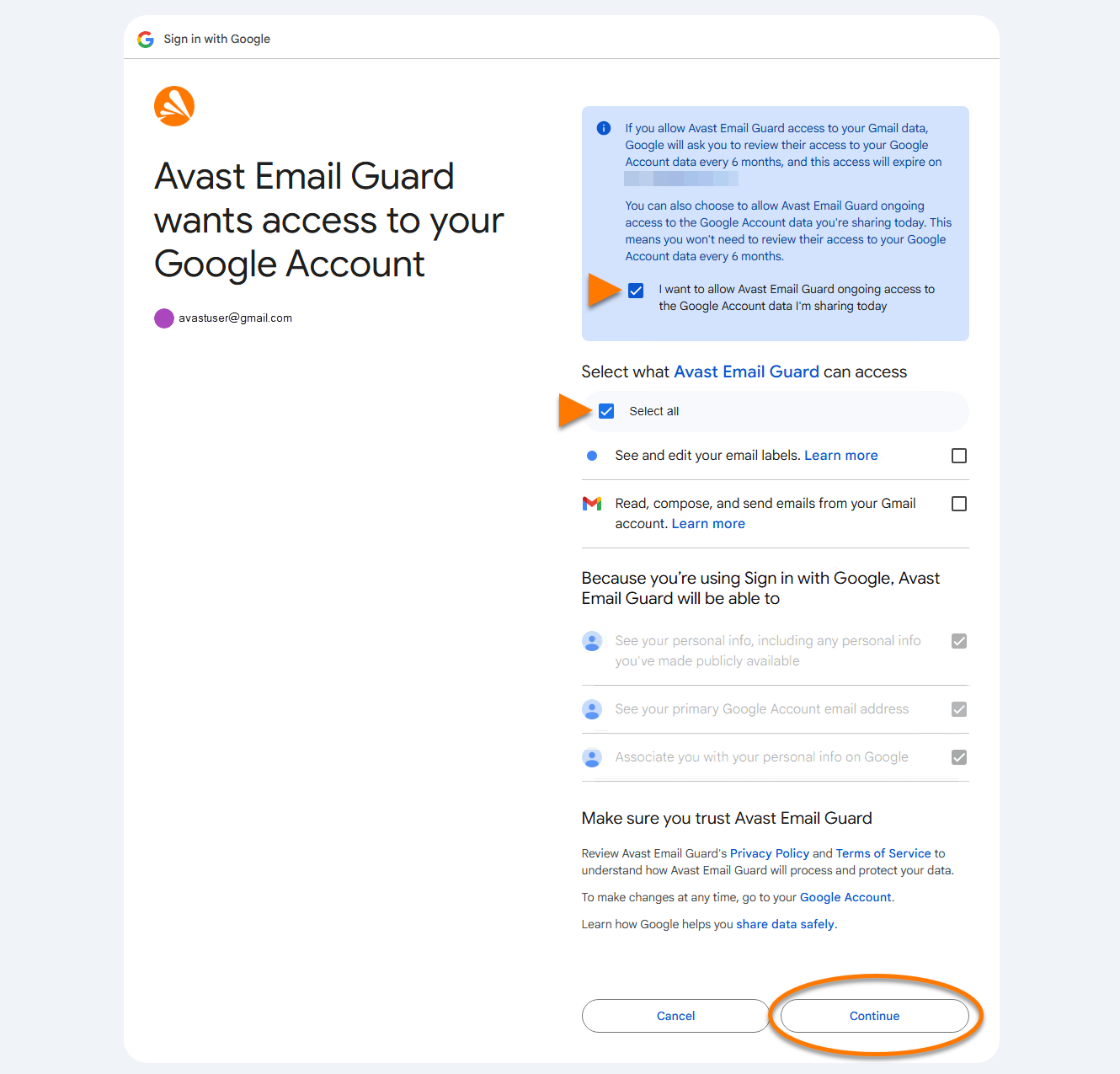
- Tick the box next to I want to allow Avast Email Guard ongoing access to the Google Account data I'm sharing today to prevent renewing Gmail permissions every six months. Tick the box next to Select all, then select Continue.
- Optionally, tick the box next to I want to help Avast in the fight against cybercrime by allowing Email Guard to securely download and analyze potentially suspicious emails, then click or tap OK.
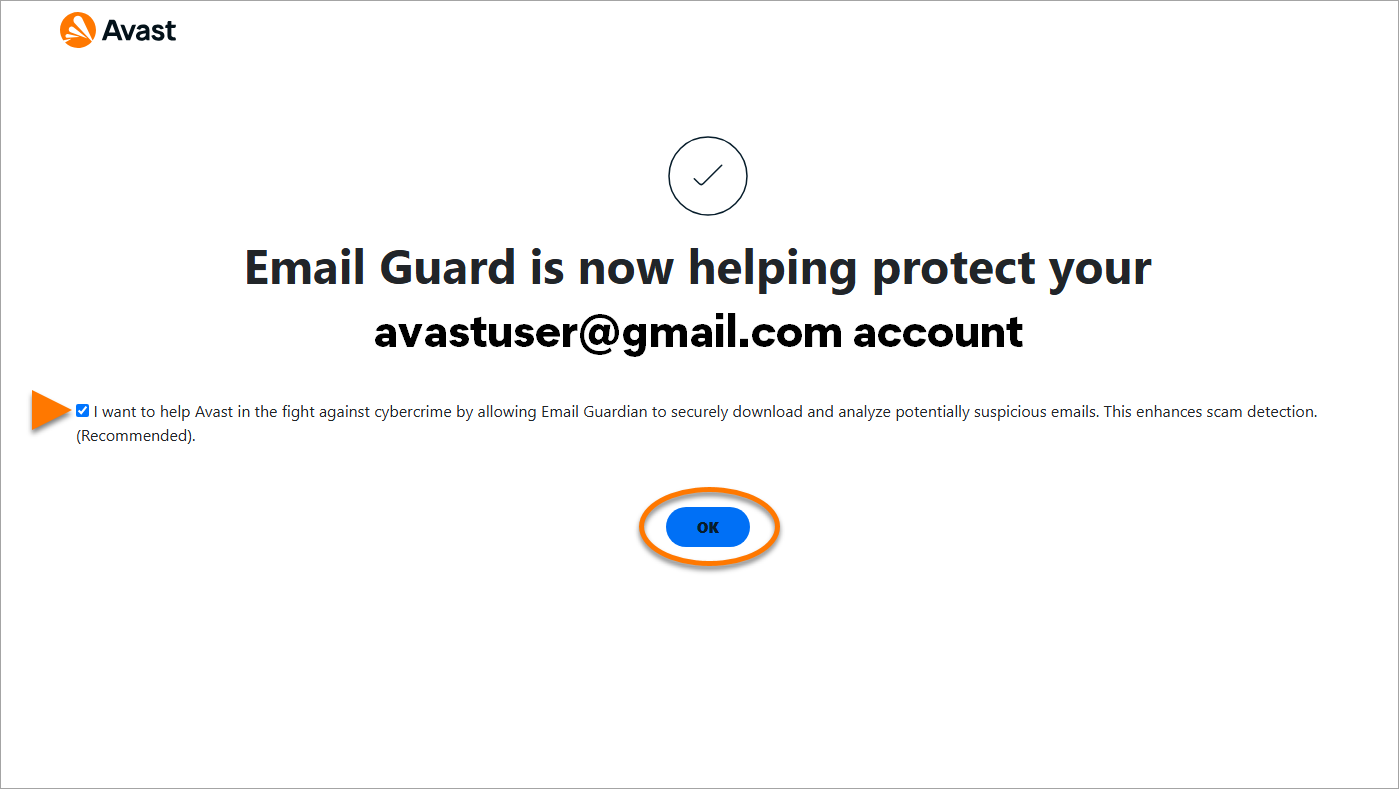
Your Gmail permissions are renewed.
Further recommendations
For more information about Email Guard, refer to the following article:
Was this article helpful?

Keep your online identity private!
Browse like no one’s watching with Avast anti-tracking software.