
IS YOUR COMPUTER SLOW? RUN LIKE NEW
If they are not maintained, computers lose performance over time. Avast Cleanup Premium can help significantly improve the performance of your computer.
Installing Avast Battery Saver on Windows
Windows
Avast Battery Saver is designed to extend the battery life of your laptop by reducing internal and external power demands.
Install Avast Battery Saver
- Click the button below to download the Avast Battery Saver setup file, and save it to a familiar location on your laptop (by default, all files are saved to your Downloads folder). Download Avast Battery Saver
- Right-click the downloaded setup file
avast_battery_saver_online_setup.exeand select Run as administrator from the context menu.
If you are unable to authorize the installation of Avast Battery Saver, refer to the following article for advice:
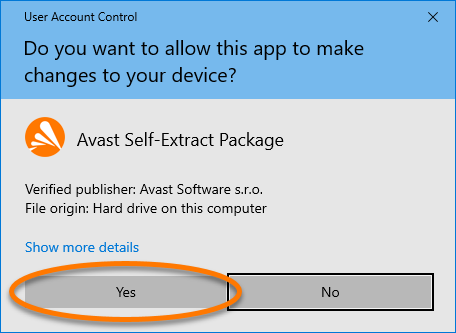
- If prompted for permission by the User Account Control dialog, click Yes.
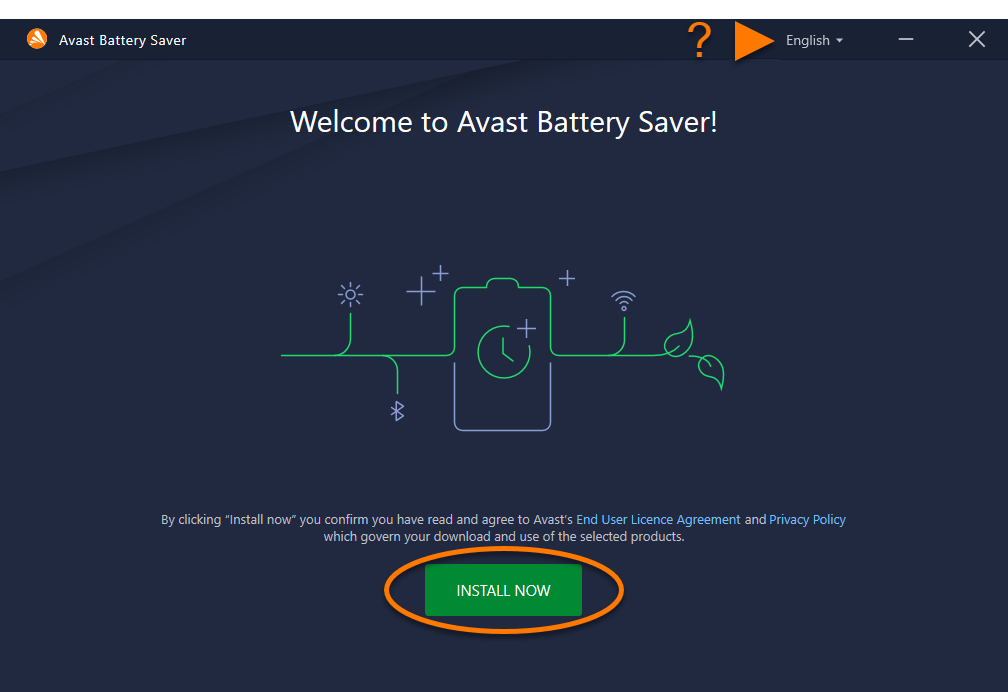
- To change the default setup language, click the current language in the top-right corner of the screen and select your preferred language. Then, click Install now.
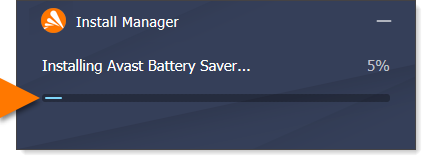
- Wait while setup installs Avast Battery Saver on your laptop.
- When installation is complete, click Let's start.
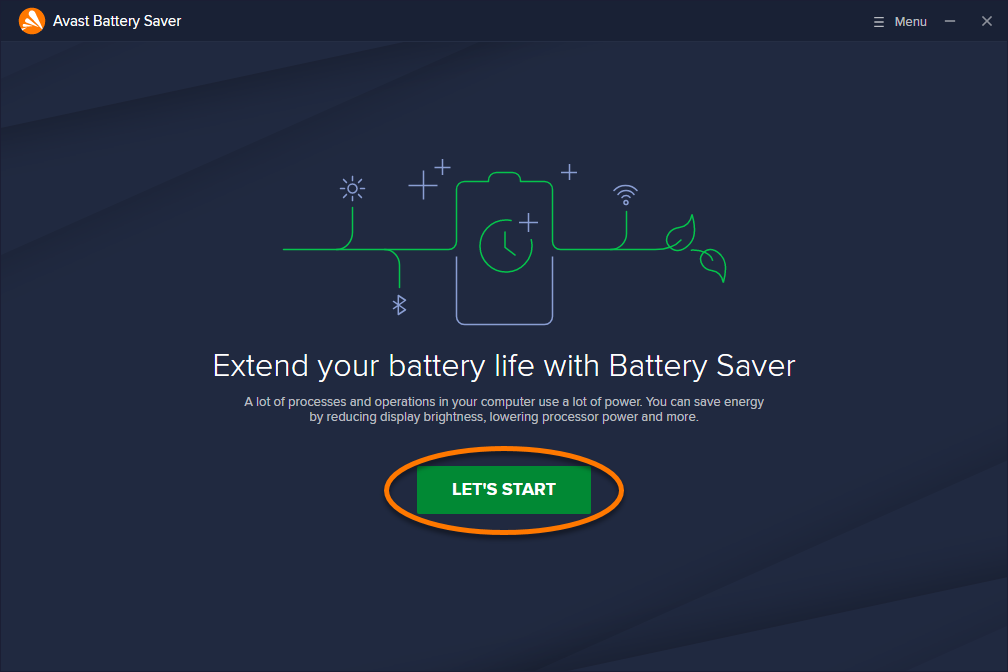
Avast Battery Saver is now installed on your laptop. To purchase a subscription, click Extend subscription, then follow the on-screen instructions.
If you already purchased Avast Battery Saver before installation, activate your paid subscription. For detailed activation instructions, refer to the following article:
Still need help?
If you experience any installation issues:
- Ensure your laptop meets the minimum system requirements and your Windows is up-to-date.
- Windows 11 except Mixed Reality and IoT Edition; Windows 10 except Mobile and IoT Edition (32 or 64-bit); Windows 8/8.1 except RT and Starter Edition (32 or 64-bit); Windows 7 SP1 or later, any Edition (32 or 64-bit)
- Windows fully compatible laptop with Intel Pentium 4 / AMD Athlon 64 processor or above (must support SSE3 instructions)
- 1 GB RAM or above
- 1 GB free space on the hard disk
- Internet connection to download, activate, and maintain application updates
- Optimally standard screen resolution no less than 1024 x 768 pixels
- Check that the downloaded setup file is not corrupted. For instructions, refer to the following article:
- If you use third-party anitvirus software, try temporarily disabling your protection (this applies only if you do not use an Avast antivirus product). For more information, refer to the following article:
- Restart your laptop, then try to install Avast Battery Saver again by following the exact steps in this article.
If the issue persists, contact Avast Support.
Further recommendations
To learn more about Avast Battery Saver, refer to the following articles:
Was this article helpful?

Keep your online identity private!
Browse like no one’s watching with Avast anti-tracking software.