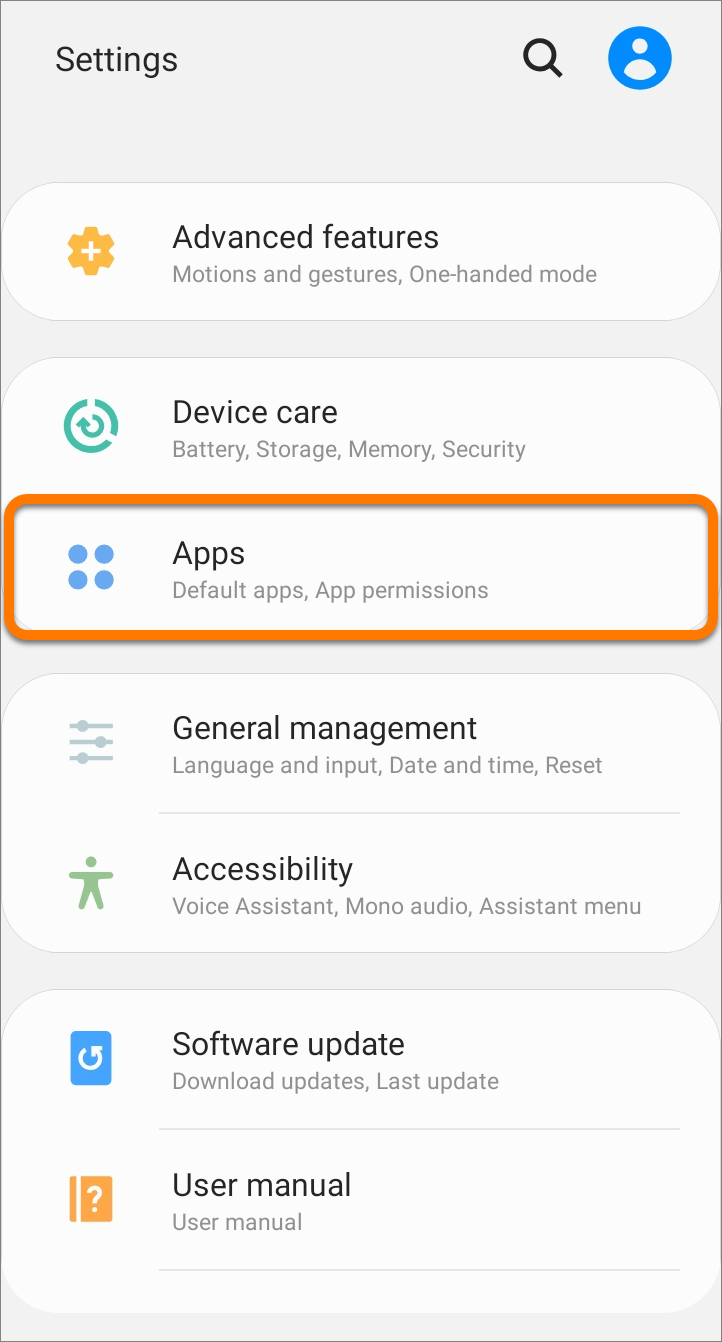
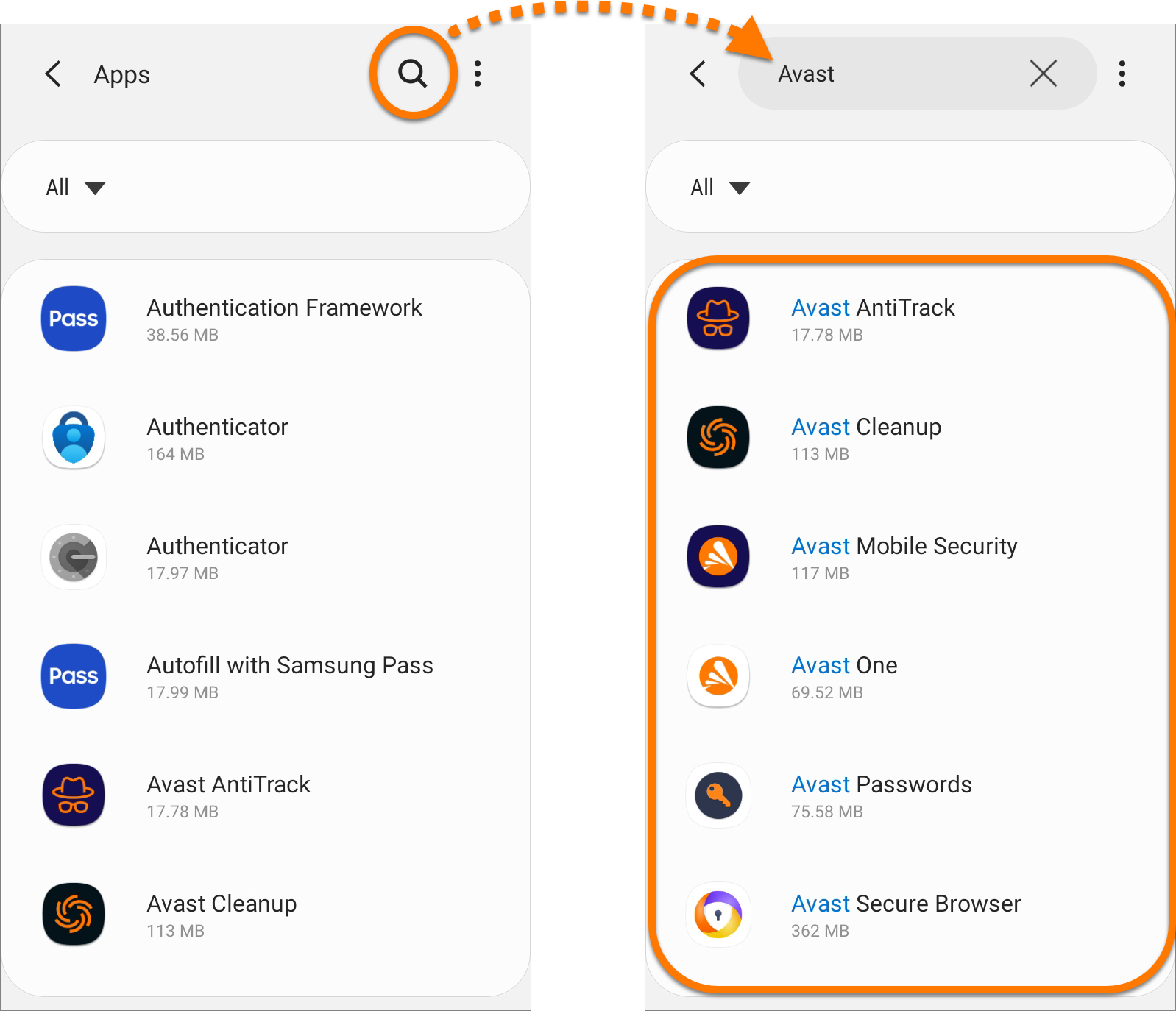
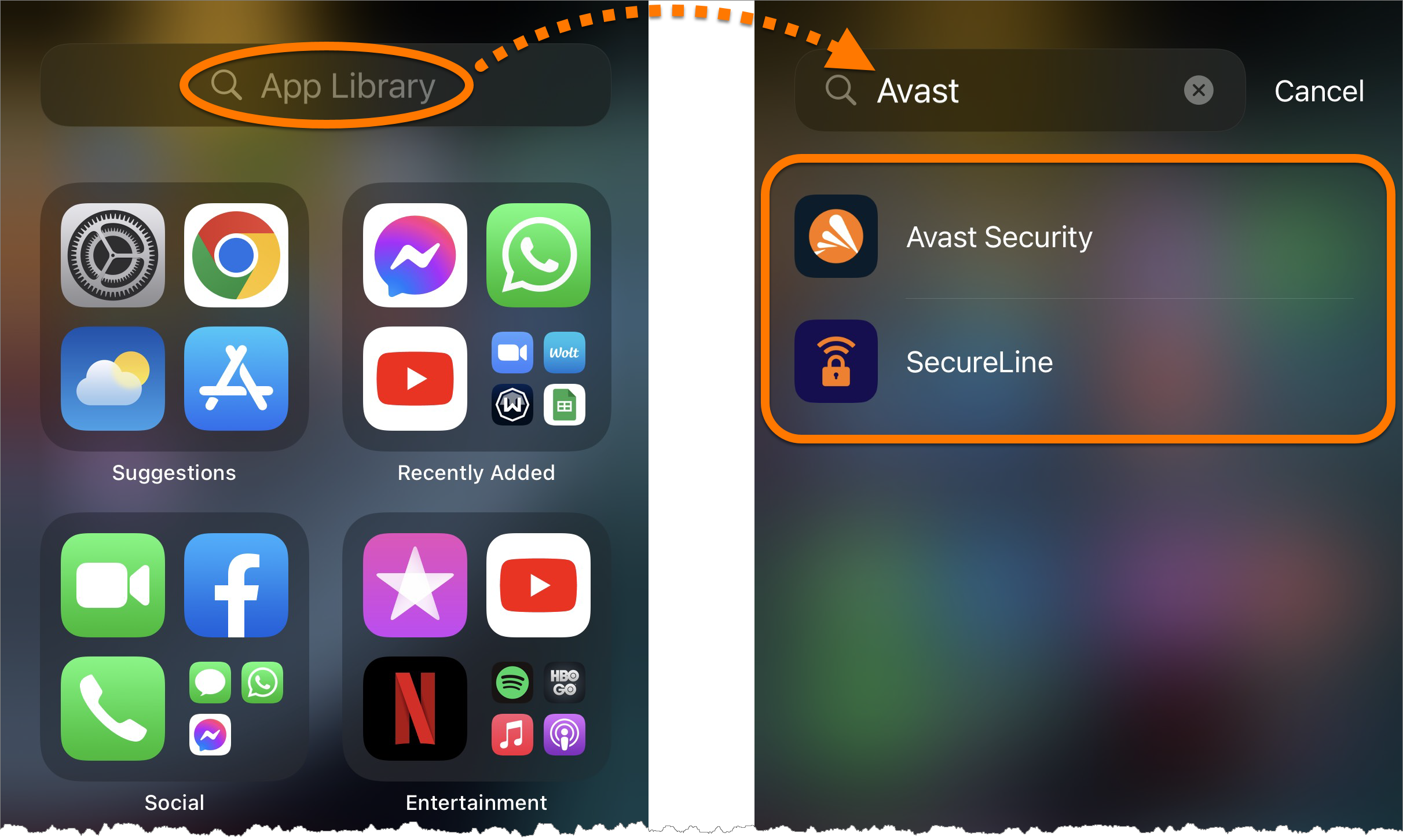
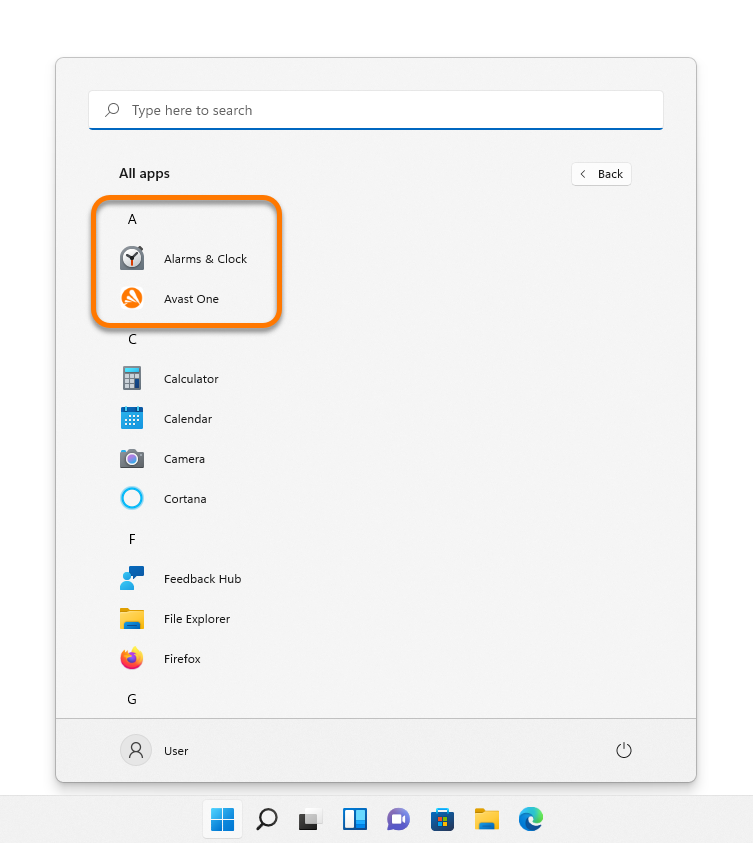
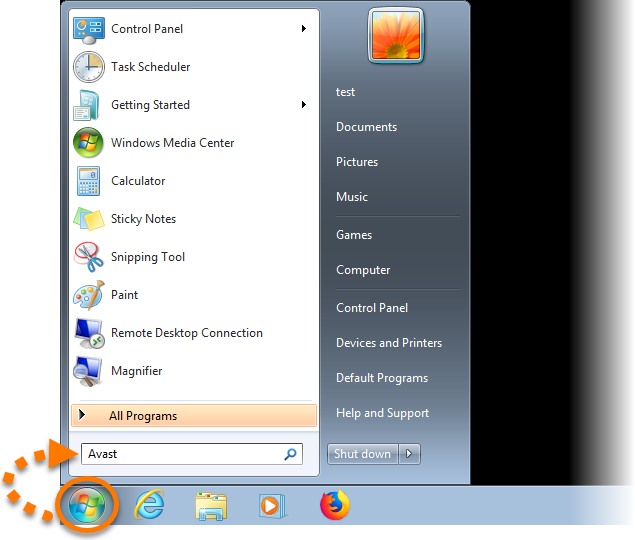
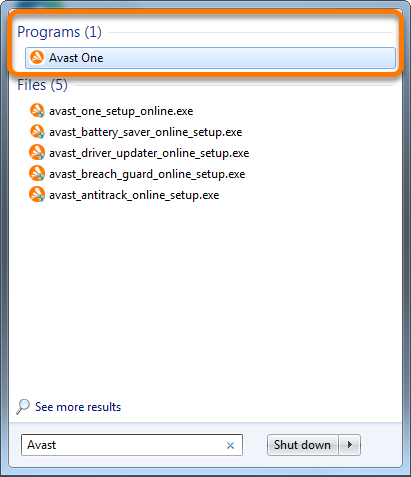
Start icon, then select All apps.
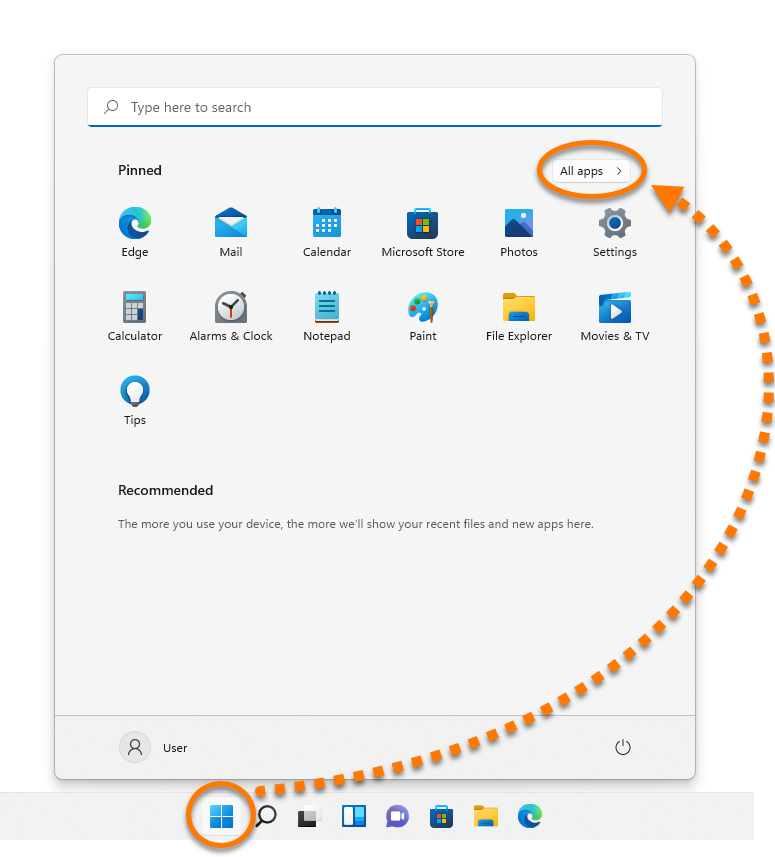
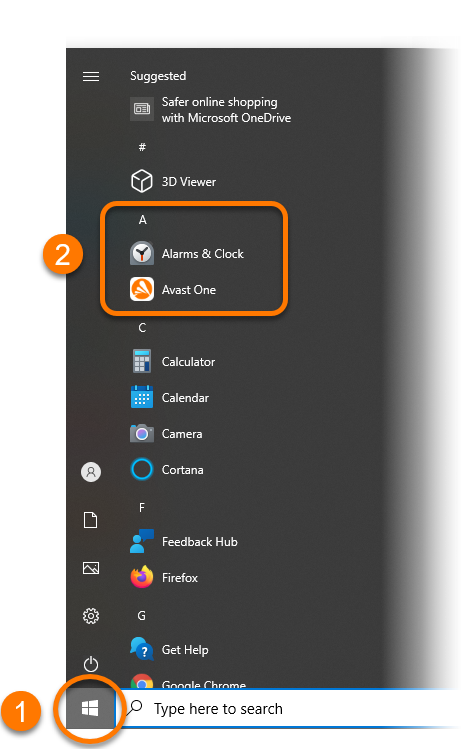
 Start icon.
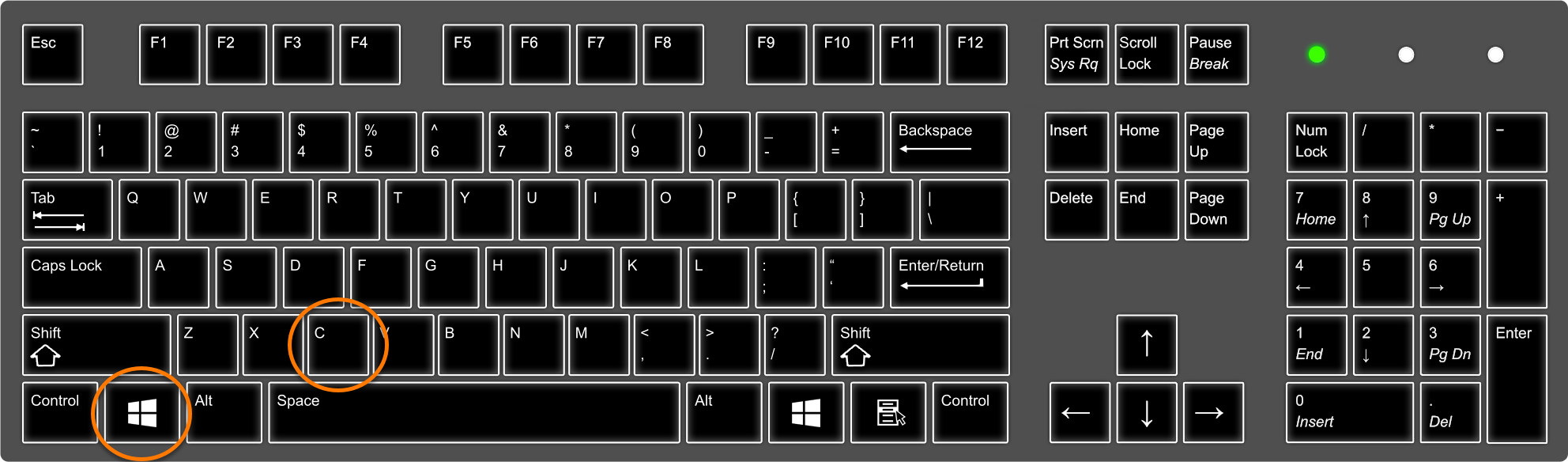
 logo key and
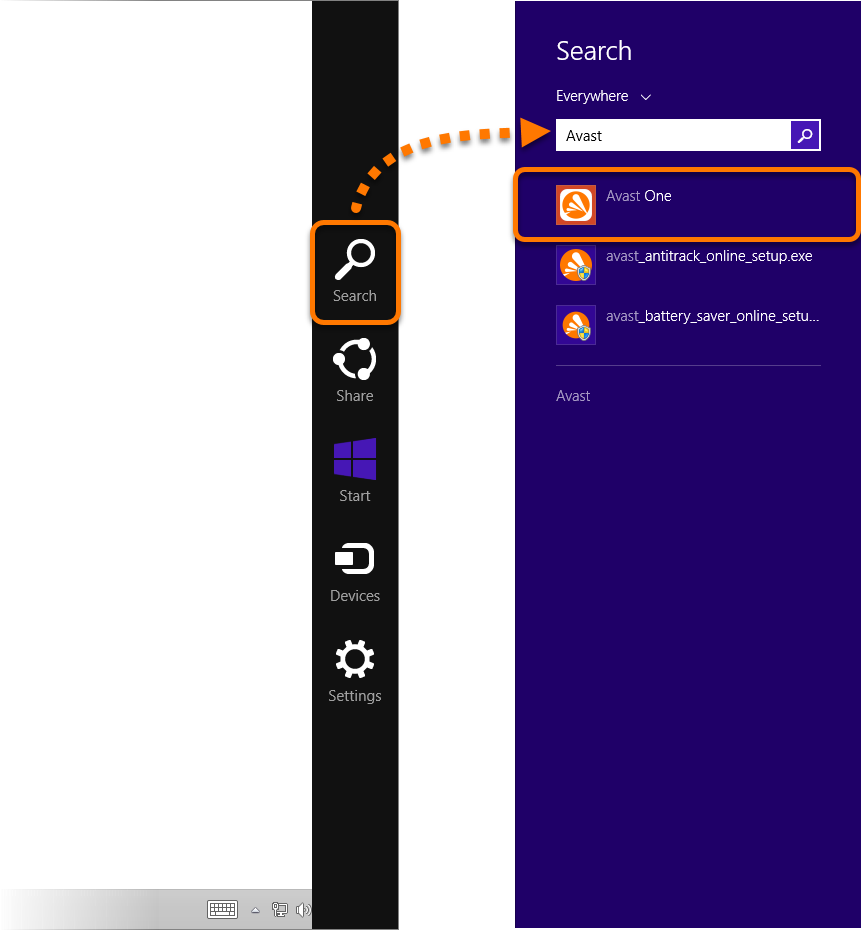
 Start icon, then type
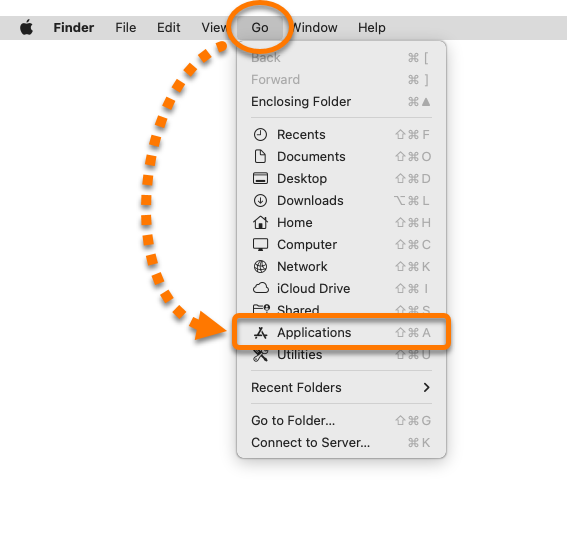
- Click Go in the Apple menu bar, then select Applications from the context menu.
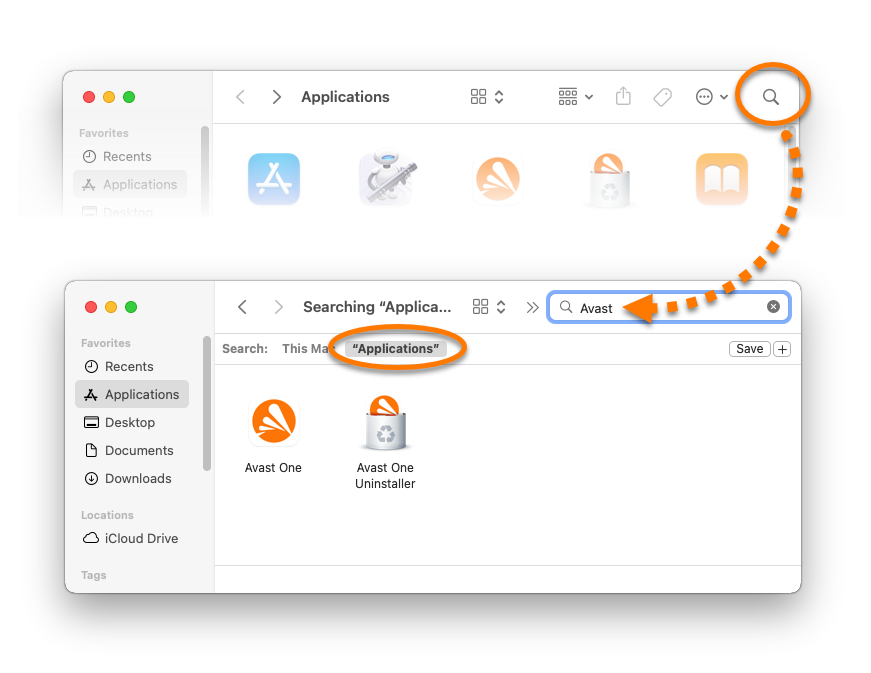
- Click the search icon in the top-right corner of the Applications window, then type
Avastinto the search field. - Select "Applications". Your installed Avast applications are now displayed in the Applications window.
For information on how to open your Avast applications, refer to the following article: Opening Avast applications