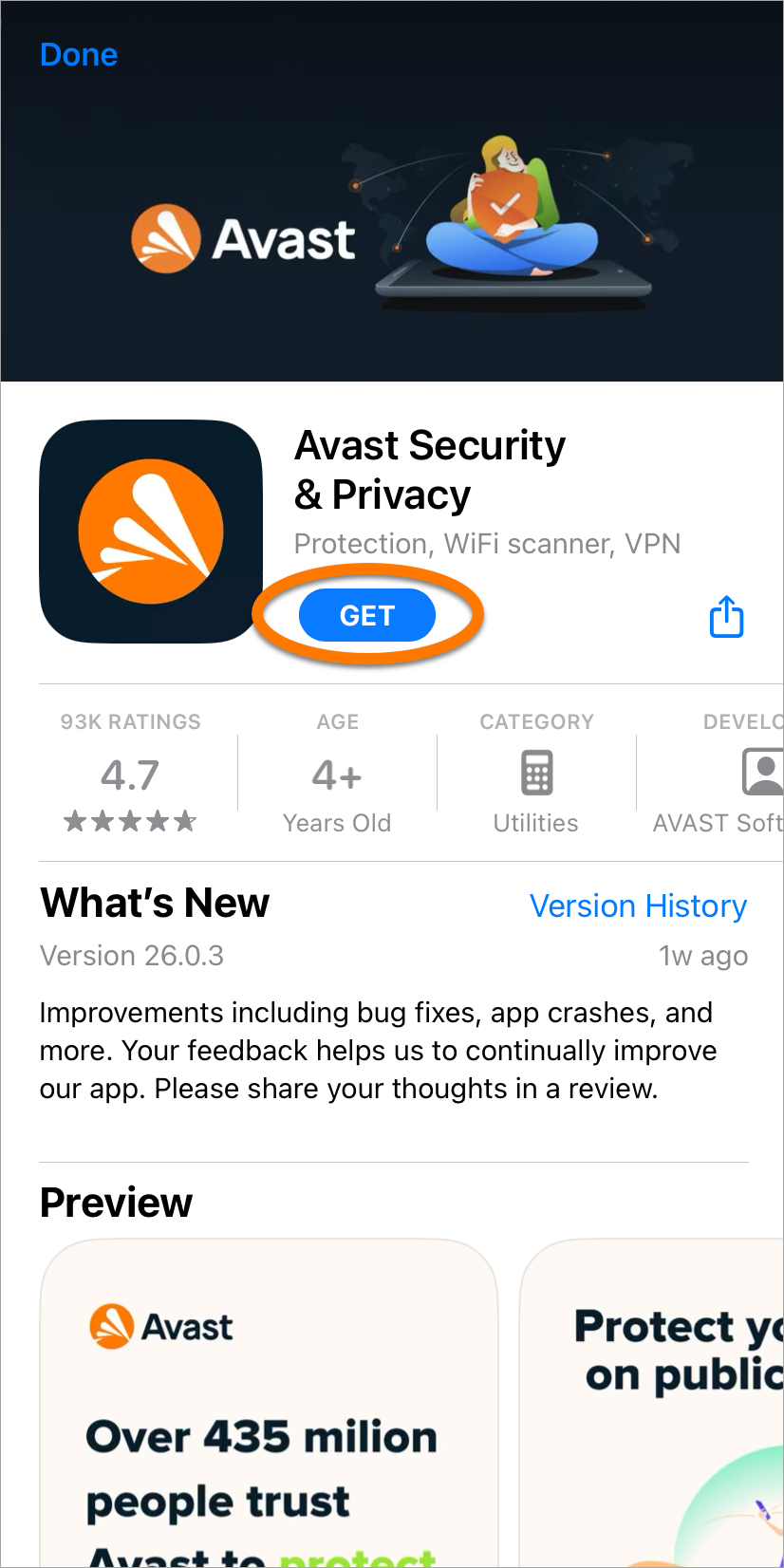
To install Avast apps directly using your Avast Account:
- Sign in to your Avast Account using the link below:
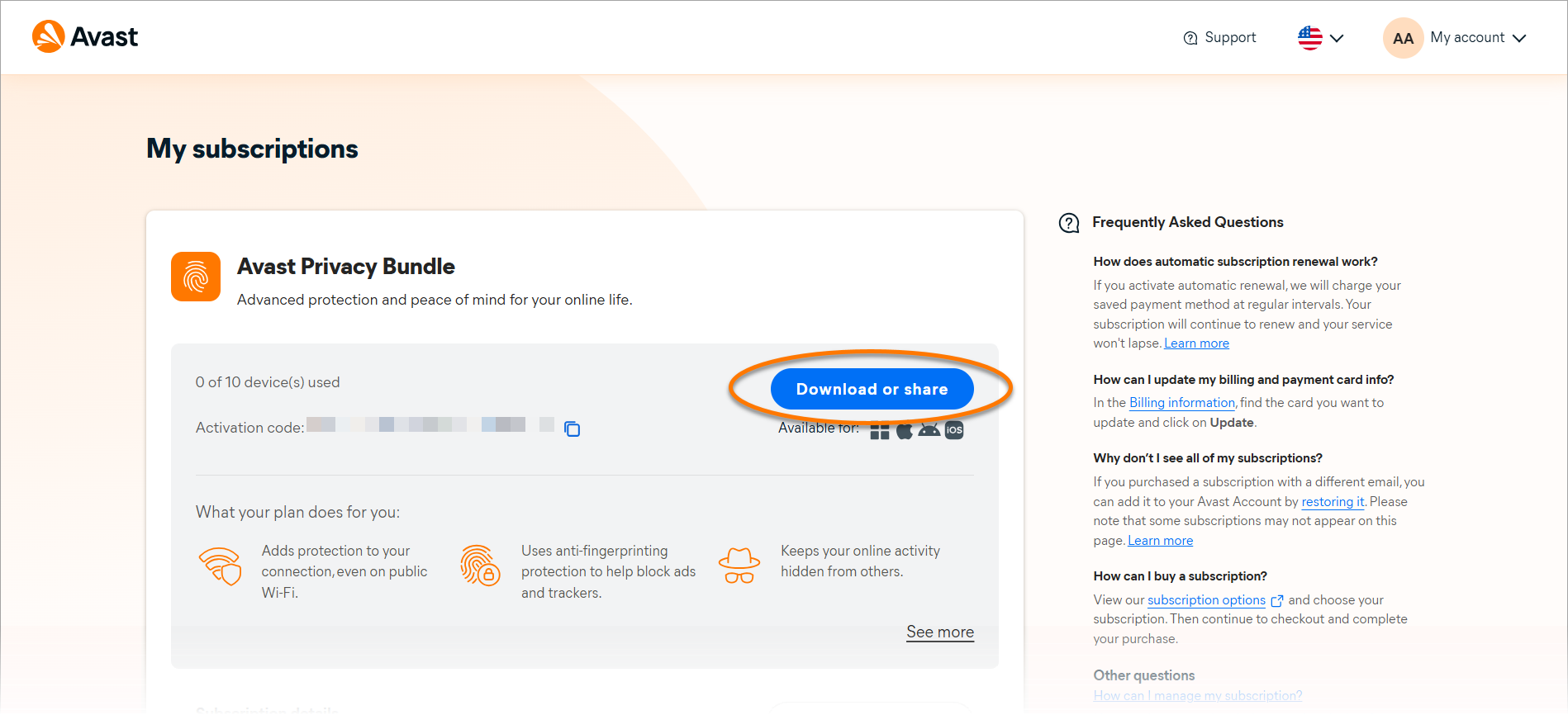
- In the top-right corner of the page, click My account ▸ My subscriptions.
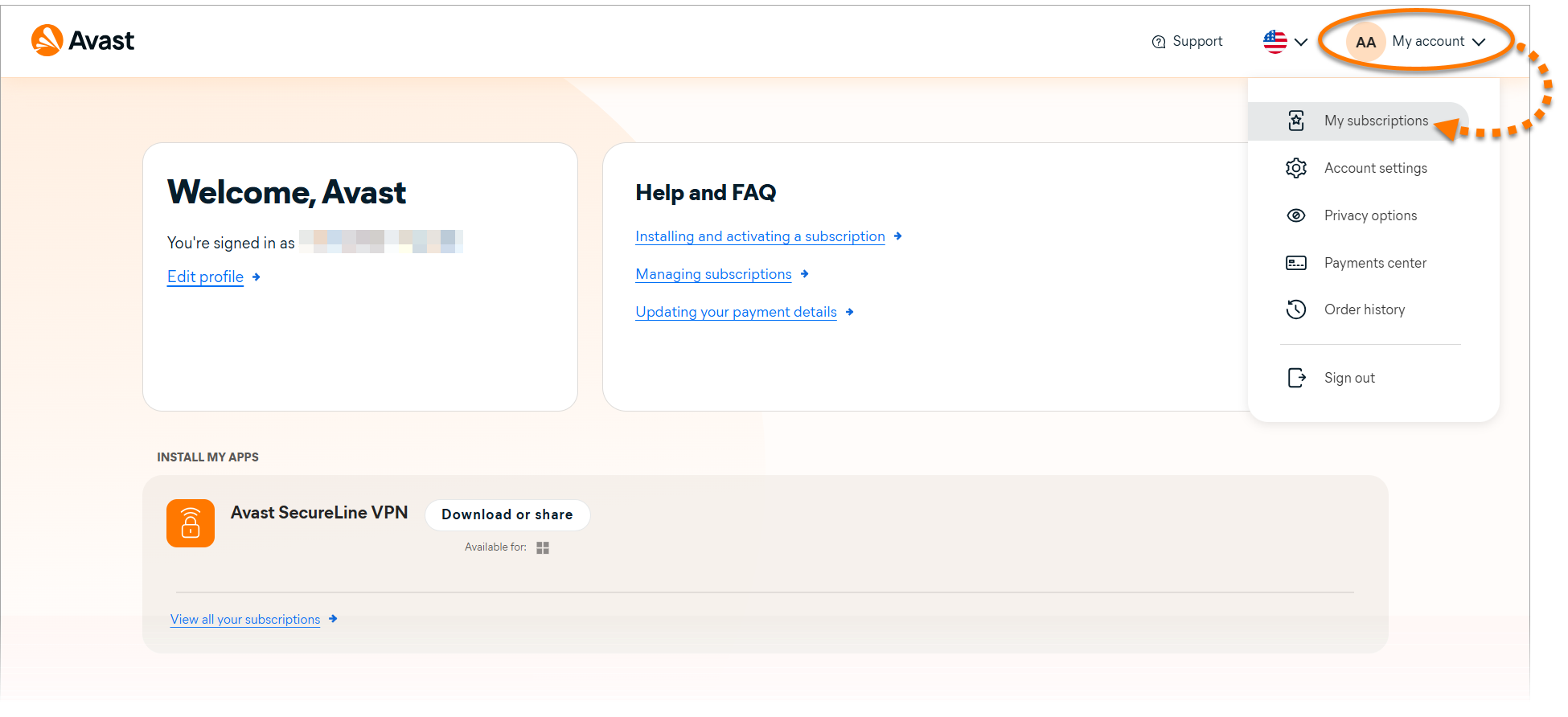
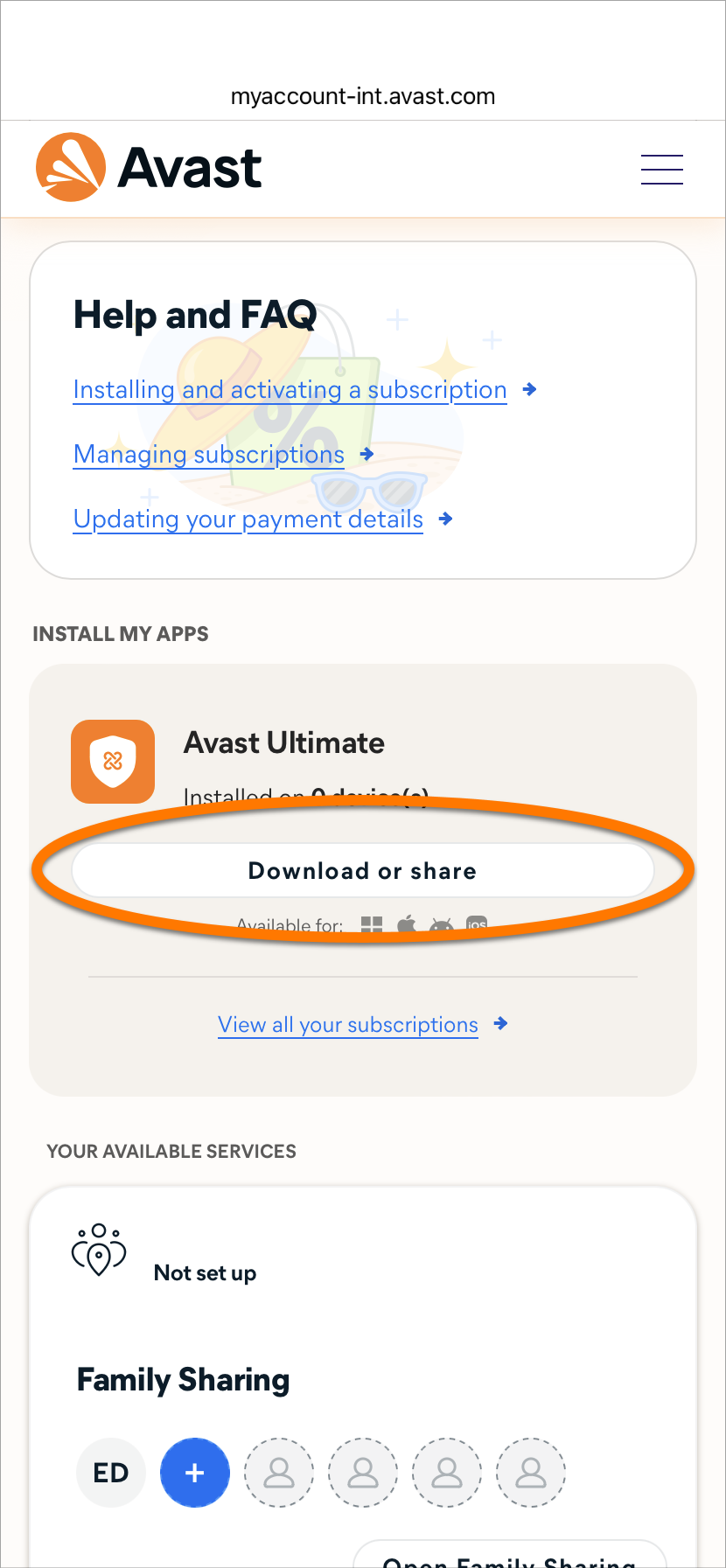
- The My subscriptions screen lists all of the Avast subscriptions that are currently linked to your Avast Account. Click Download or share next to the subscription you wish to install.
If one of your Avast subscriptions is not displayed on the My subscriptions screen, refer to the following article: Adding a missing subscription to your Avast Account.
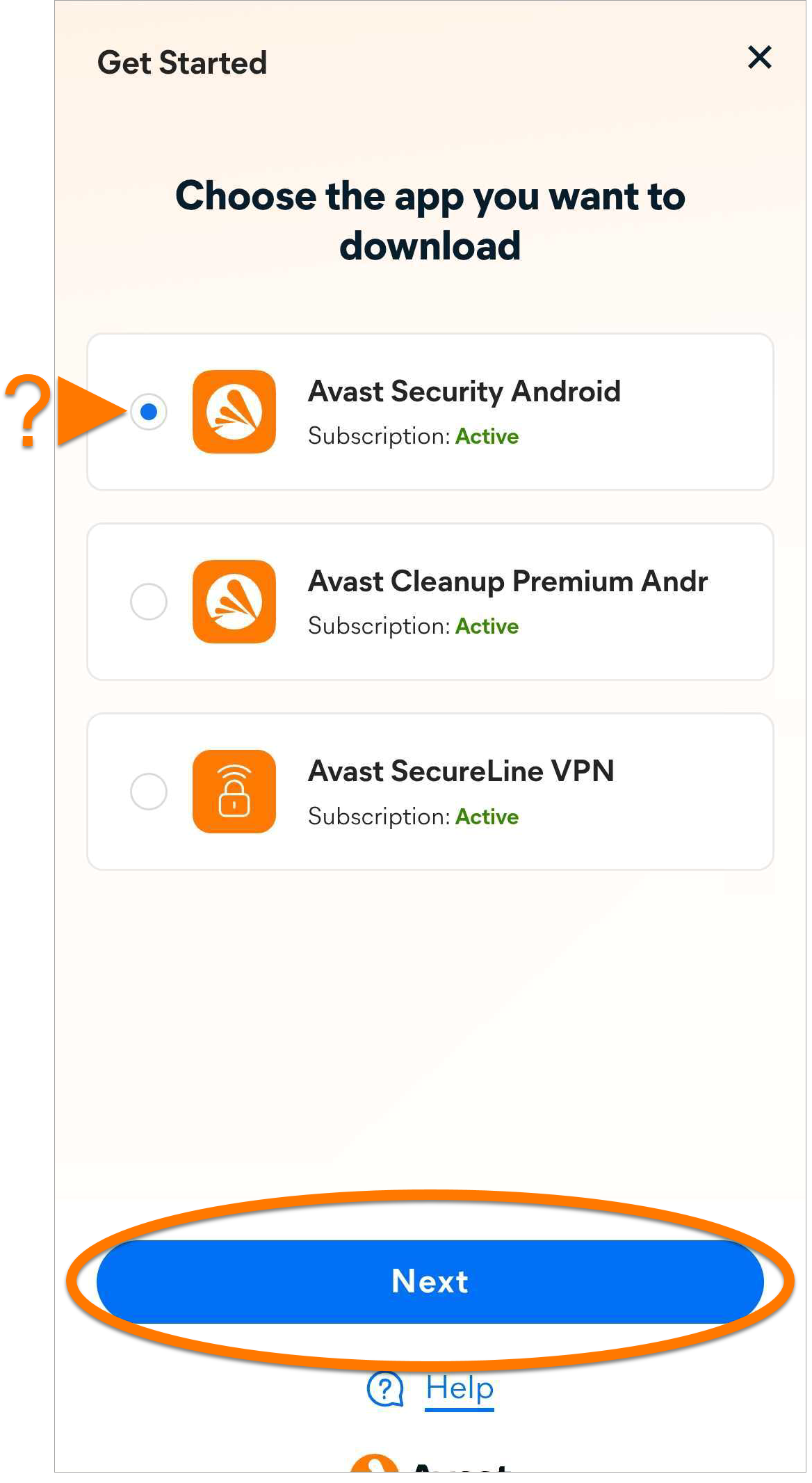
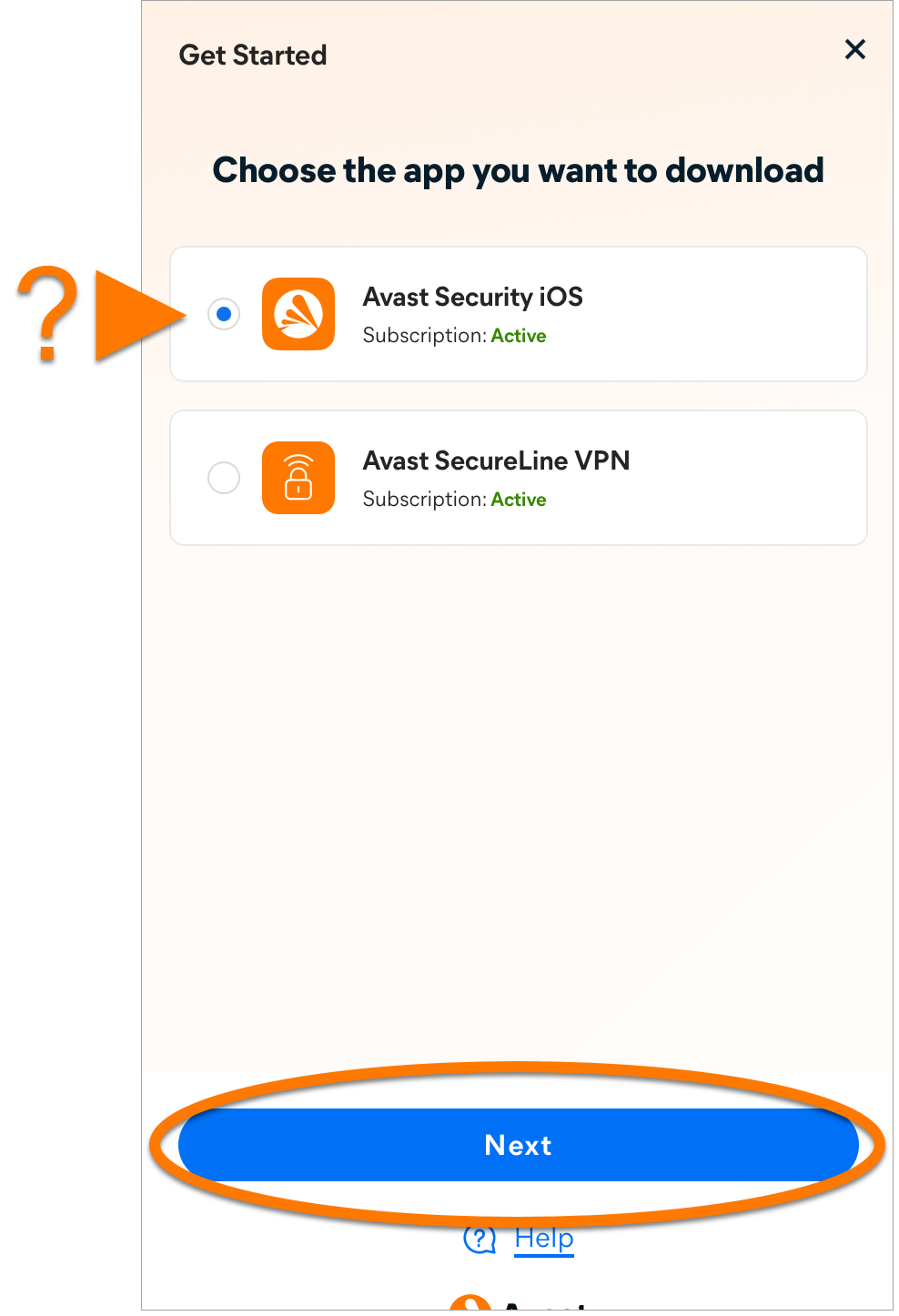
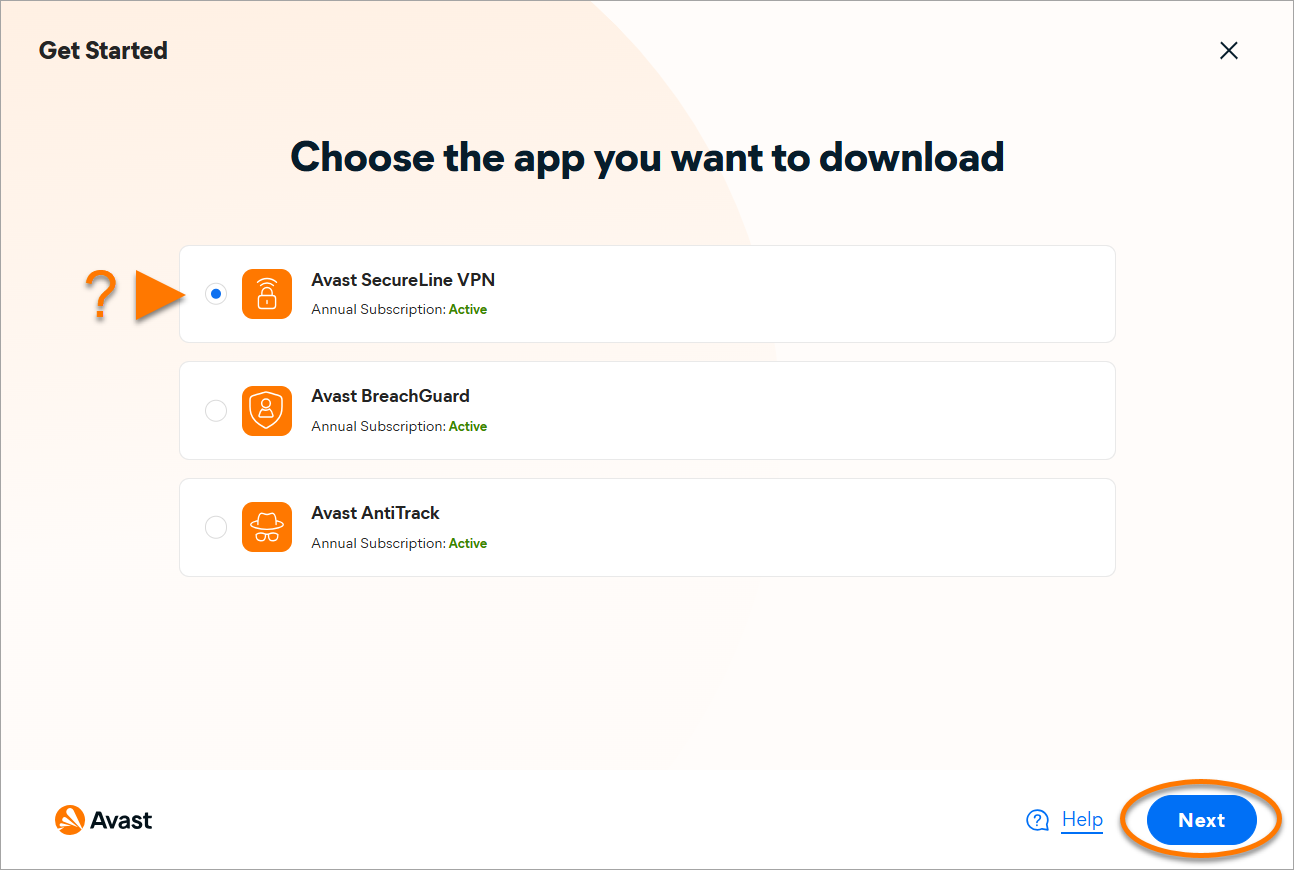
- If more than one Avast app is associated with your subscription, select the app that you want to download, then click Next.
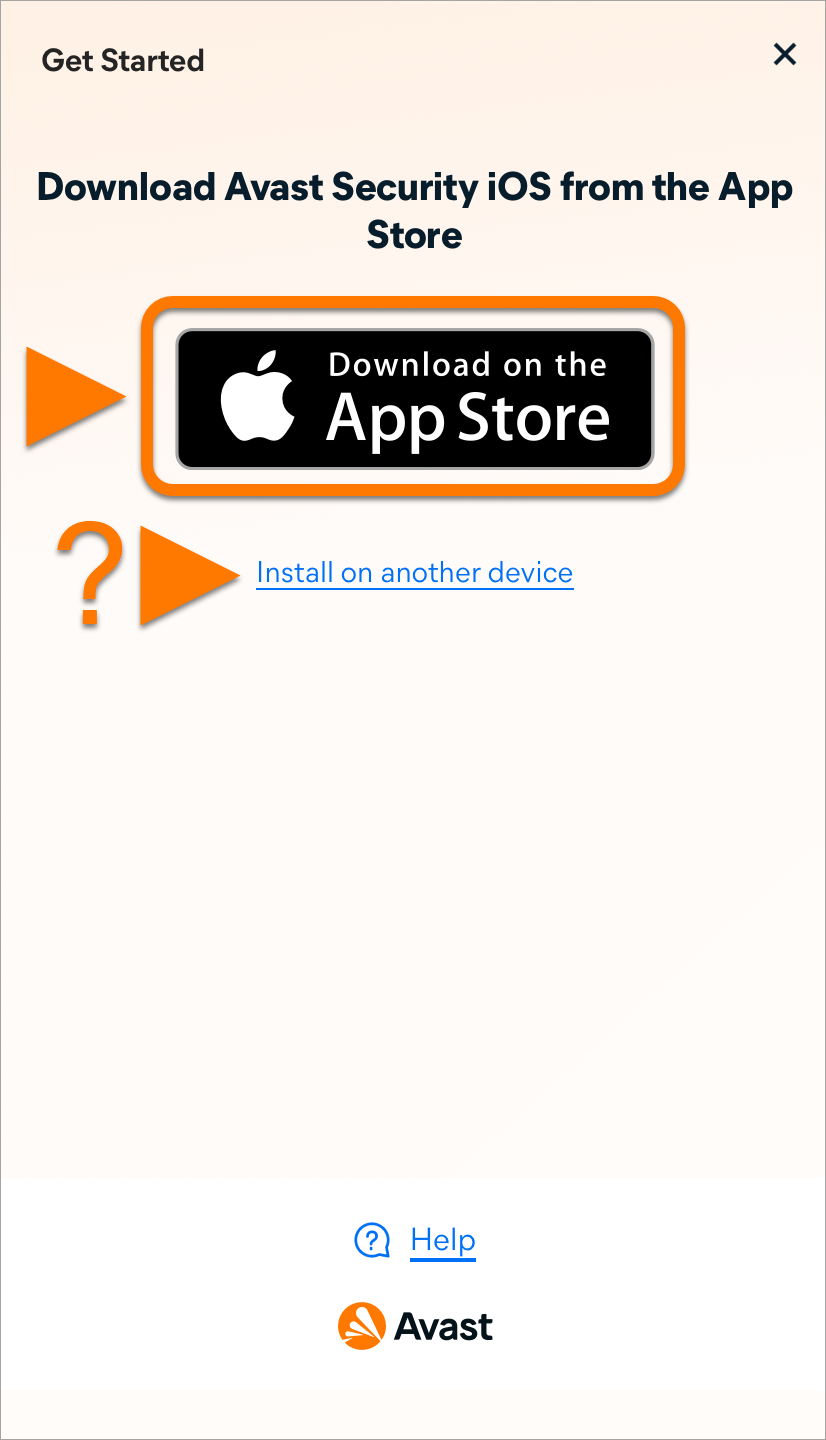
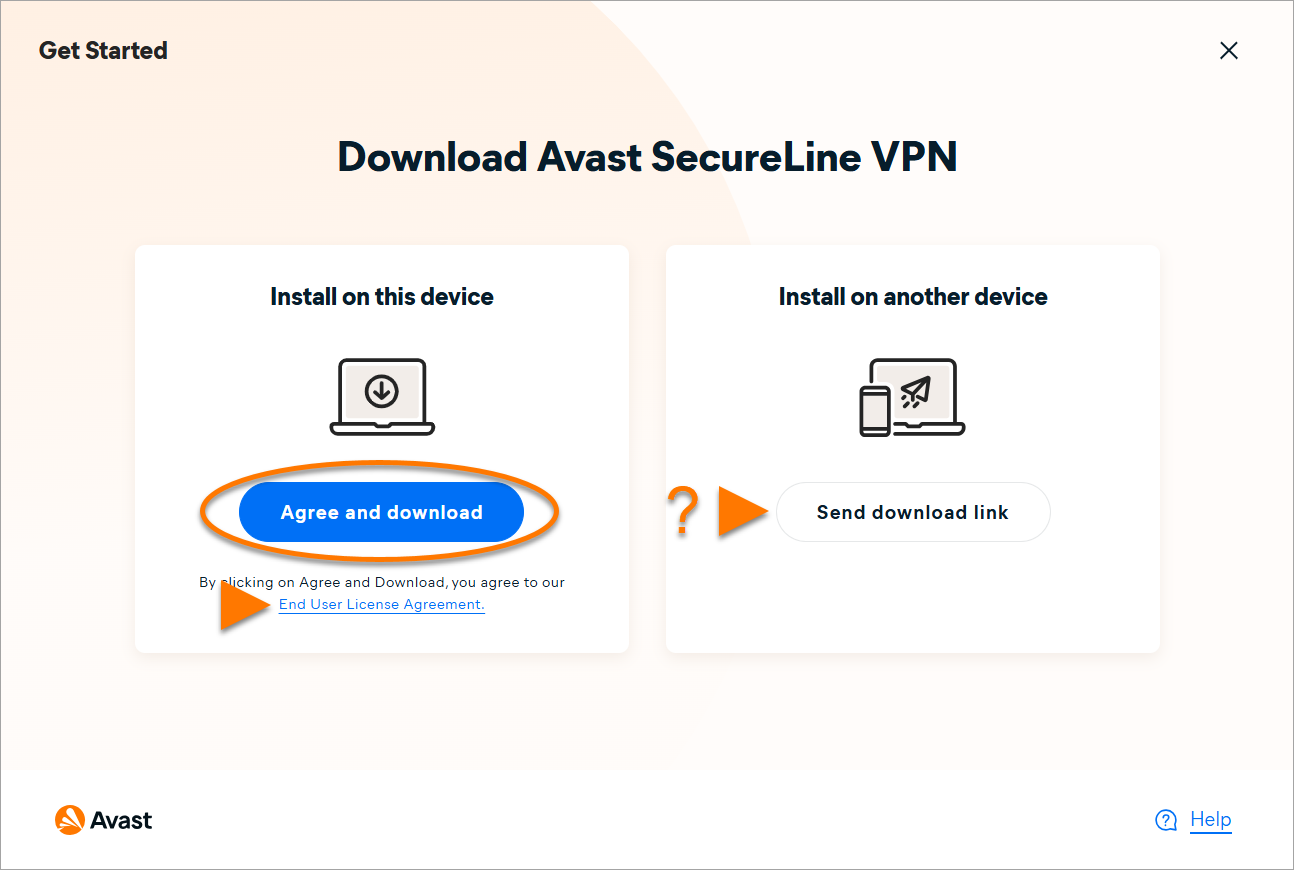
- Read the End User License Agreement then click Agree and download. Alternatively, to send a download link to another device, refer to this article: Send a download link to install Avast protection on another device.
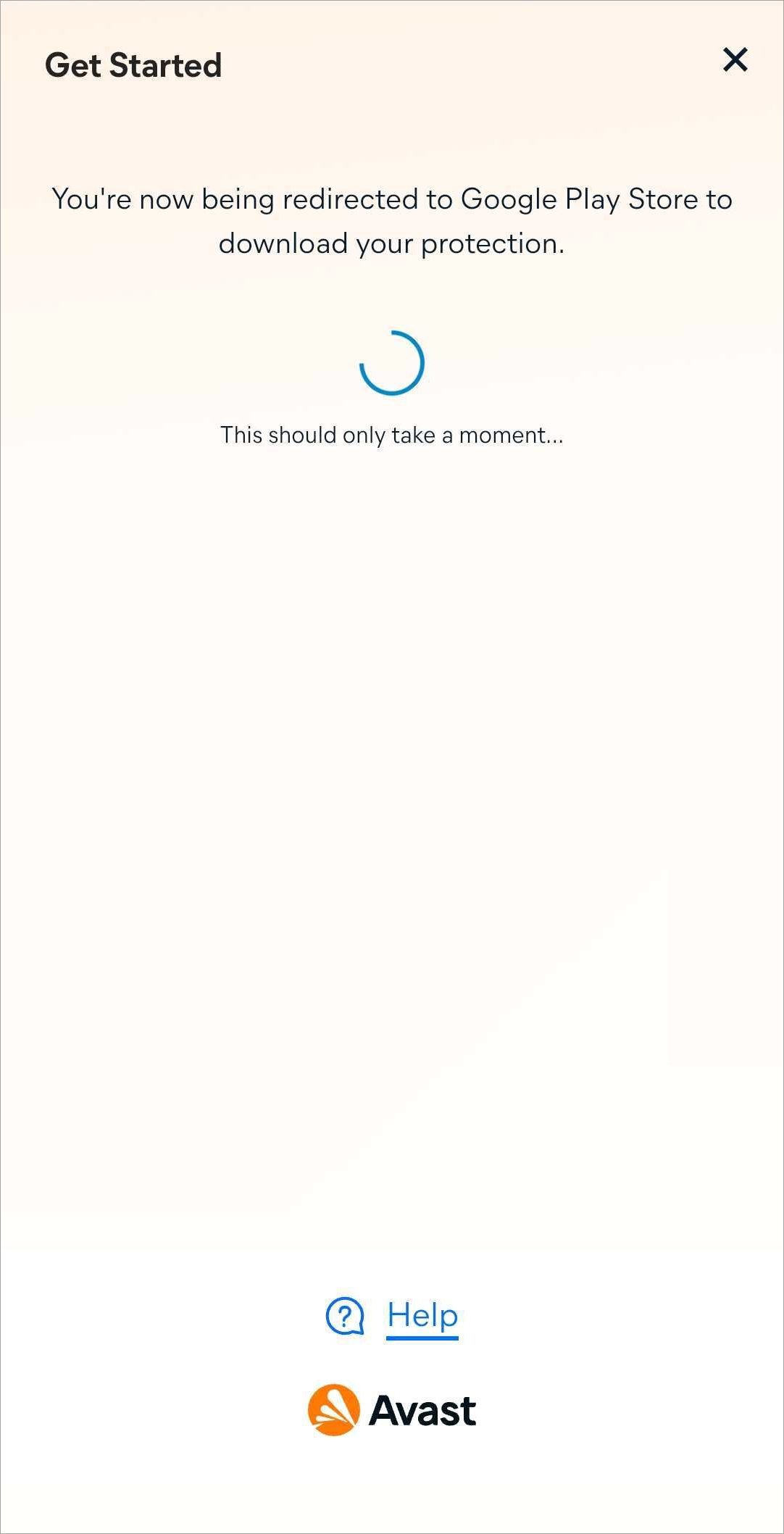
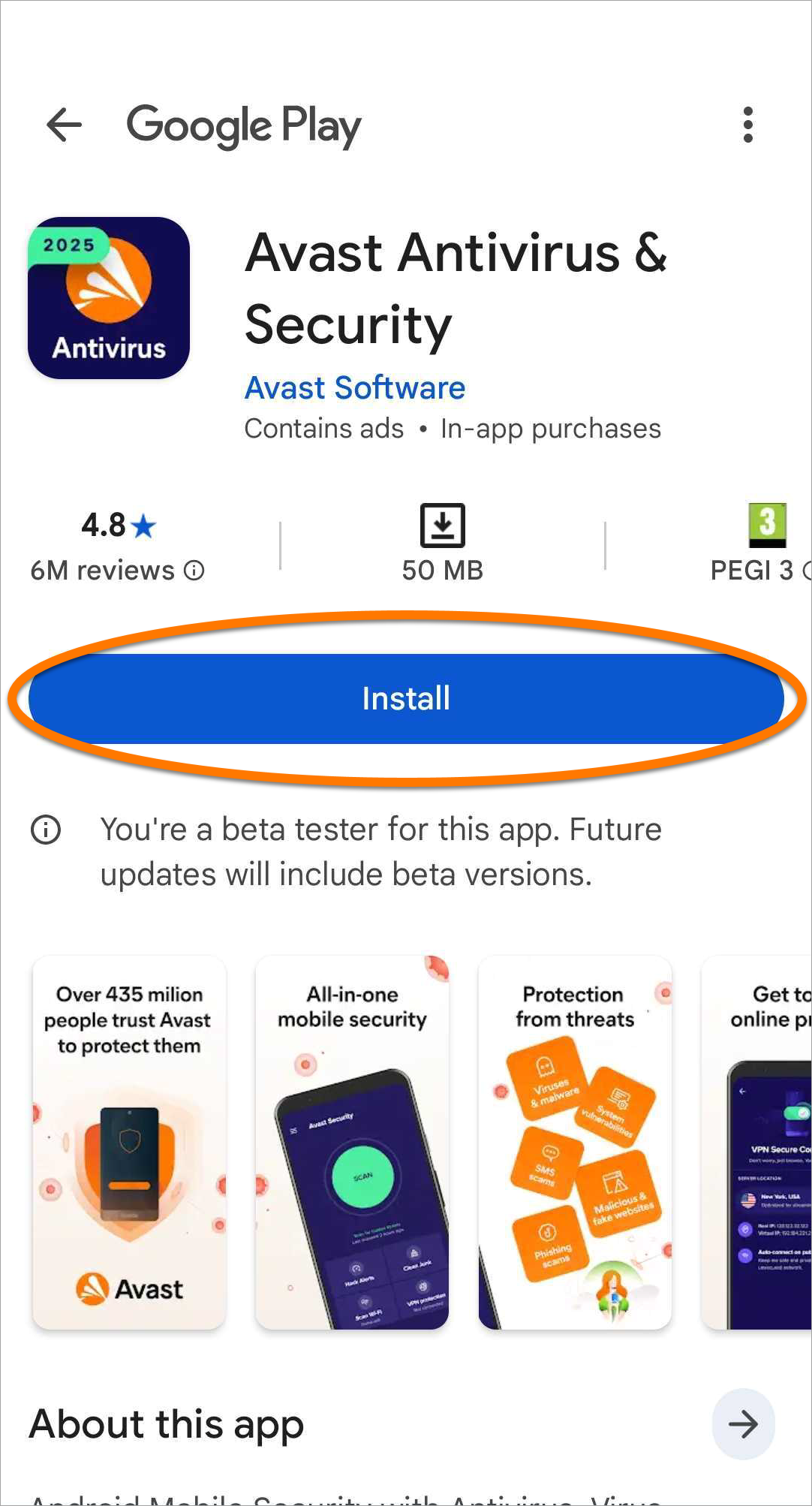
- Wait for the installer to get downloaded, then click on the area pointed by the on-screen arrow to run the installer. If the installer does not start automatically, click start the download manually.
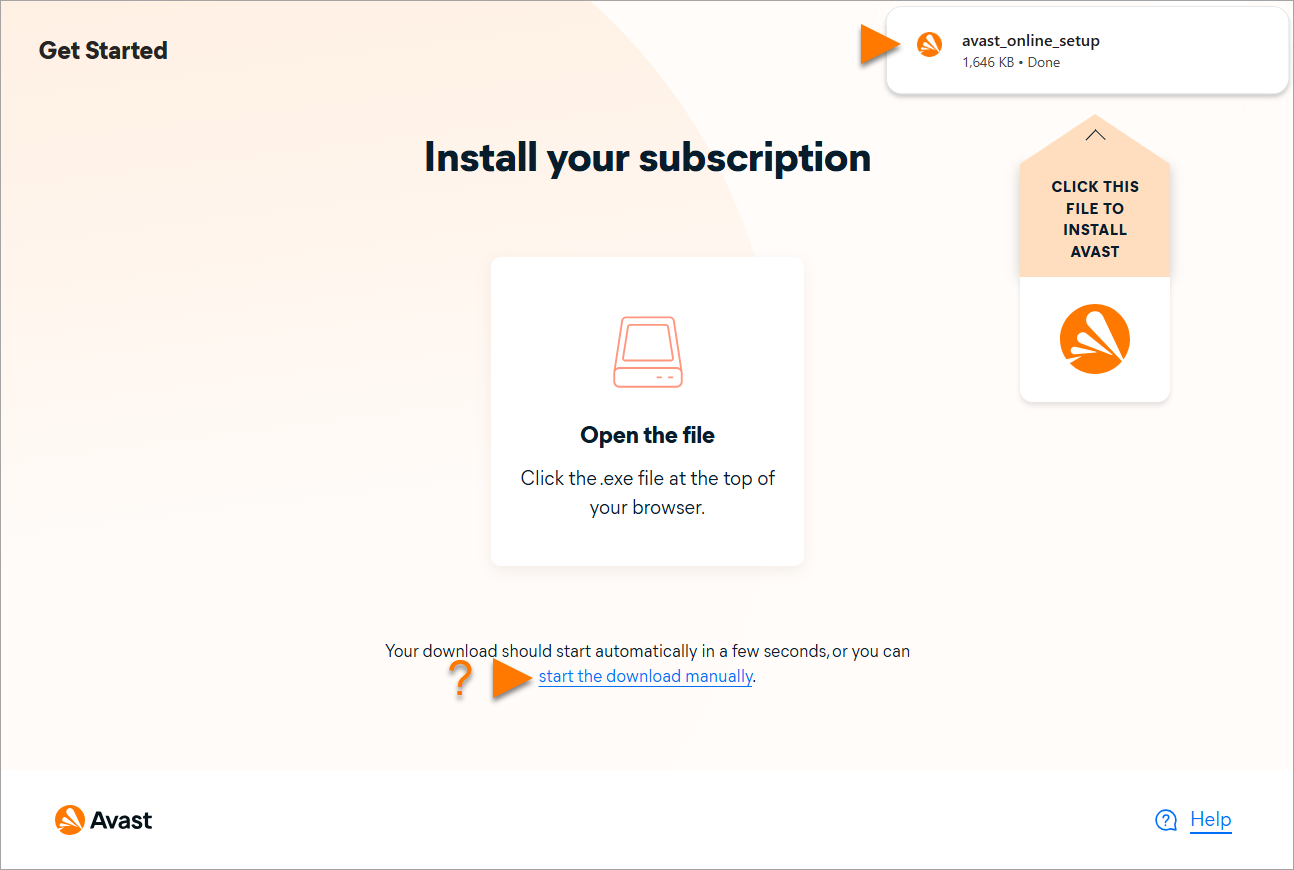
- Double-click the installed file, then follow the on-screen instructions to install your Avast app. For detailed installation and activation instructions for each app, refer to the following article: Installing and activating an Avast app.