

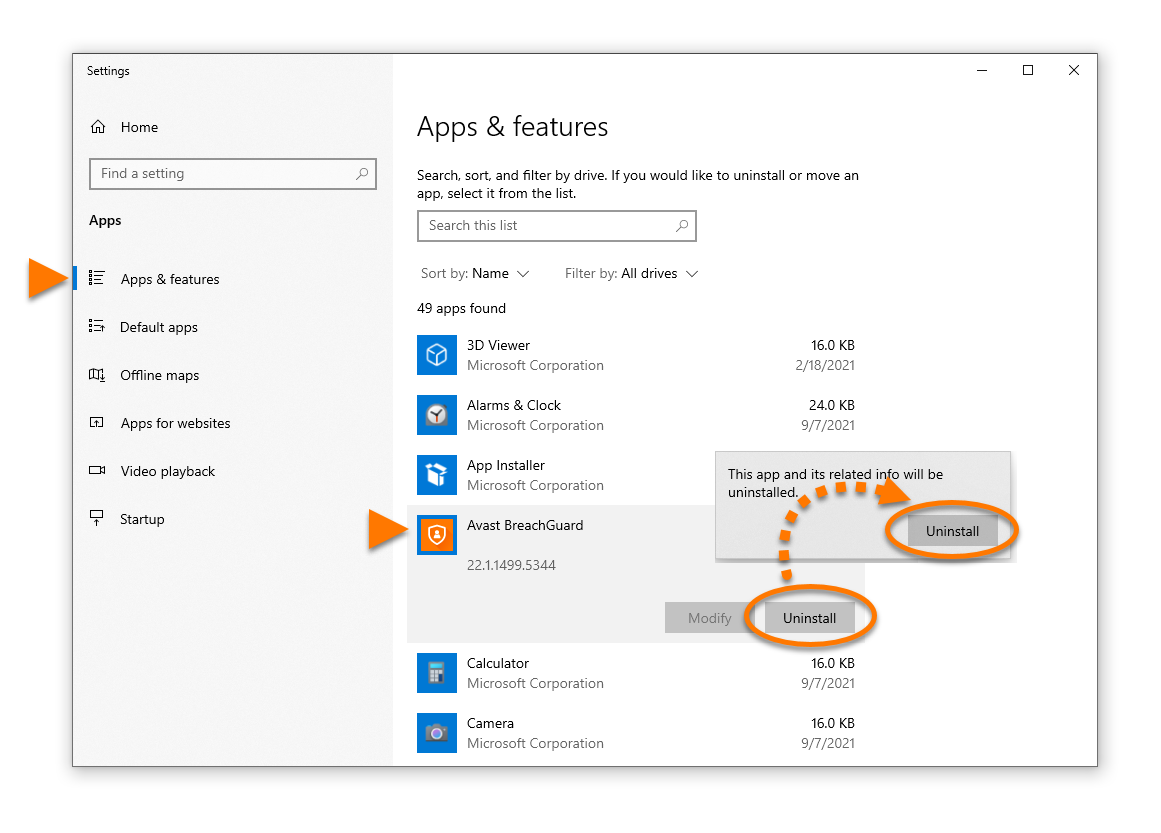
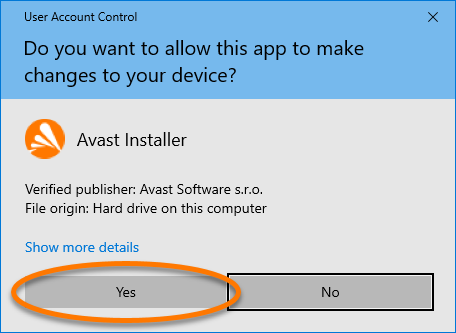
 Start icon, then select Apps and Features from the menu that appears.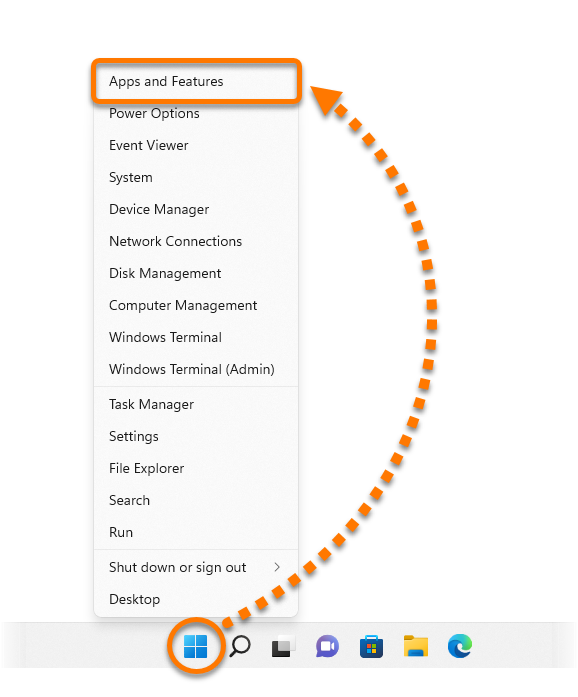
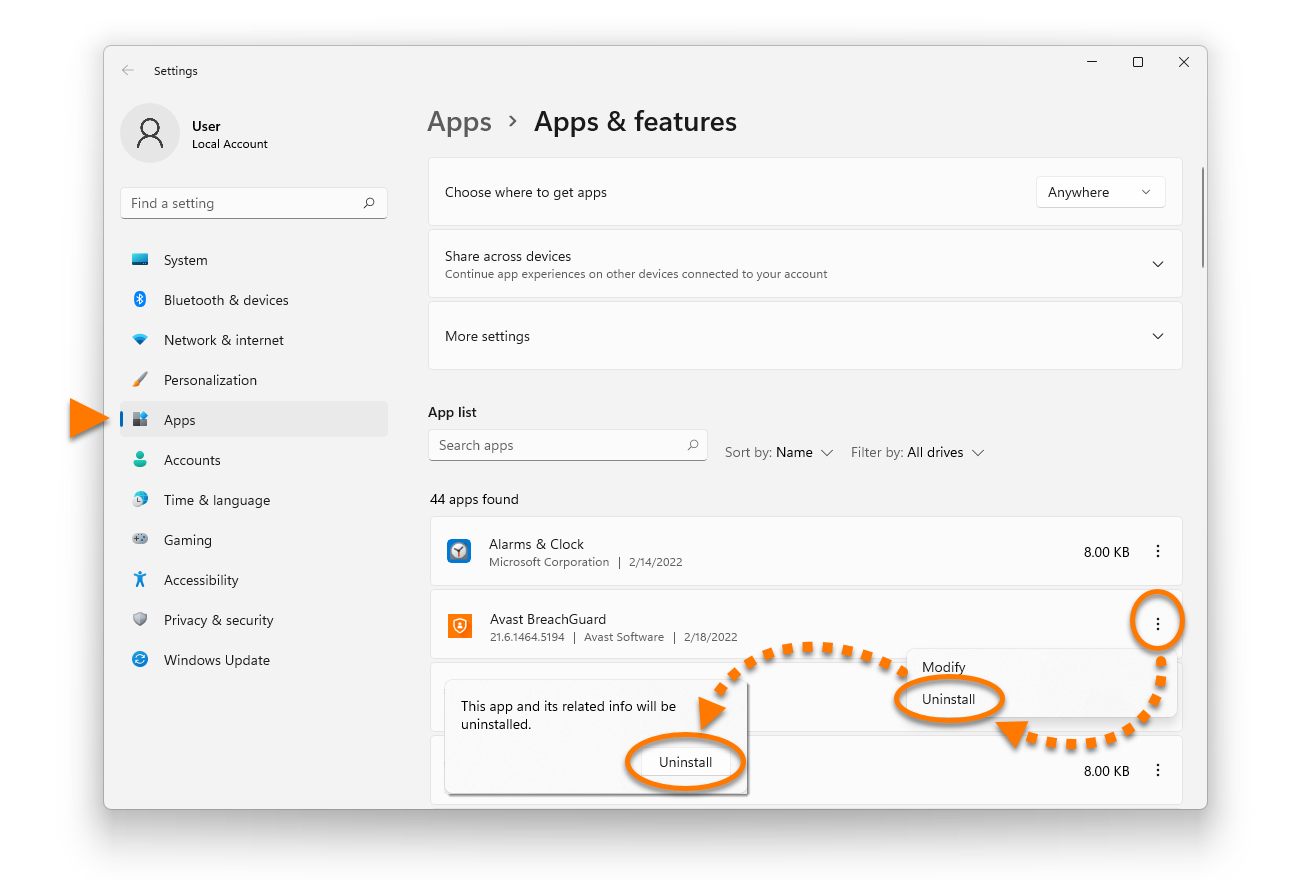
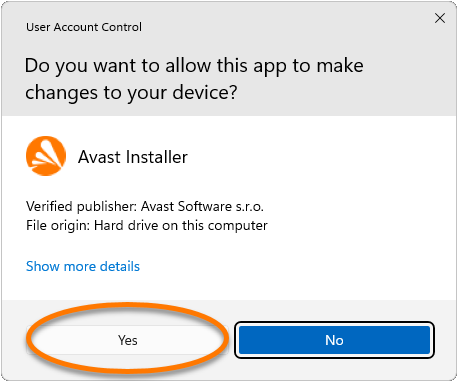
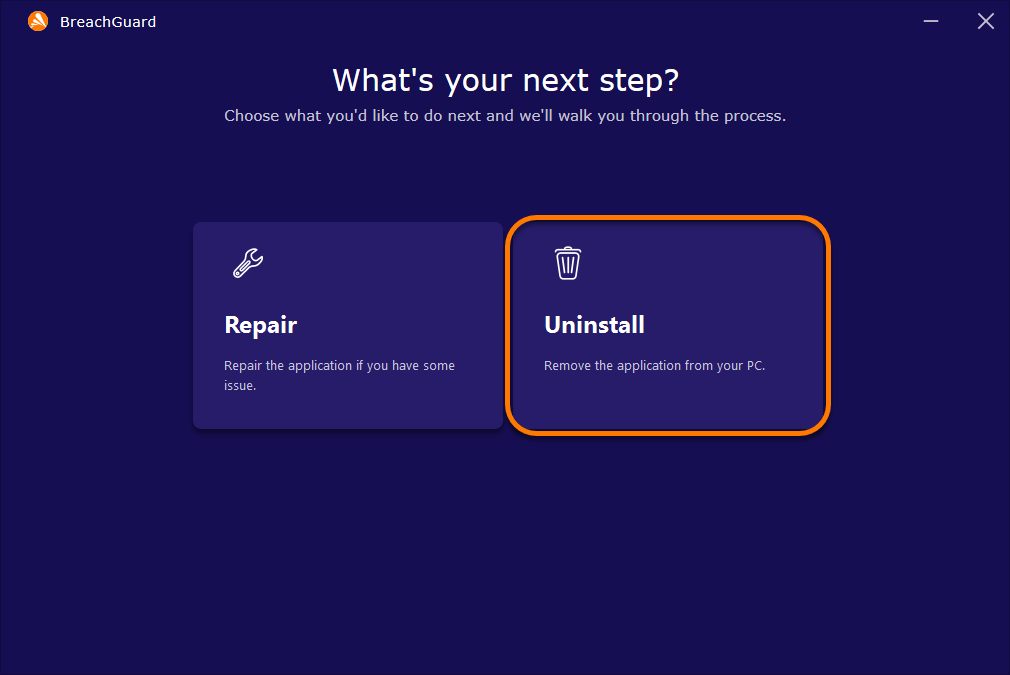

 Start icon, then select Apps and Features from the menu that appears.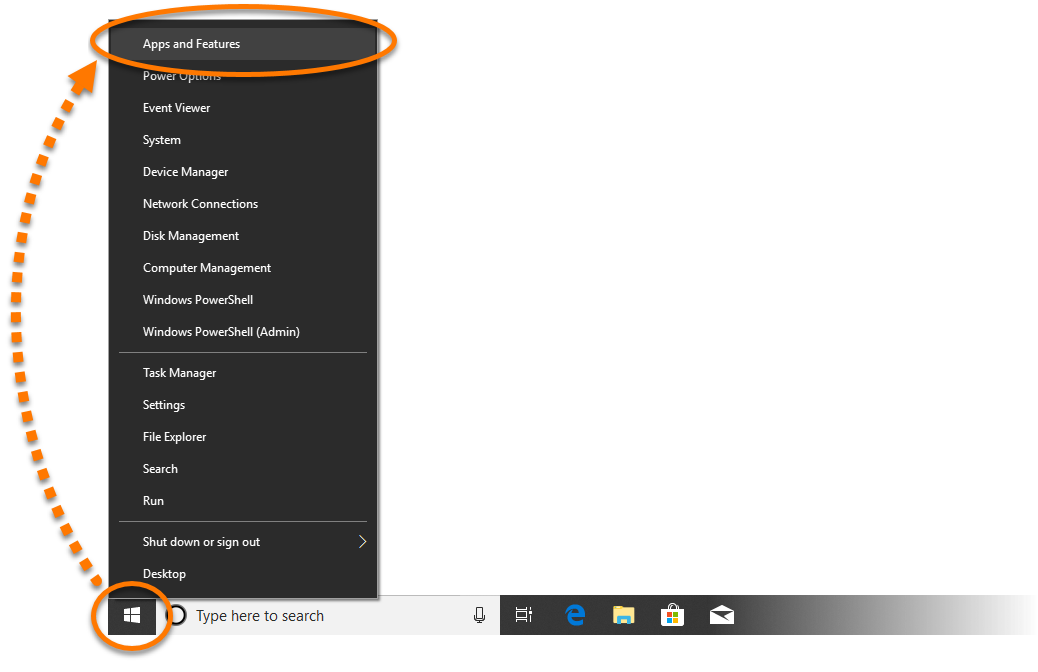

 logo key and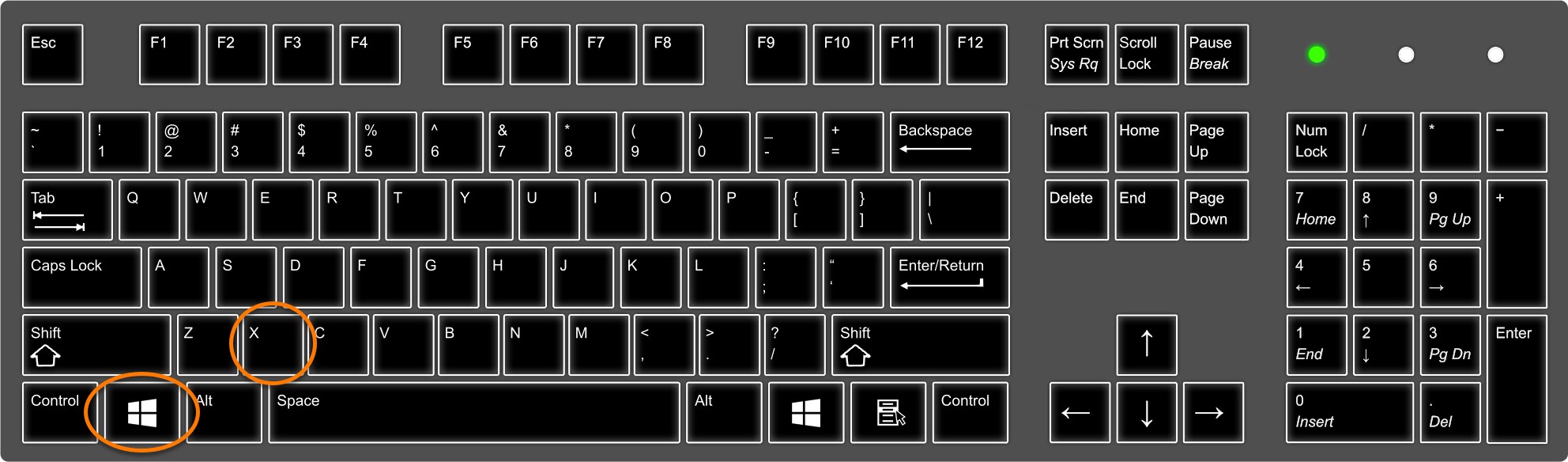
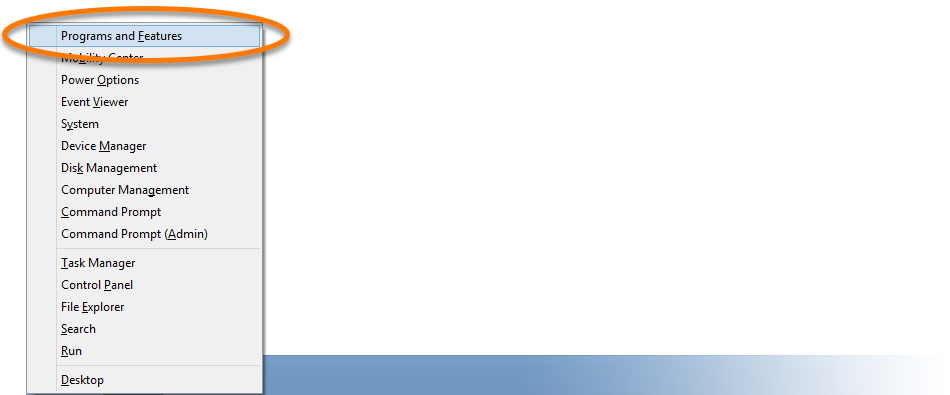
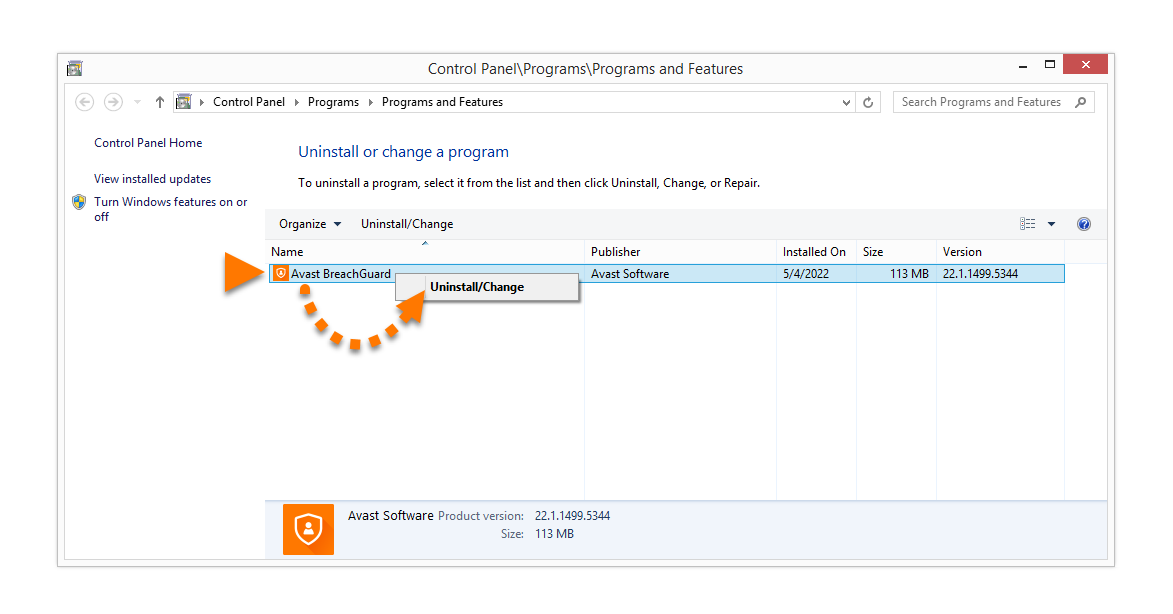
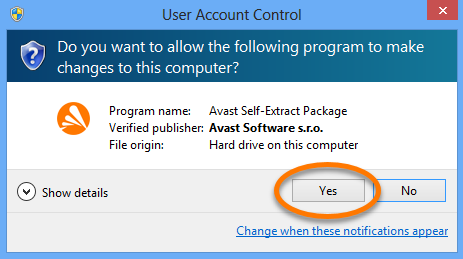

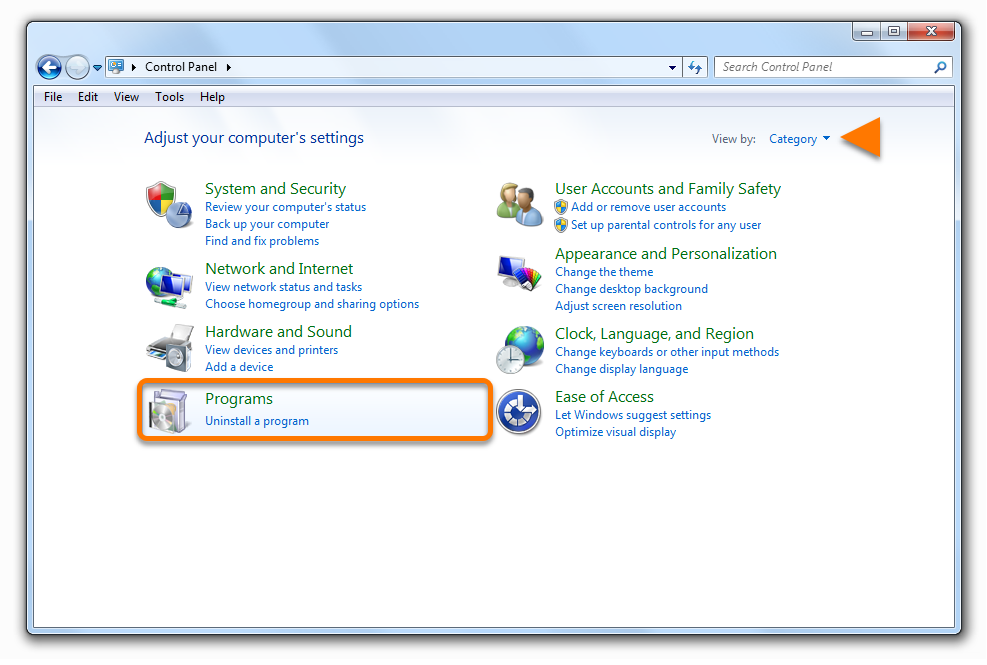
 Start icon, then select Control Panel.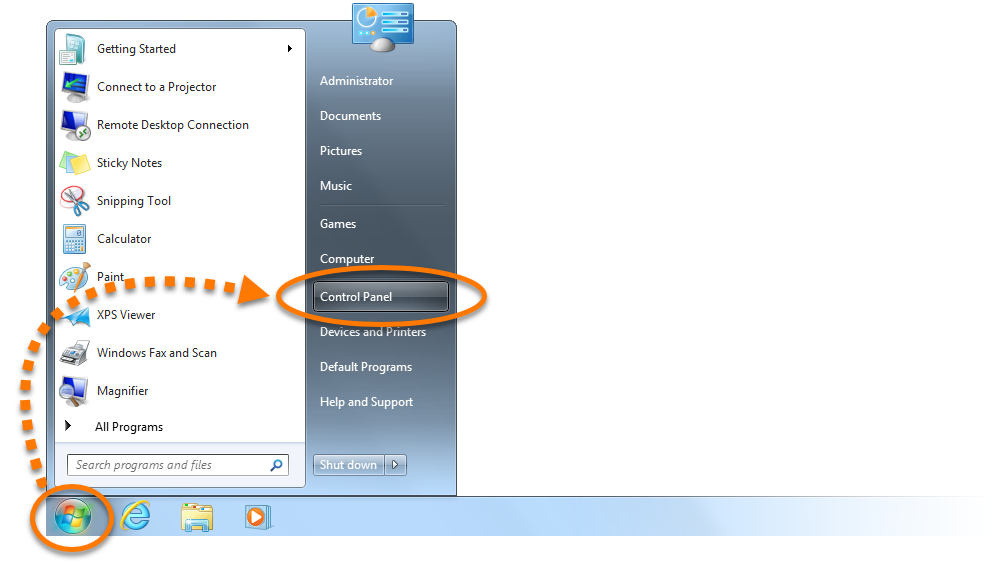

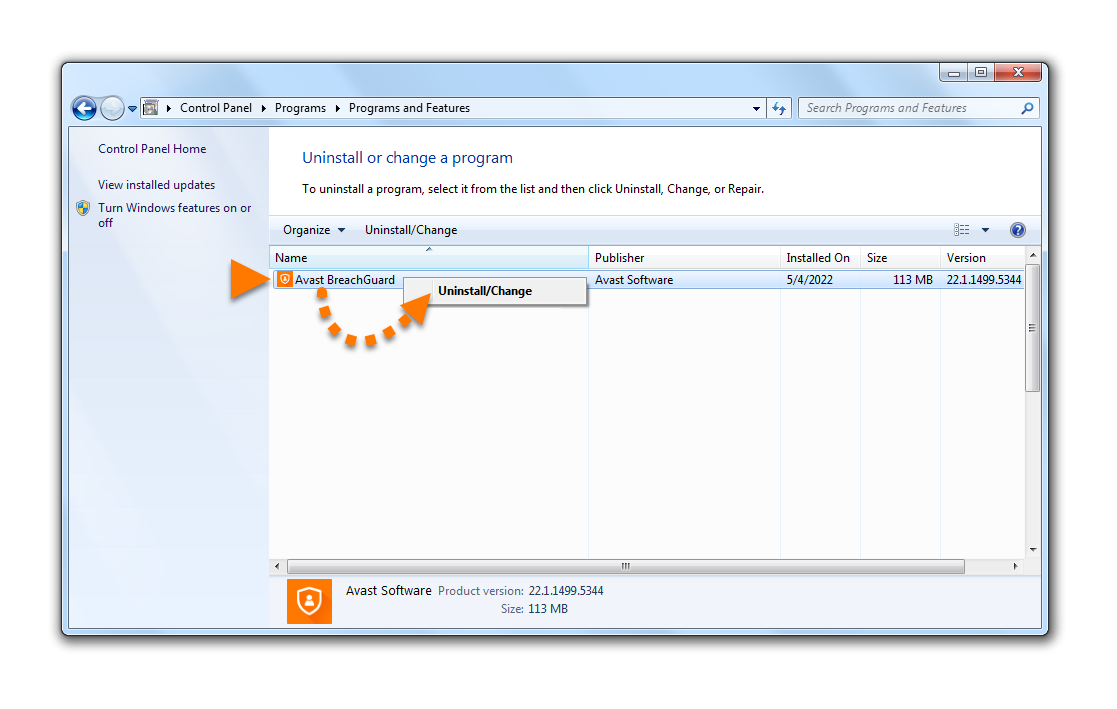
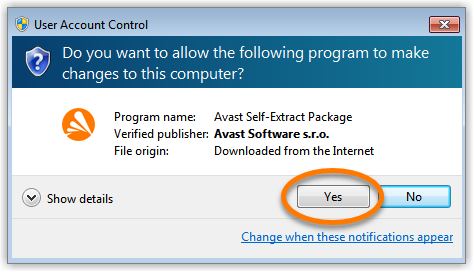
Moving Avast BreachGuard to the Trash or using Clean My Mac does not fully uninstall the application. We recommend following the steps below using the Avast BreachGuard uninstaller.
Uninstall via Apple menu
To uninstall BreachGuard, follow the GIF or the steps below:

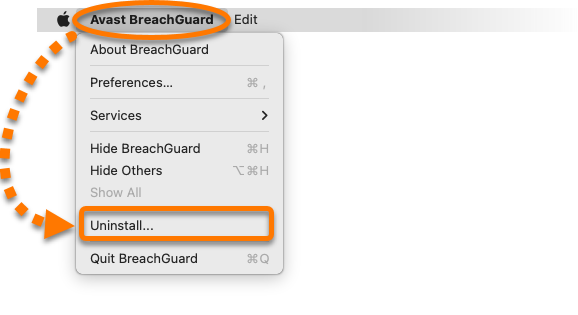
- Open Avast BreachGuard, then click Avast BreachGuard in the Apple menu bar and select Uninstall....
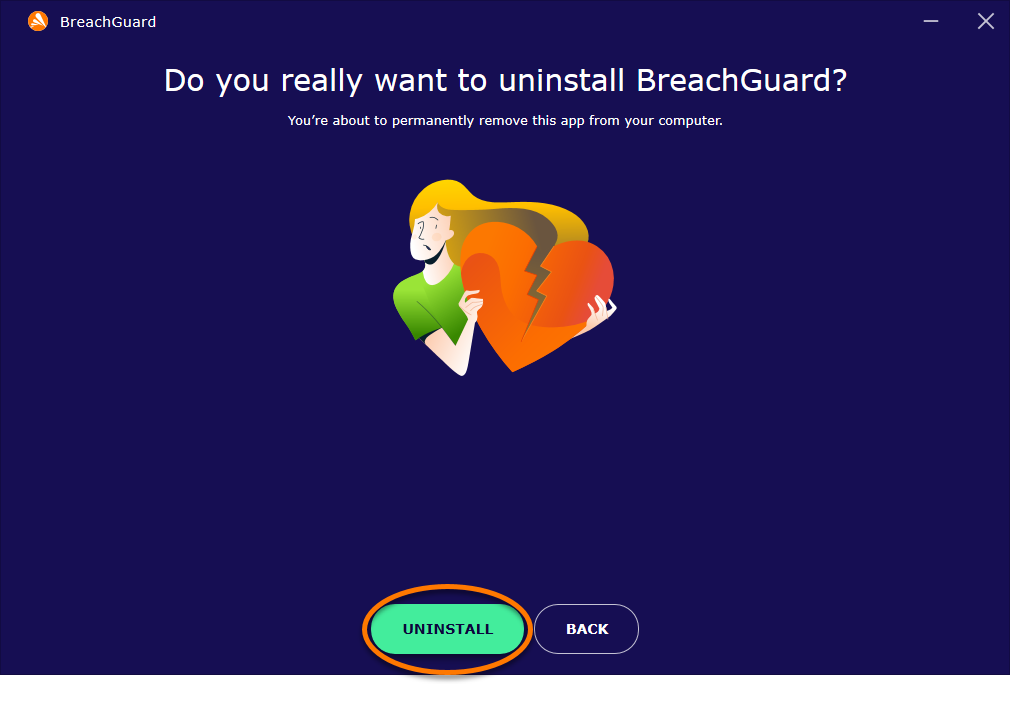
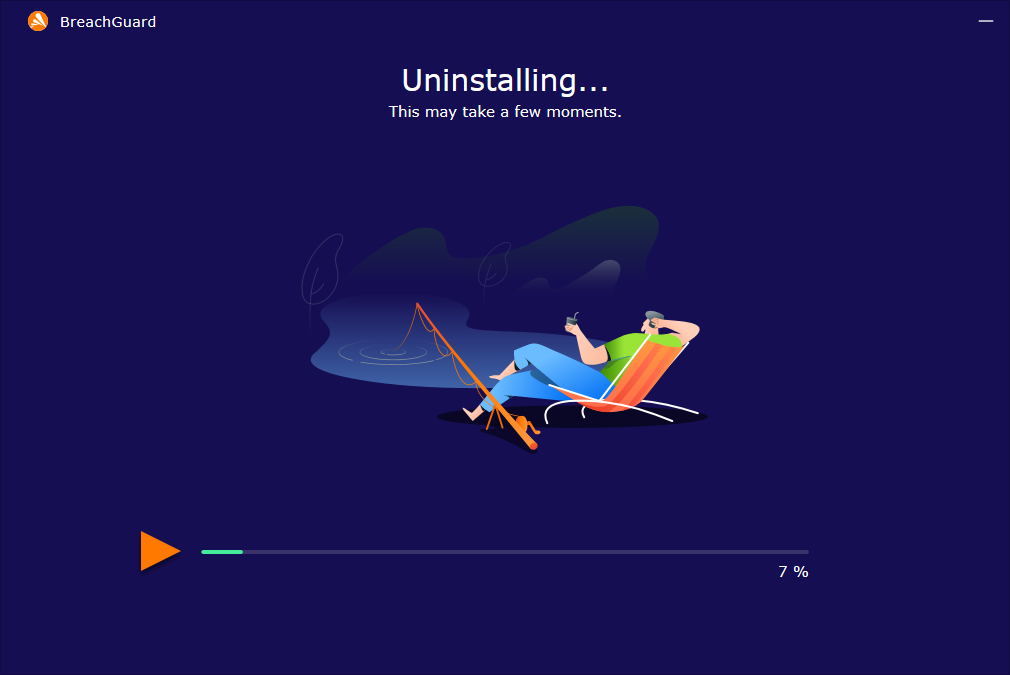
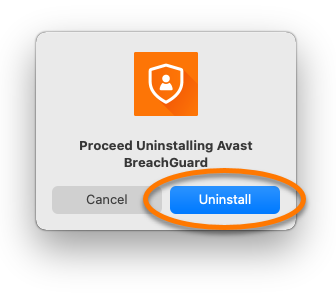
- When the BreachGuard uninstaller window appears, click Uninstall.
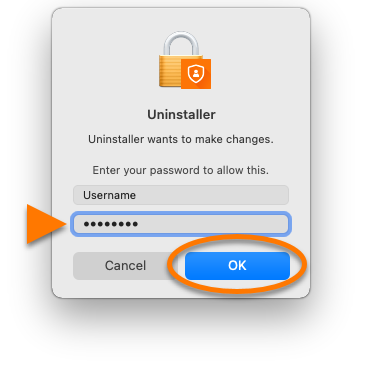
- If prompted, enter the password that you use when you start your Mac, then click OK.
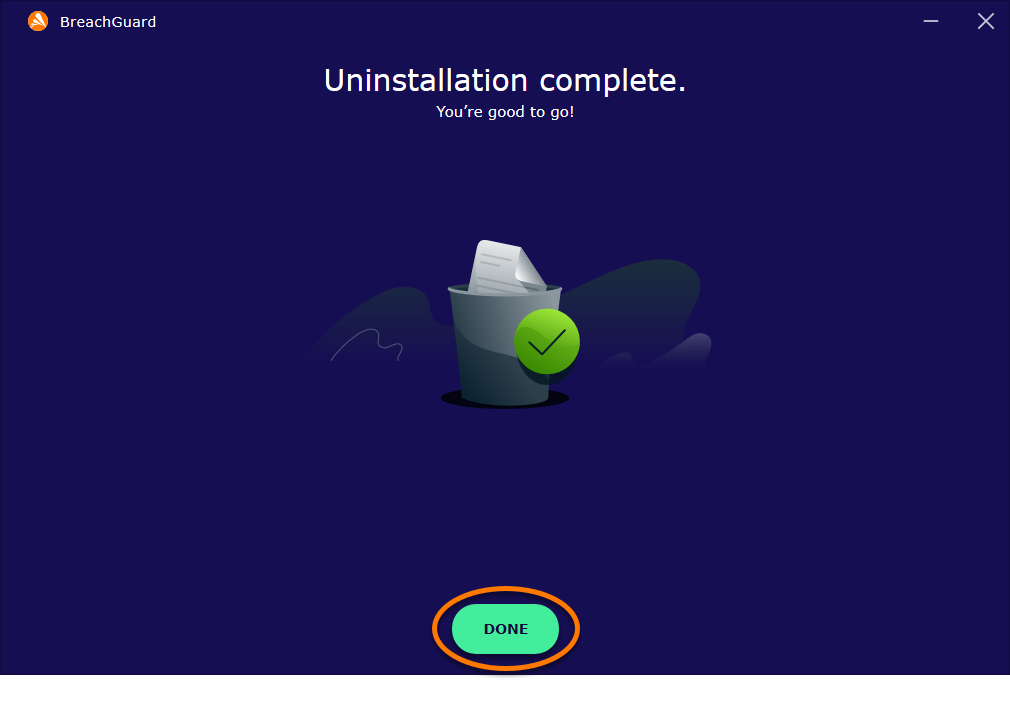
- When the confirmation message appears, click OK.
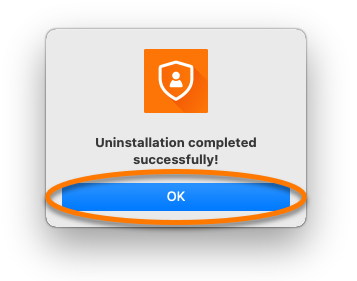
BreachGuard is now uninstalled from your Mac.
Reinstall Avast BreachGuard
If you need to reinstall BreachGuard, refer to the following article for installation instructions:
