


 Start button.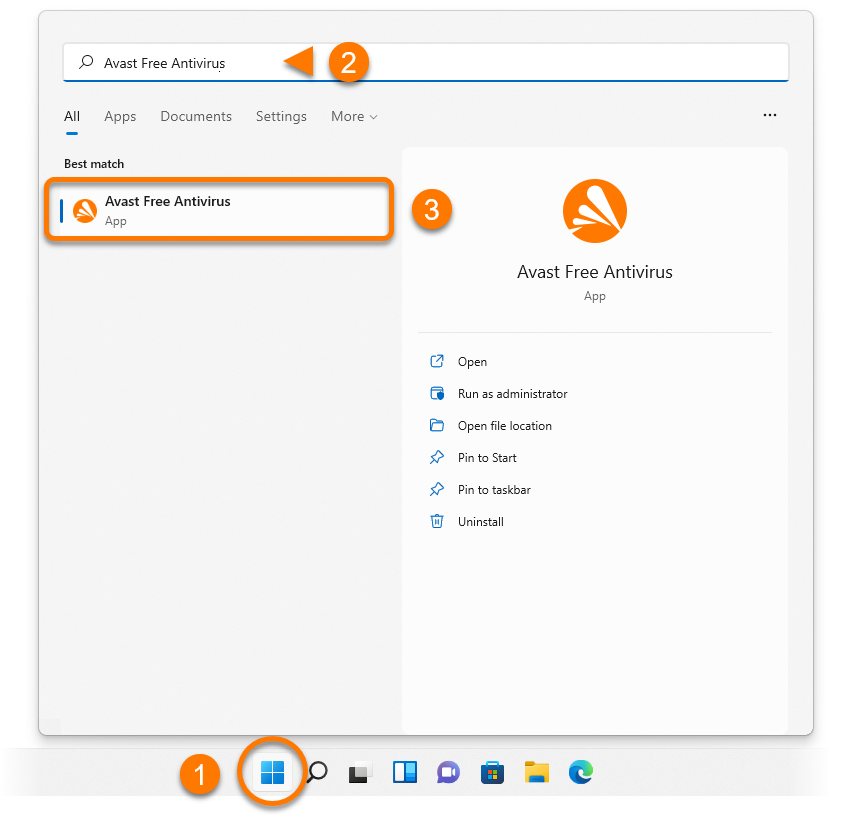
 Start button.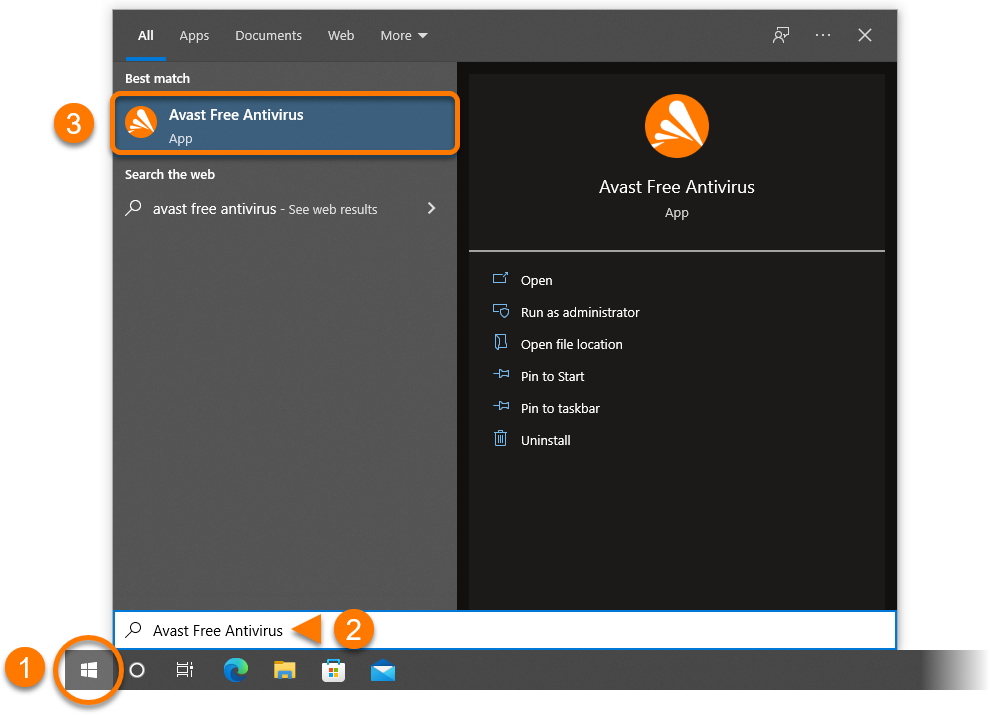
 logo key.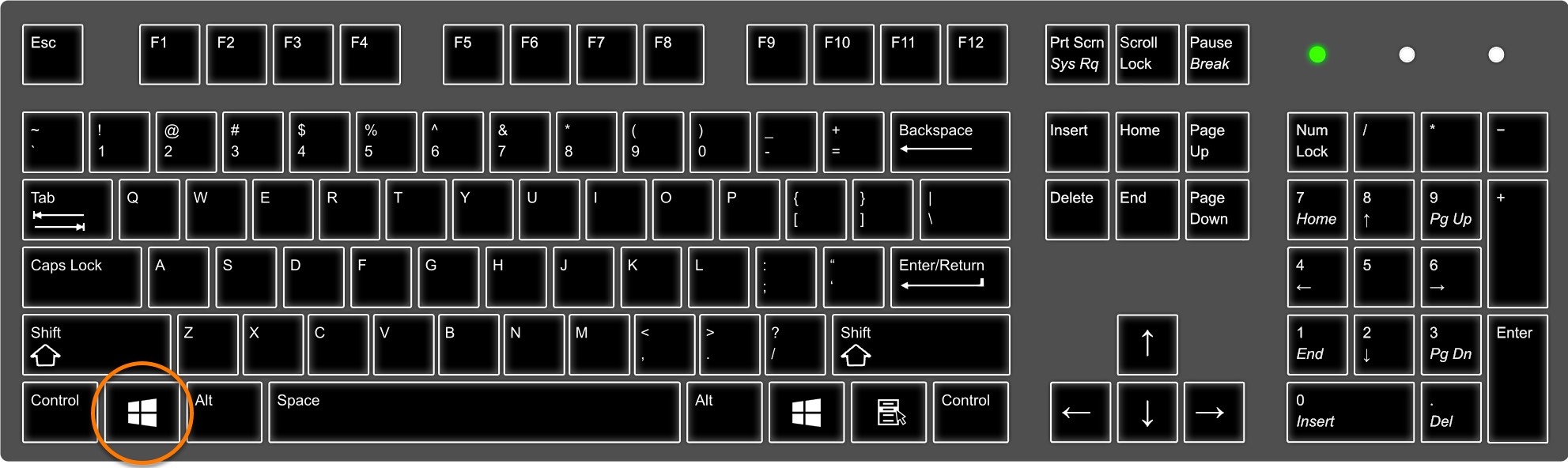
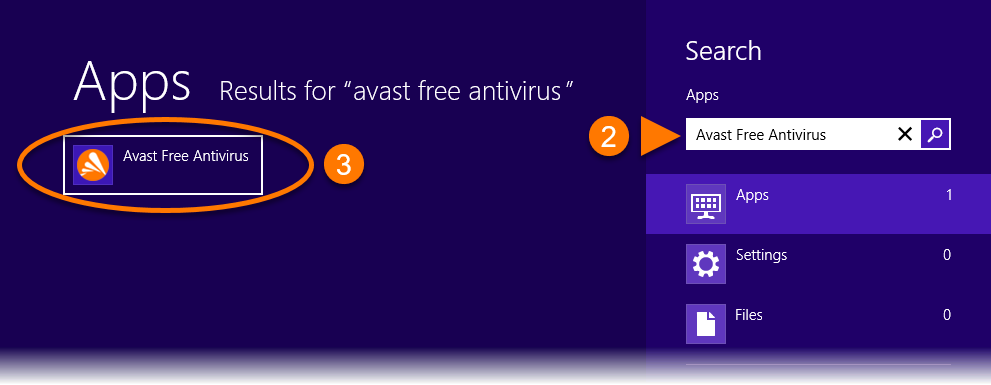
 Start button.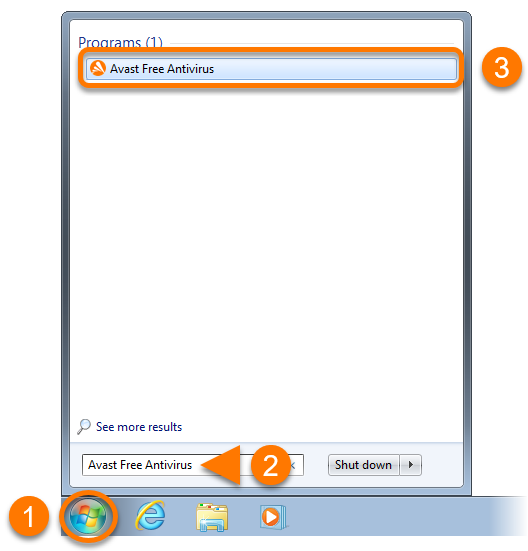
When you install an Avast application on Mac, a menu bar icon is automatically created for quick access to open the application. You can also open Avast applications via the Applications folder or the Dock. Refer to the GIF or the sections below for instructions to open your Avast app.

Menu bar icon
Click the Avast app icon on the right side of the Apple Menu bar, then select either 'Show... app name' or 'Open... app name'. 
Applications folder
Click Go ▸ Applications on the left side of the Apple Menu bar, then double-click the Avast app icon in the Applications folder.

Dock icon
Click the Avast app icon in the Dock.

System requirements
For information on the system requirements for Avast apps, refer to the following article:
