
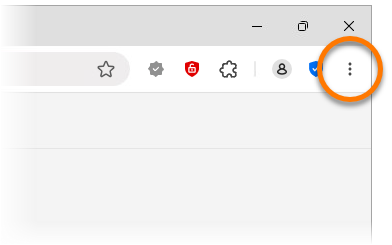
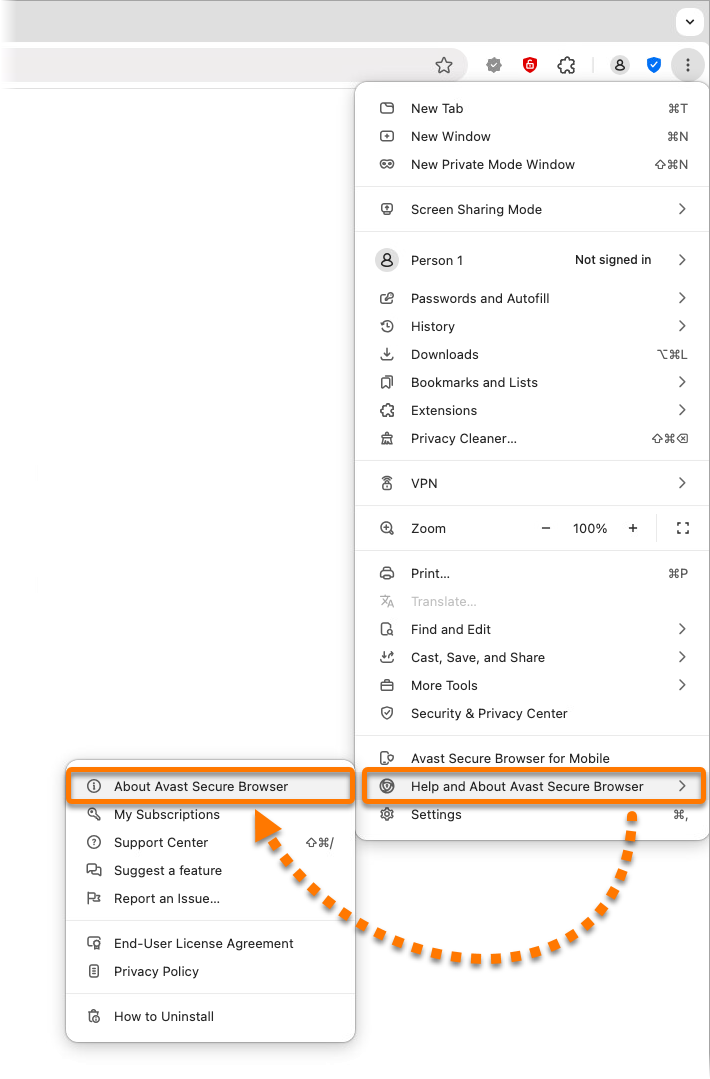
- In the top-right corner of Avast Secure Browser, click
⋮Options (the three dots).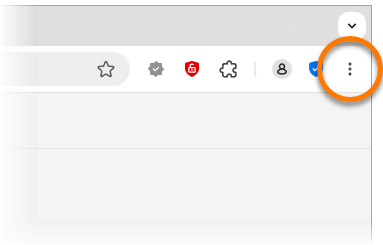
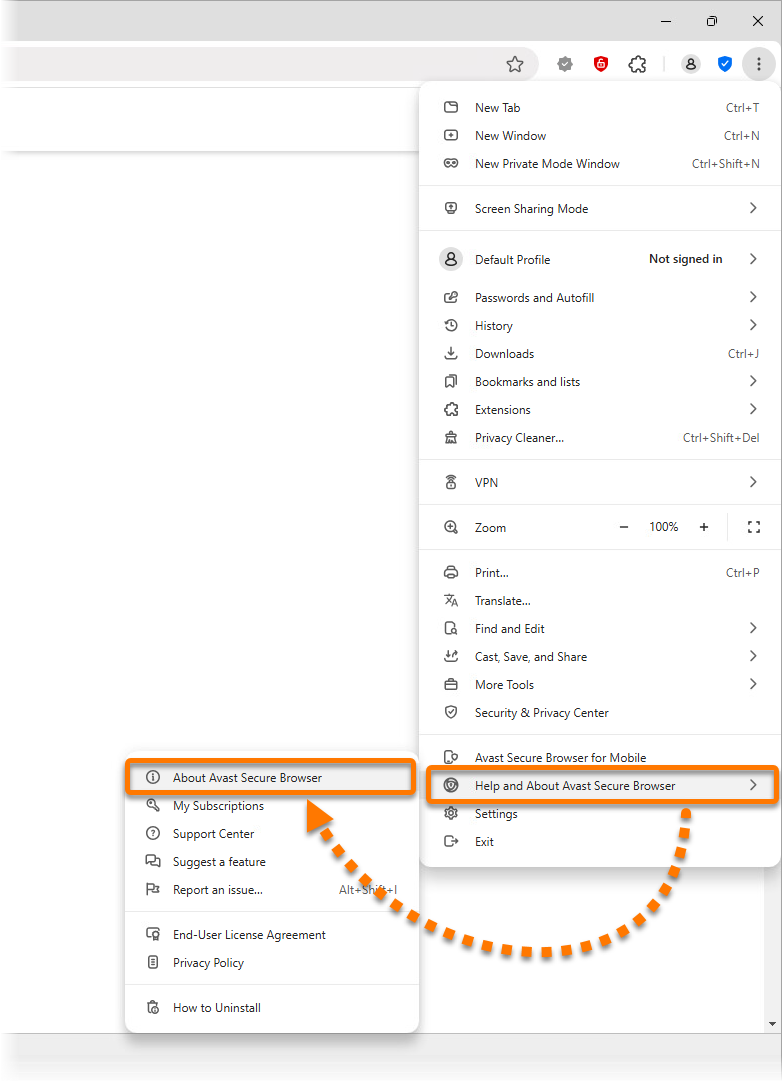
- Select Help and About Avast Secure Browser ▸ About Avast Secure Browser to manually check for updates.
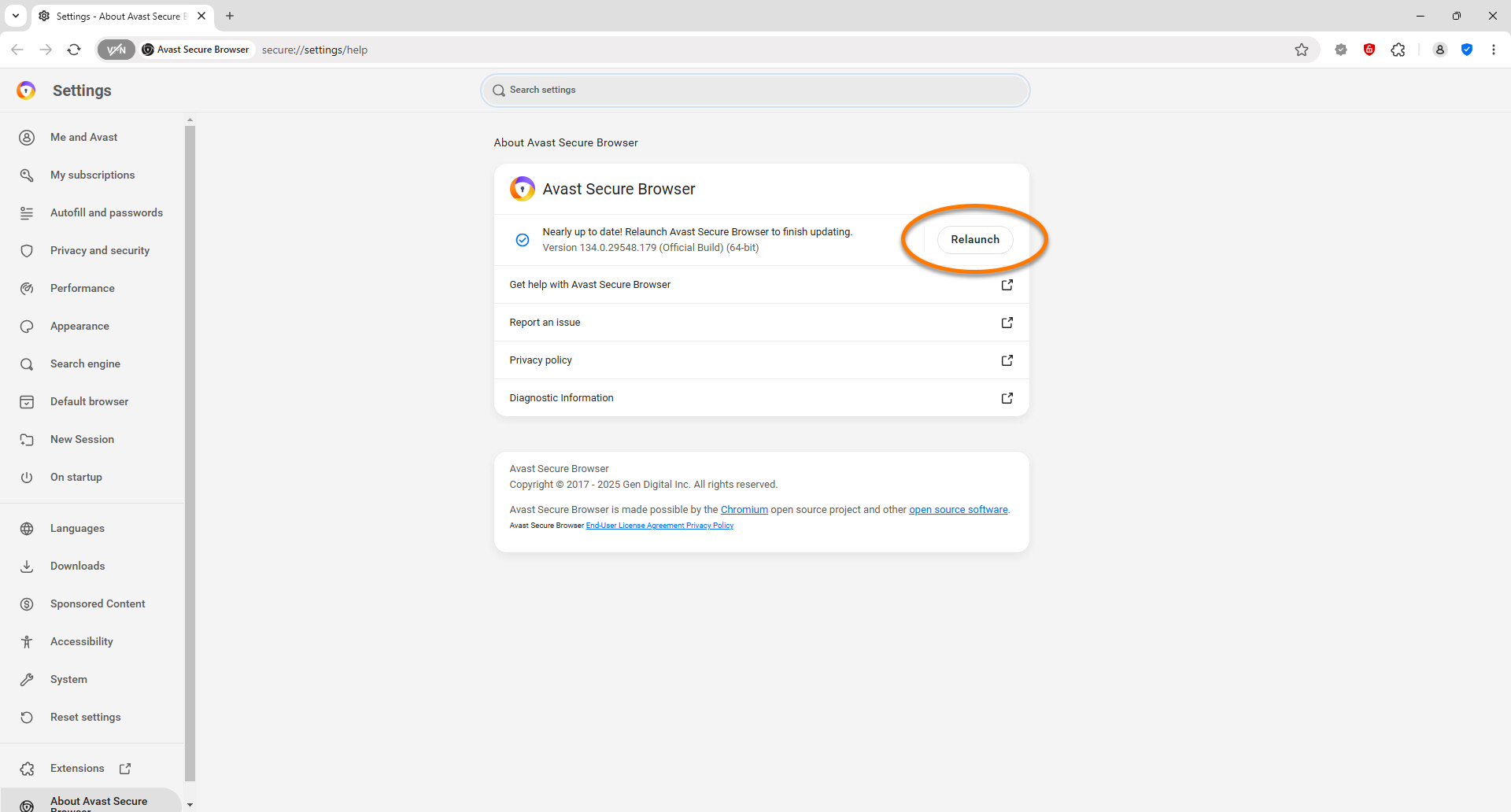
- Once the updates are installed, click Relaunch to restart the browser.
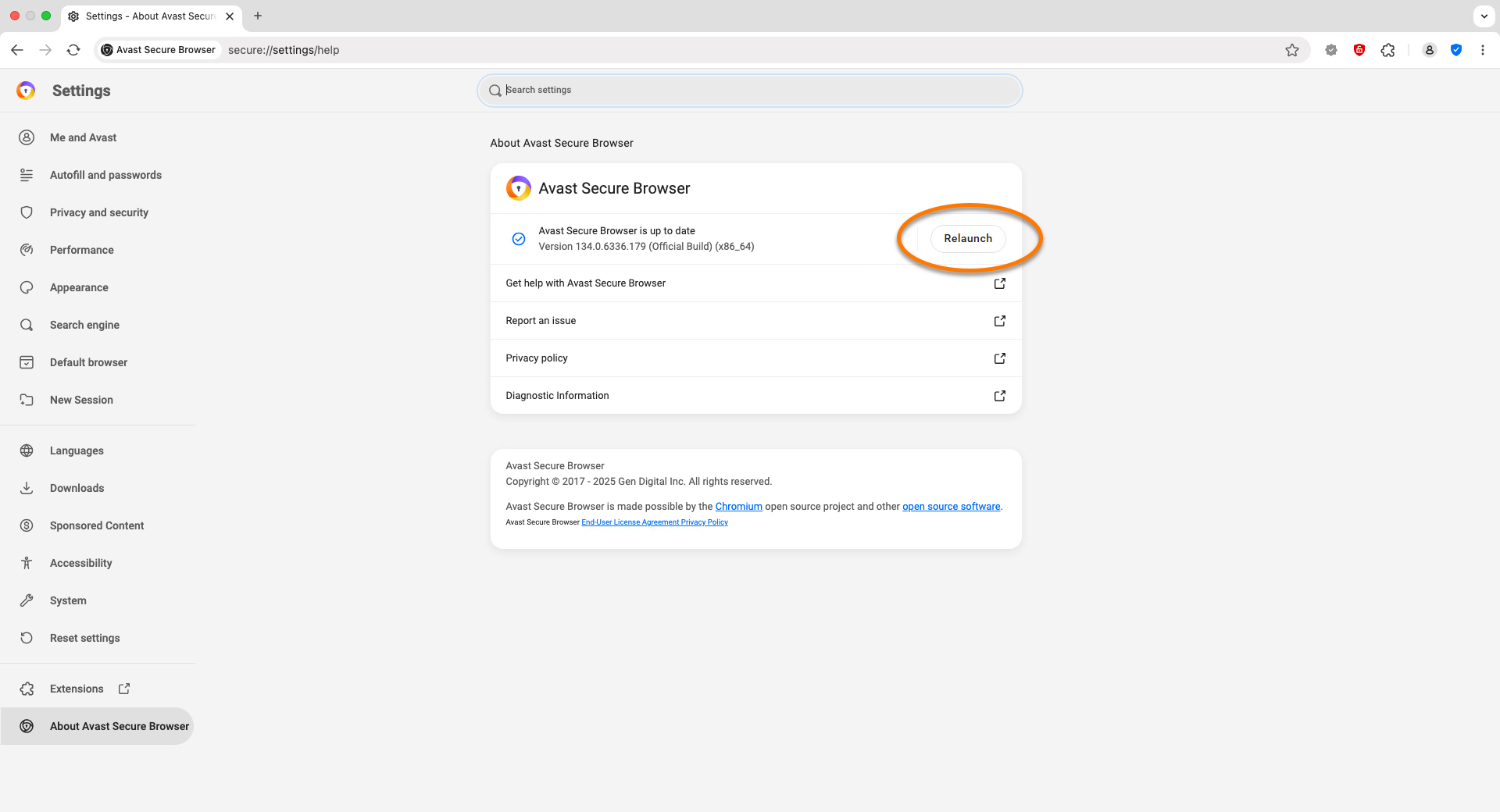
Avast Secure Browser is now up to date. If your Avast Secure Browser is unable to receive updates, refer to the following article:
