Enable Avast Sync
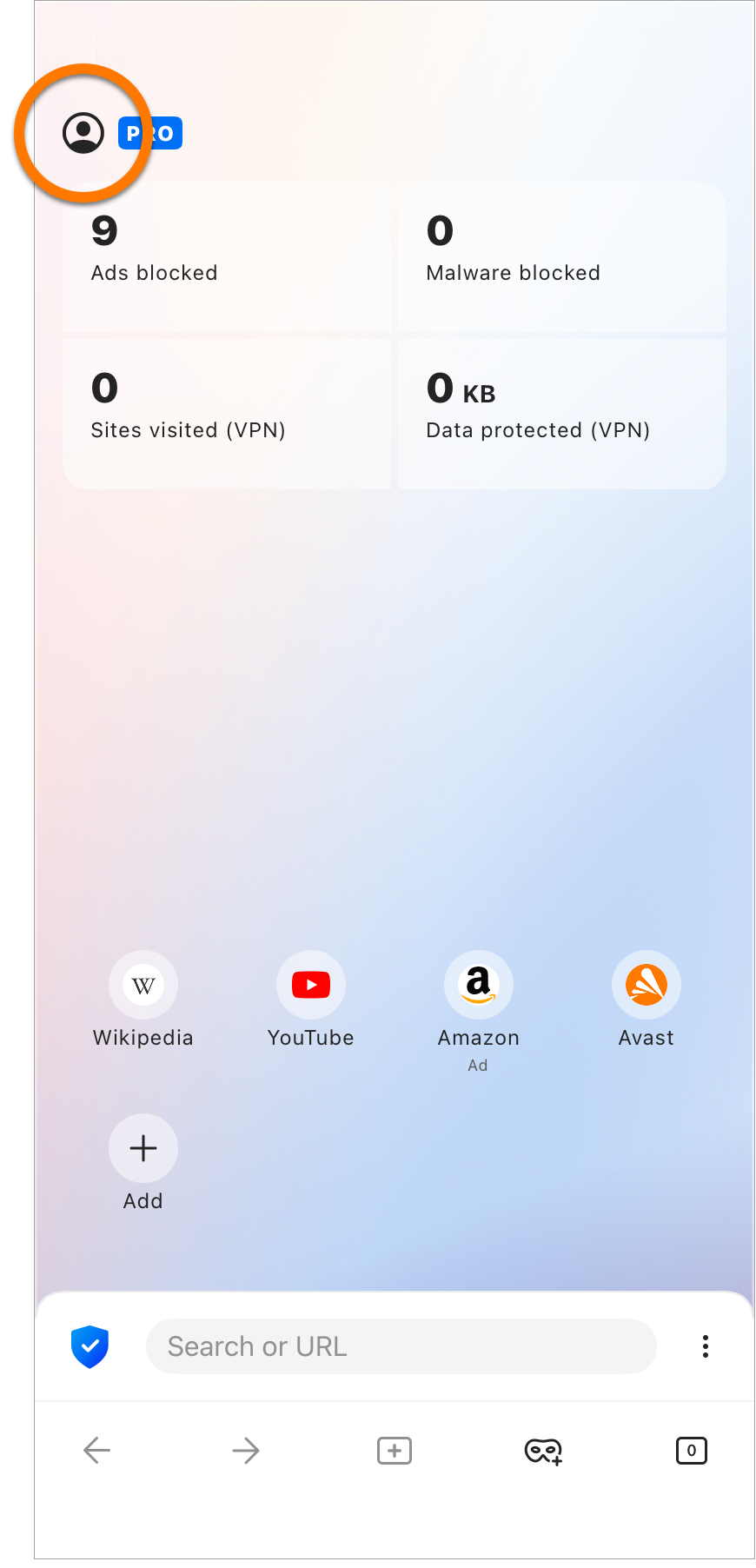
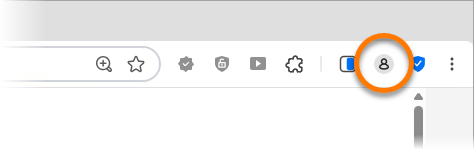
- Open Avast Secure Browser and click the
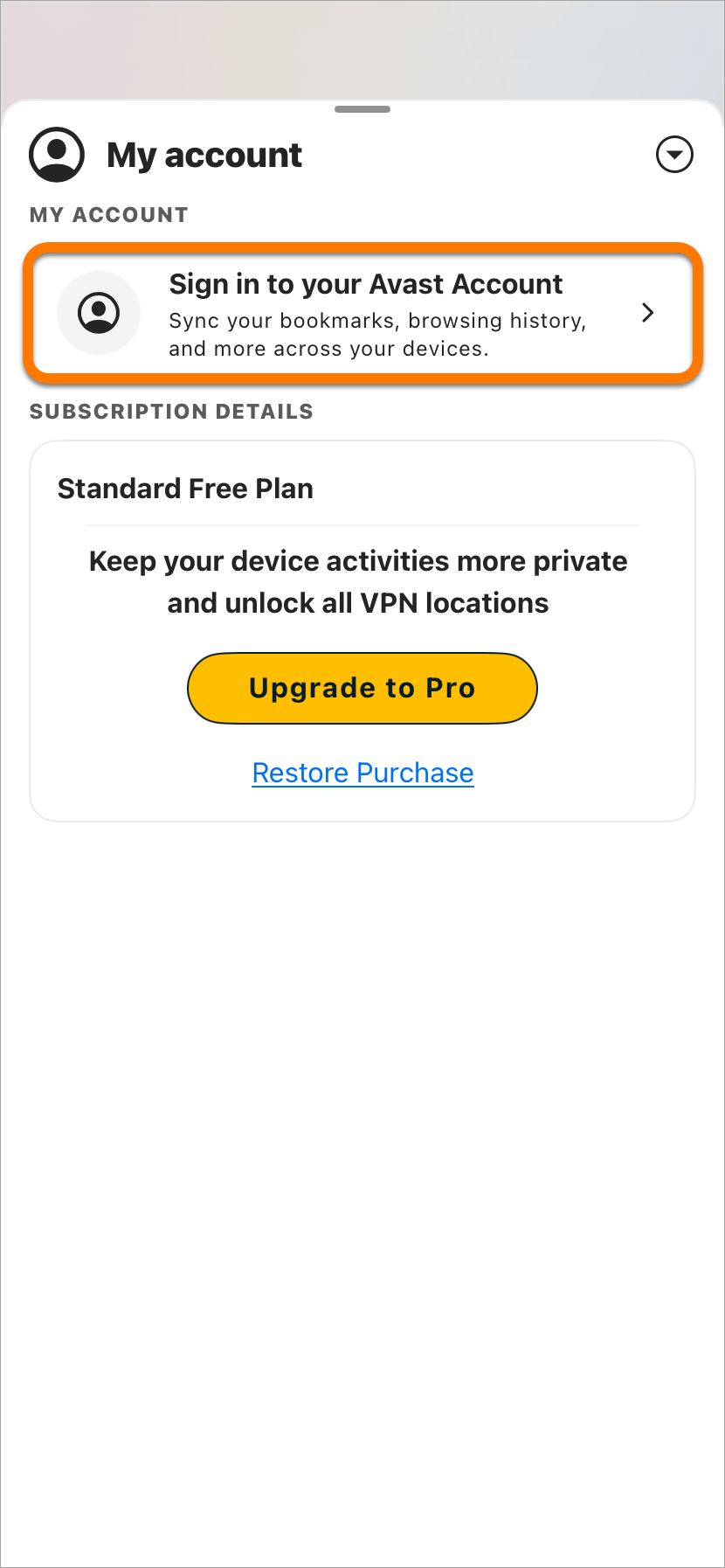
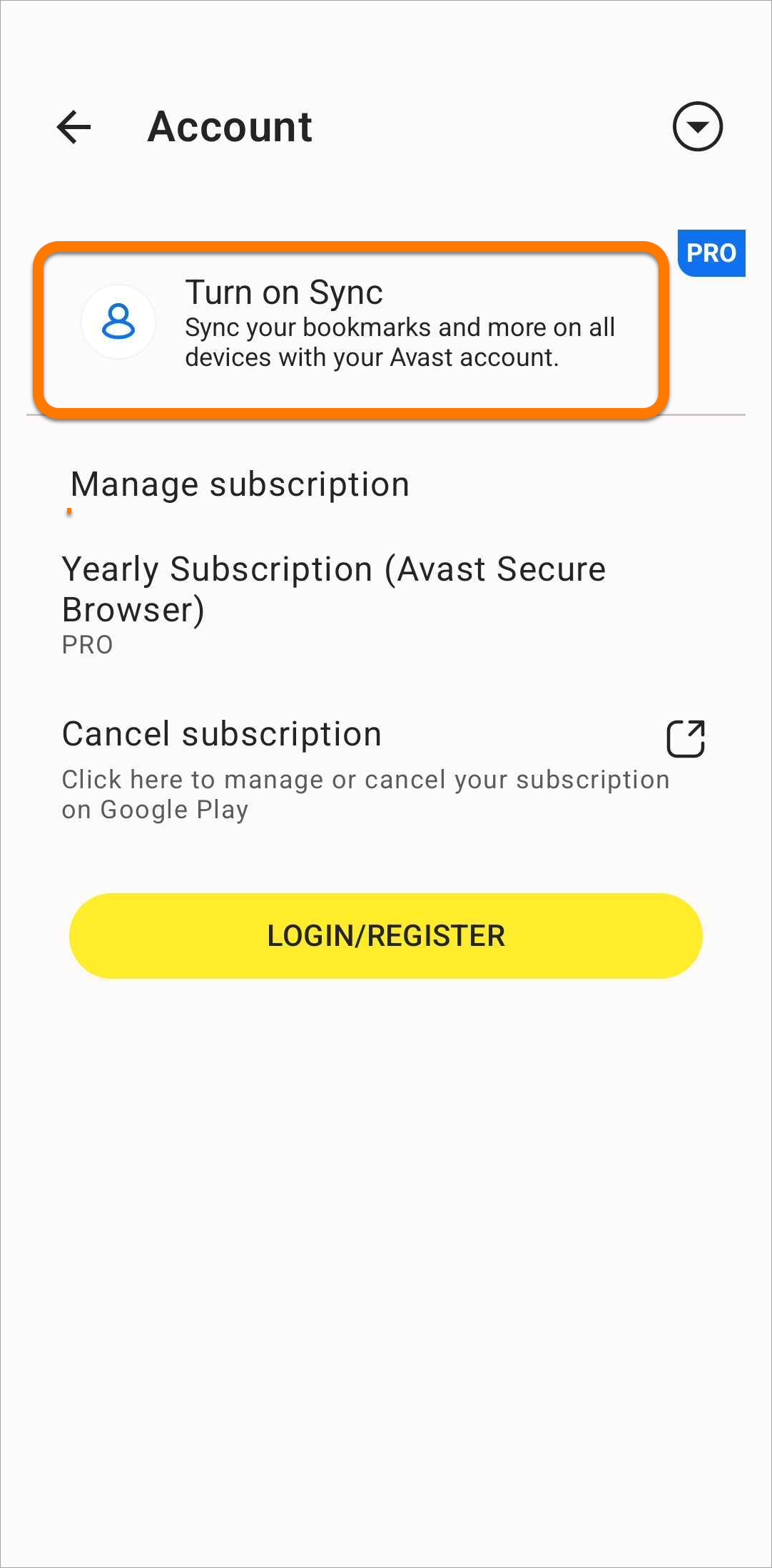
 Account icon to the right of the address bar, then select Turn on sync.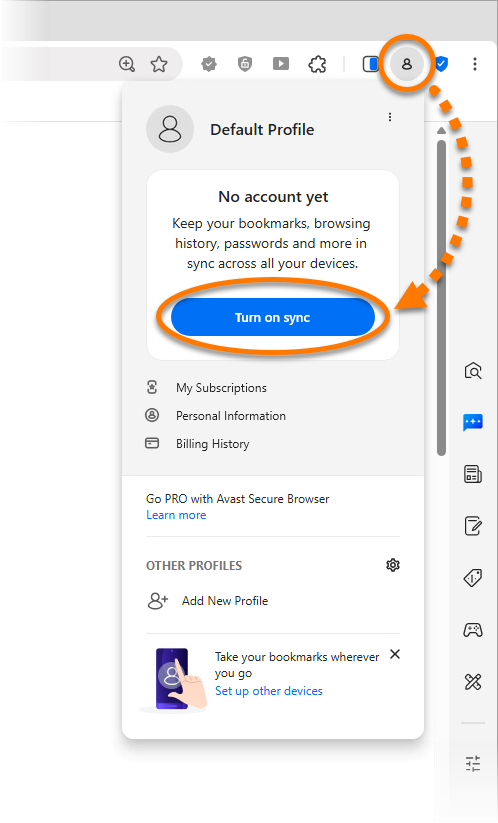
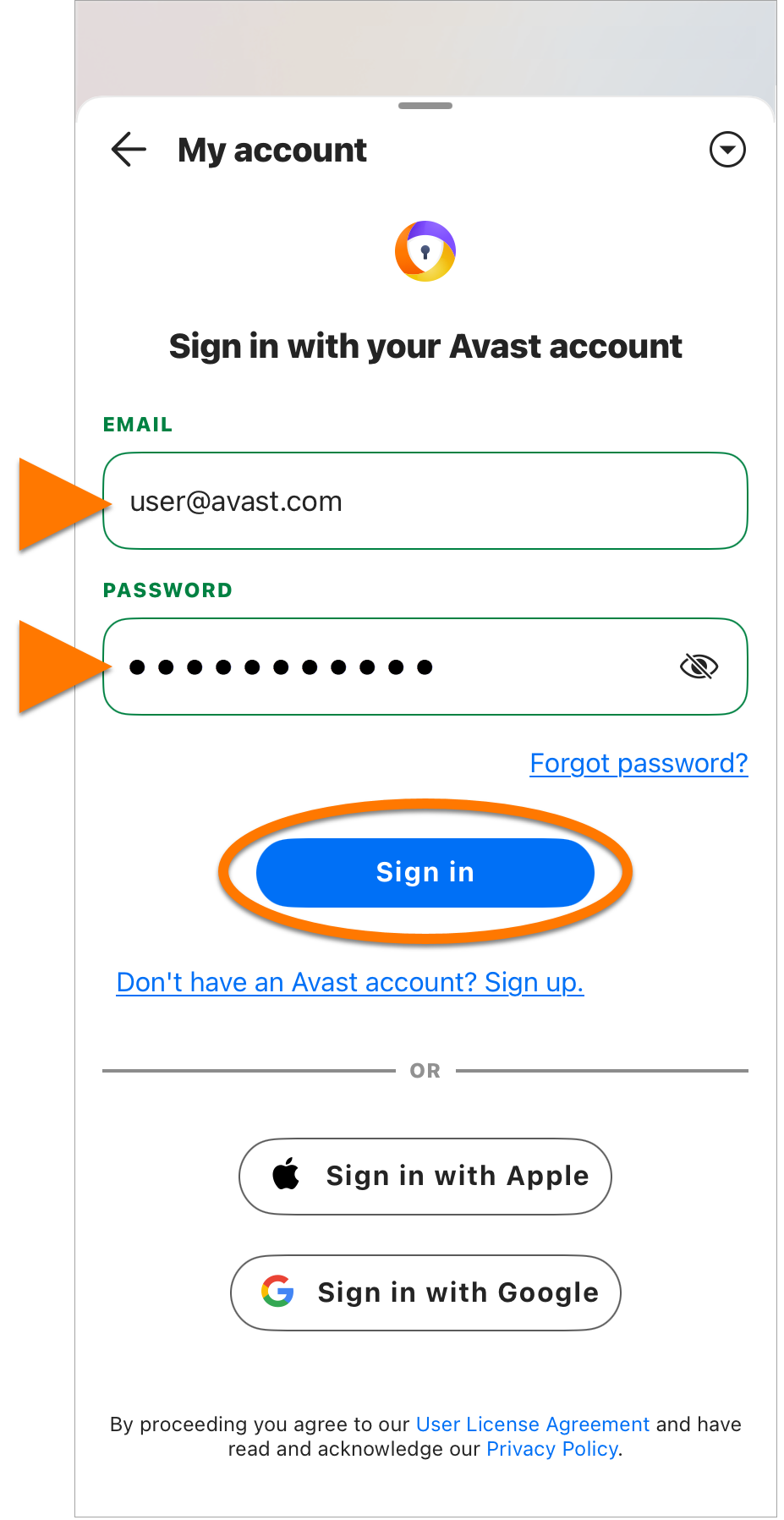
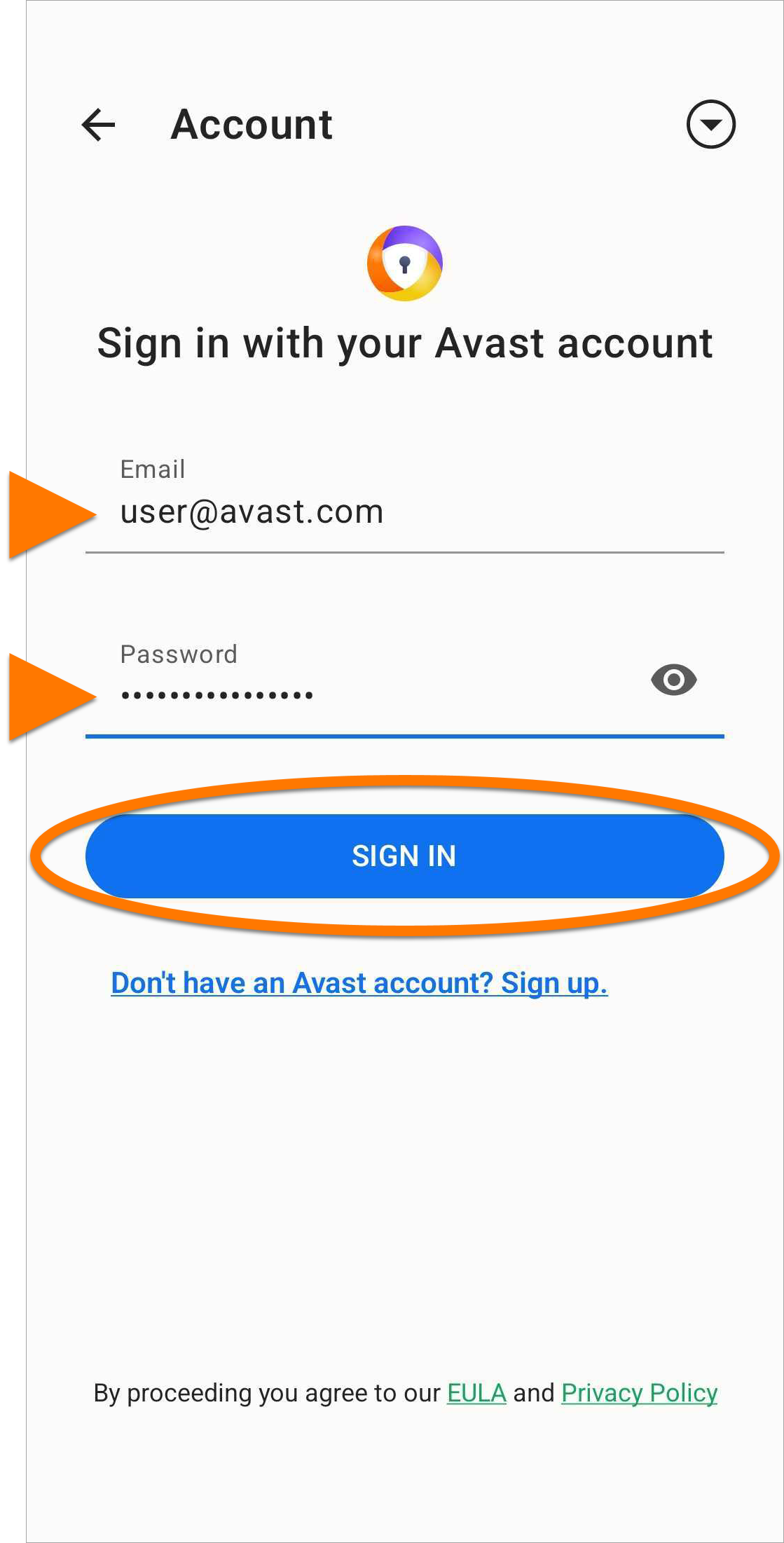
- Enter your Avast Account credentials, then click Sign In.

Alternatively, select Create an Avast Account to activate your Avast Account that was created using the email address that you provided during the subscription purchase.
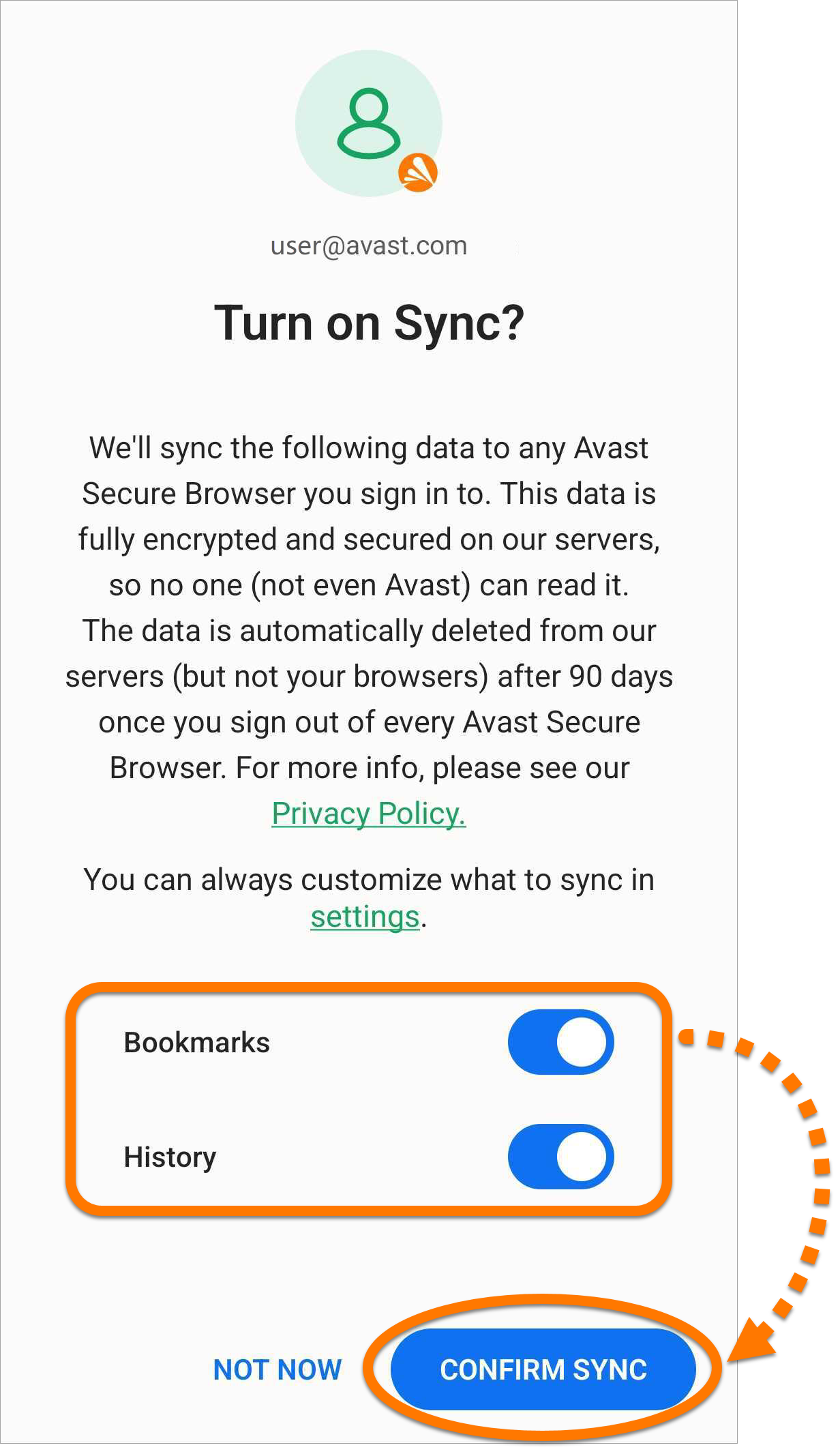
- Select which data you want to sync between devices, then click Confirm sync.
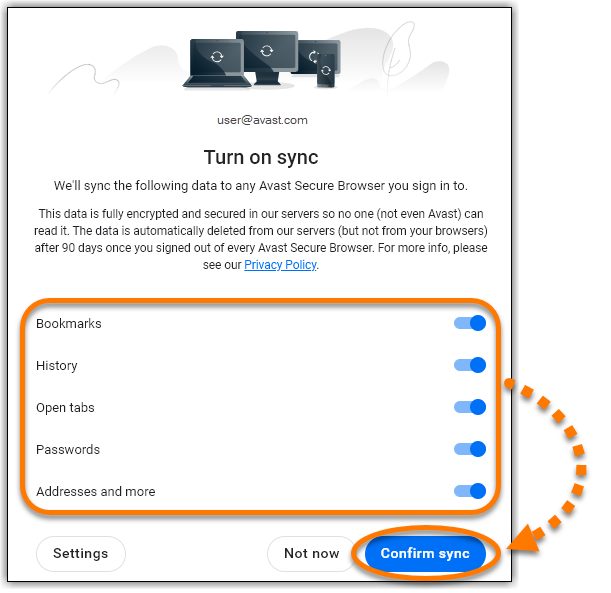
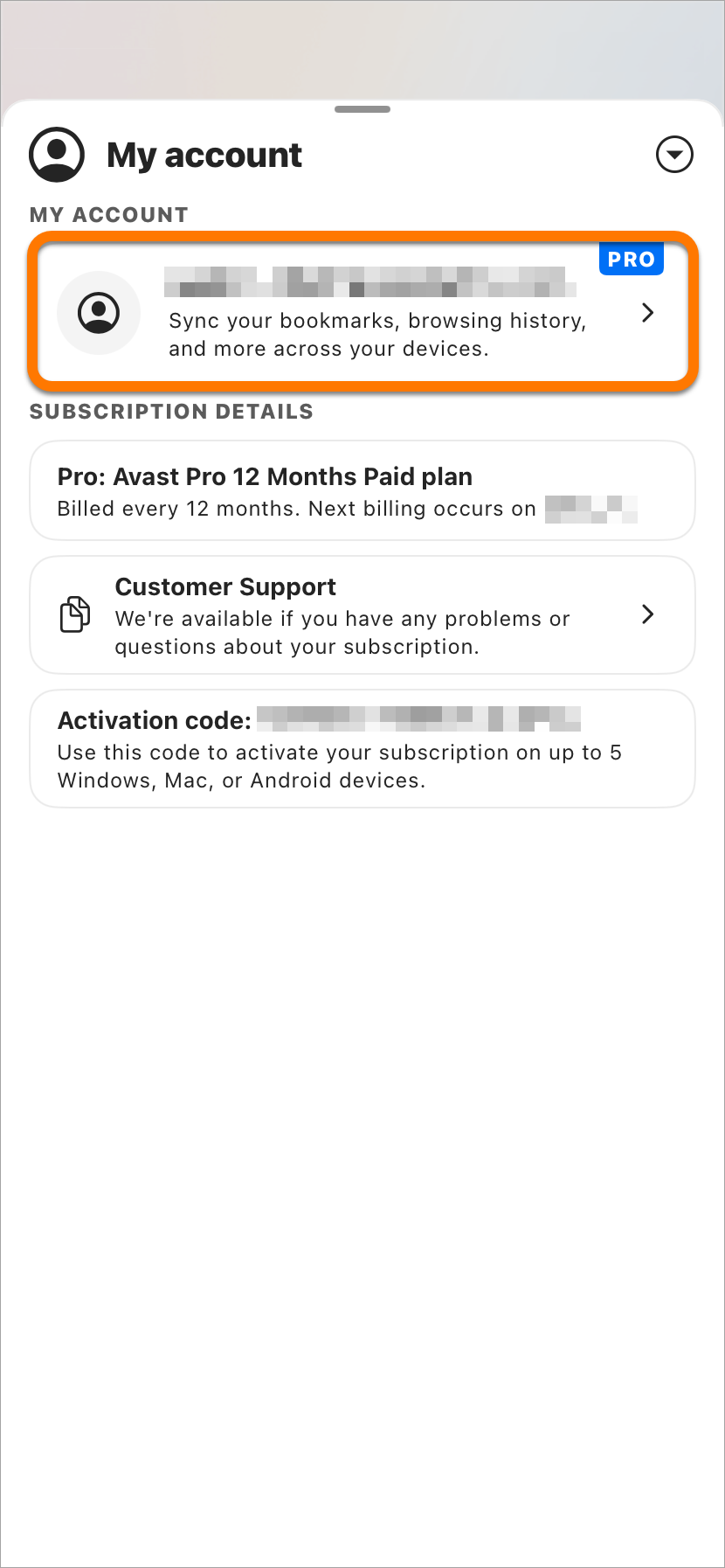
Avast Sync is now enabled on the current device.
To add another device to your sync group, follow the steps above on the new device to sign in to Avast Secure Browser using the same Avast Account credentials.
Manage settings
To adjust your sync settings in Avast Secure Browser:
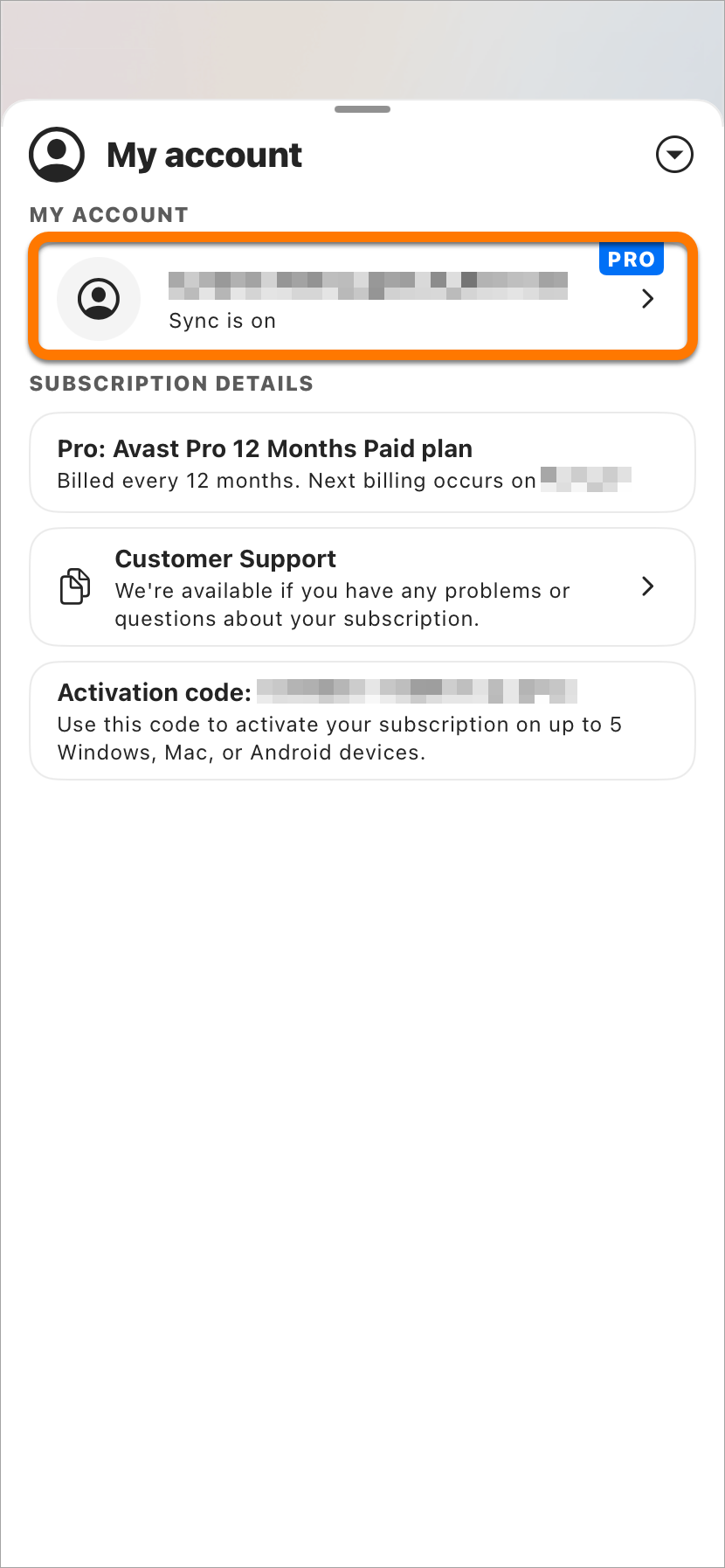
- Open Avast Secure Browser and click the Account icon to the right of the address bar.
- Next to Sync is on, click
⋮Options (the three dots) ▸ Settings.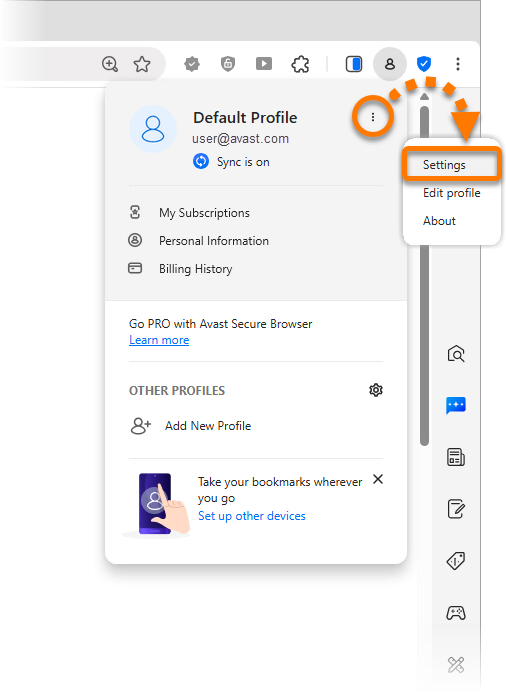
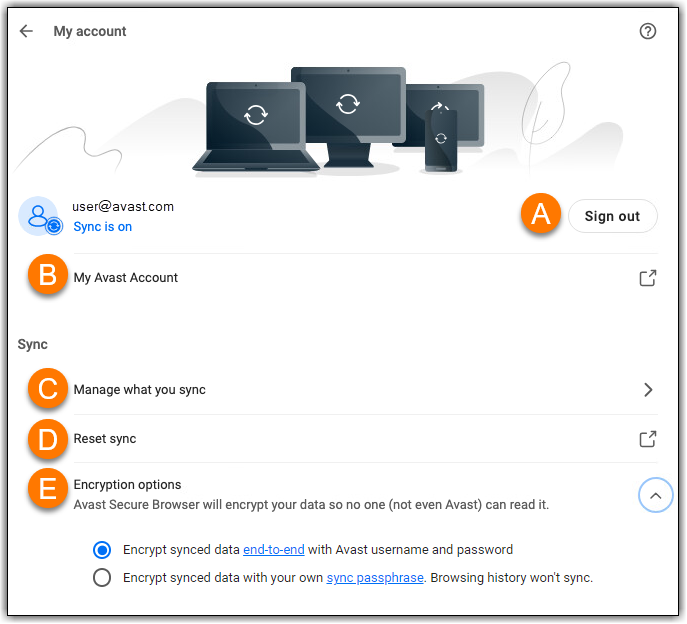
- The following options are available:
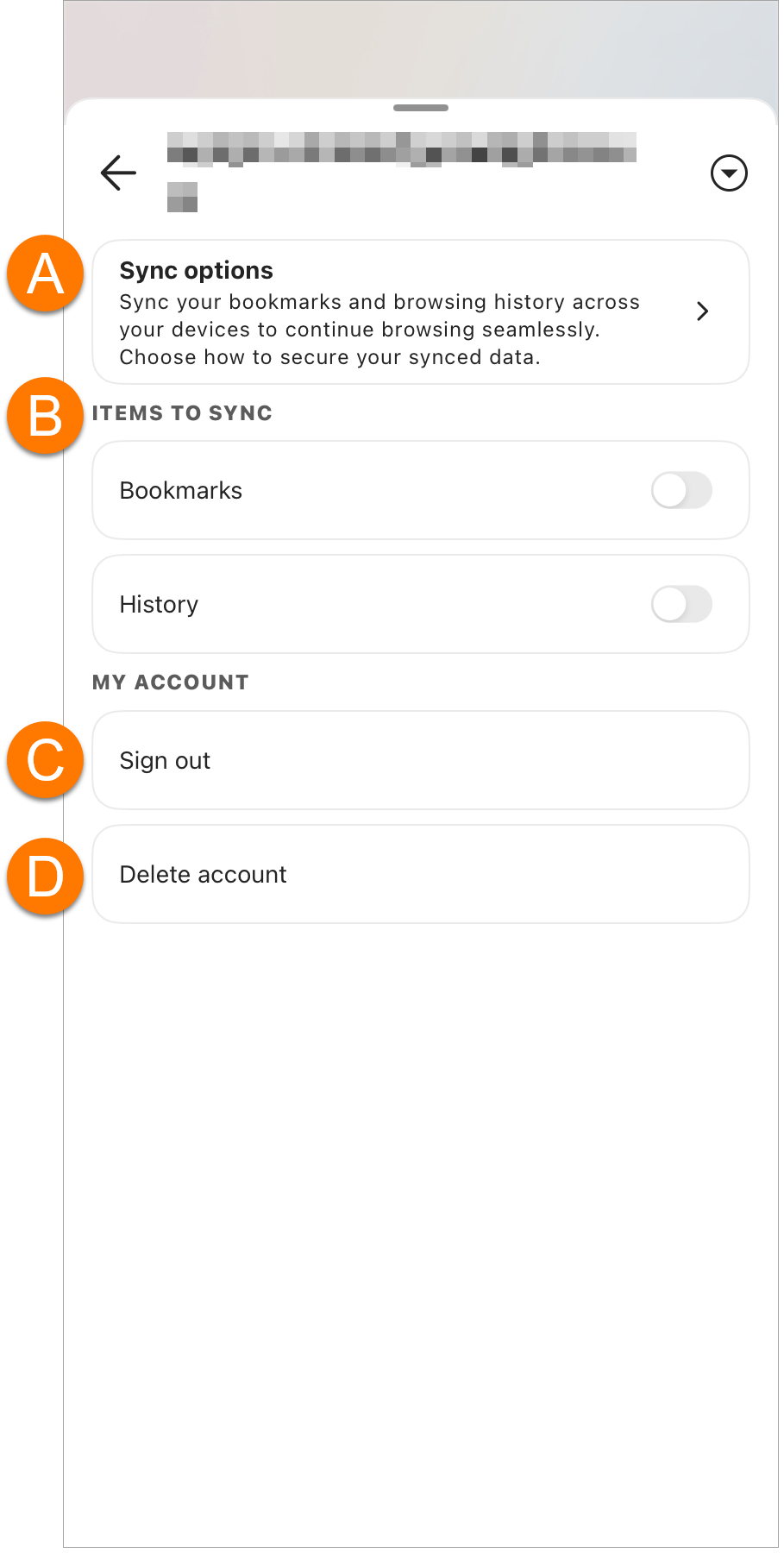
- Sign out: Signs you out of the current Avast Account and disables syncing on that device. No data is removed from the current device, but any subsequent bookmarks and browsing history that you create will not be synchronized with your other devices.
- My Avast Account: Opens your Avast Account in a new browser.
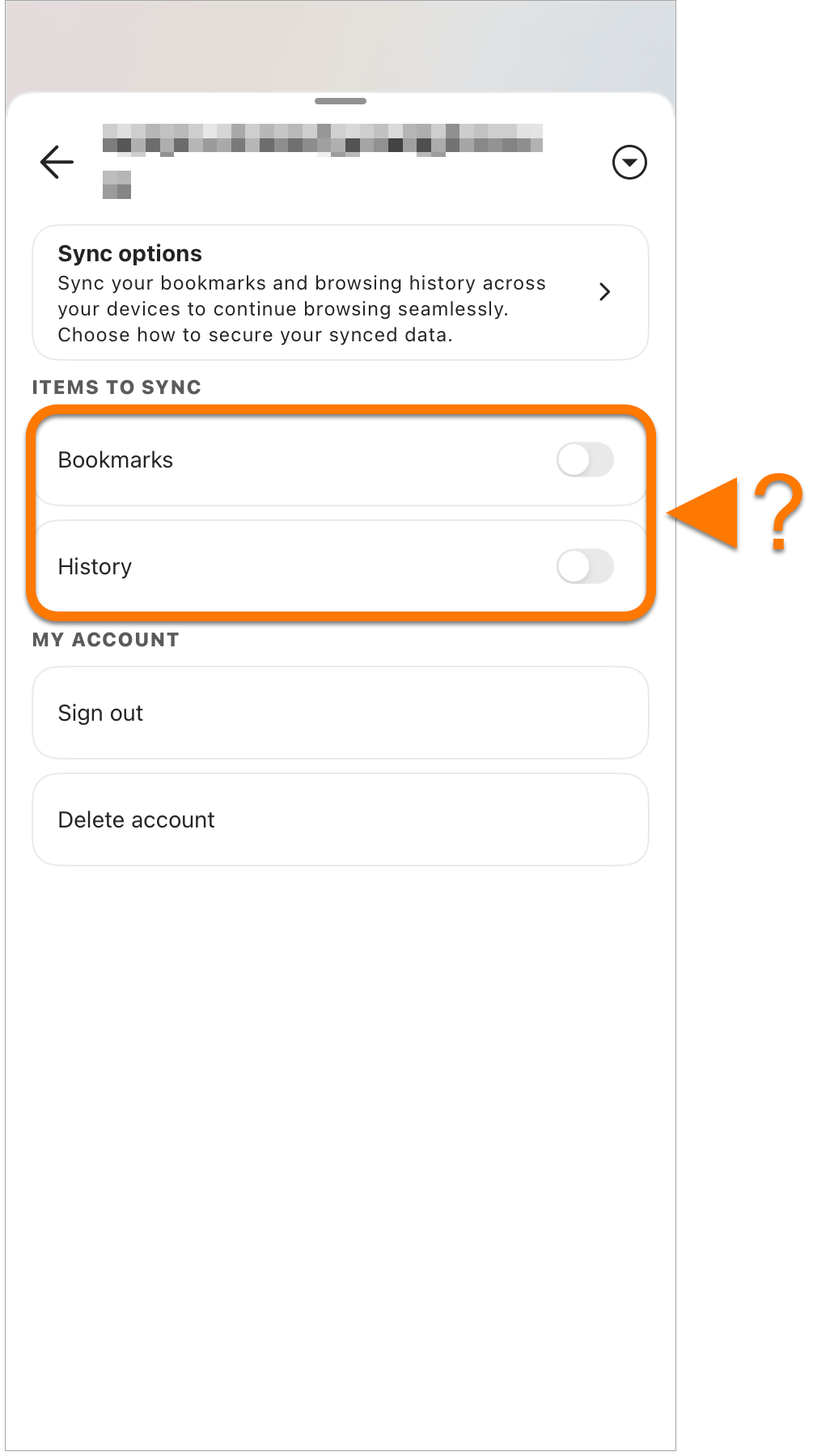
- Manage what you sync: To change which data is synced on this device, ensure Customize sync is selected, then click the green (ON) slider next to the relevant data type so that it changes to gray (OFF).
- Reset sync: Signs you out of all your synced devices and deletes your synced data from our Avast servers.
- Encryption options: Allows you to specify exactly how your encrypted data is protected. Select your preferred method:
- Encrypt synced data end-to-end with your Avast username and password: Your credentials are stored both locally on your device and remotely in the Avast data center. This means that you retain access to your encrypted data even if you need to change your Avast Account password. Your encryption key is stored in a protected vault in the Avast data center, which prevents Avast from accessing it.
- Encrypt synced data with your own sync passphrase: The passphrase is only stored locally on your device and is not stored remotely in the Avast data center. This means that if you forget your passphrase, Avast cannot reset it. You are prompted to enter your passphrase each time you add a new device to your sync group.
Further recommendations
To learn more information about using Avast Secure Browser, refer to the following articles:

 Account icon in the top-left corner of the main app screen.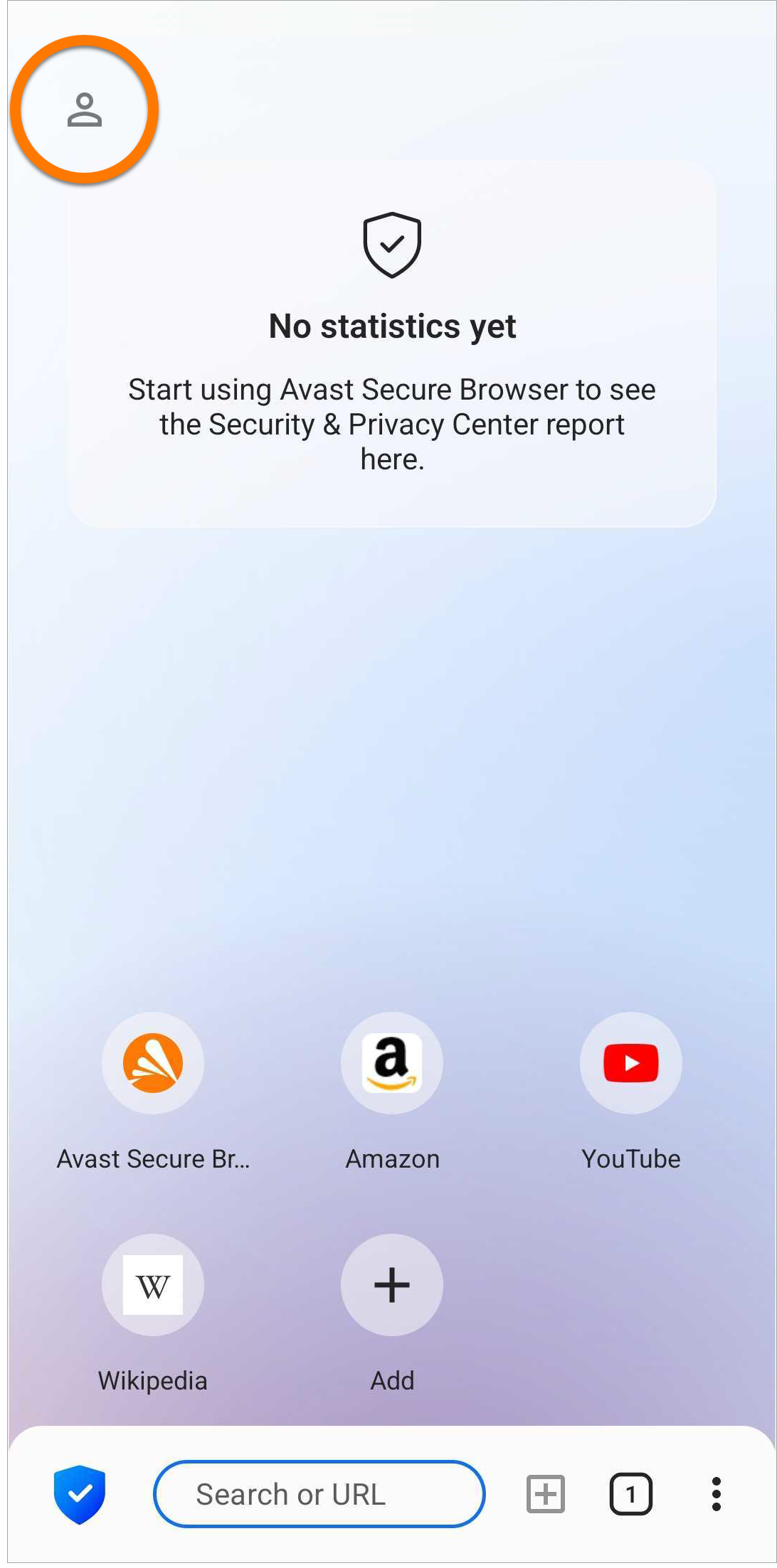
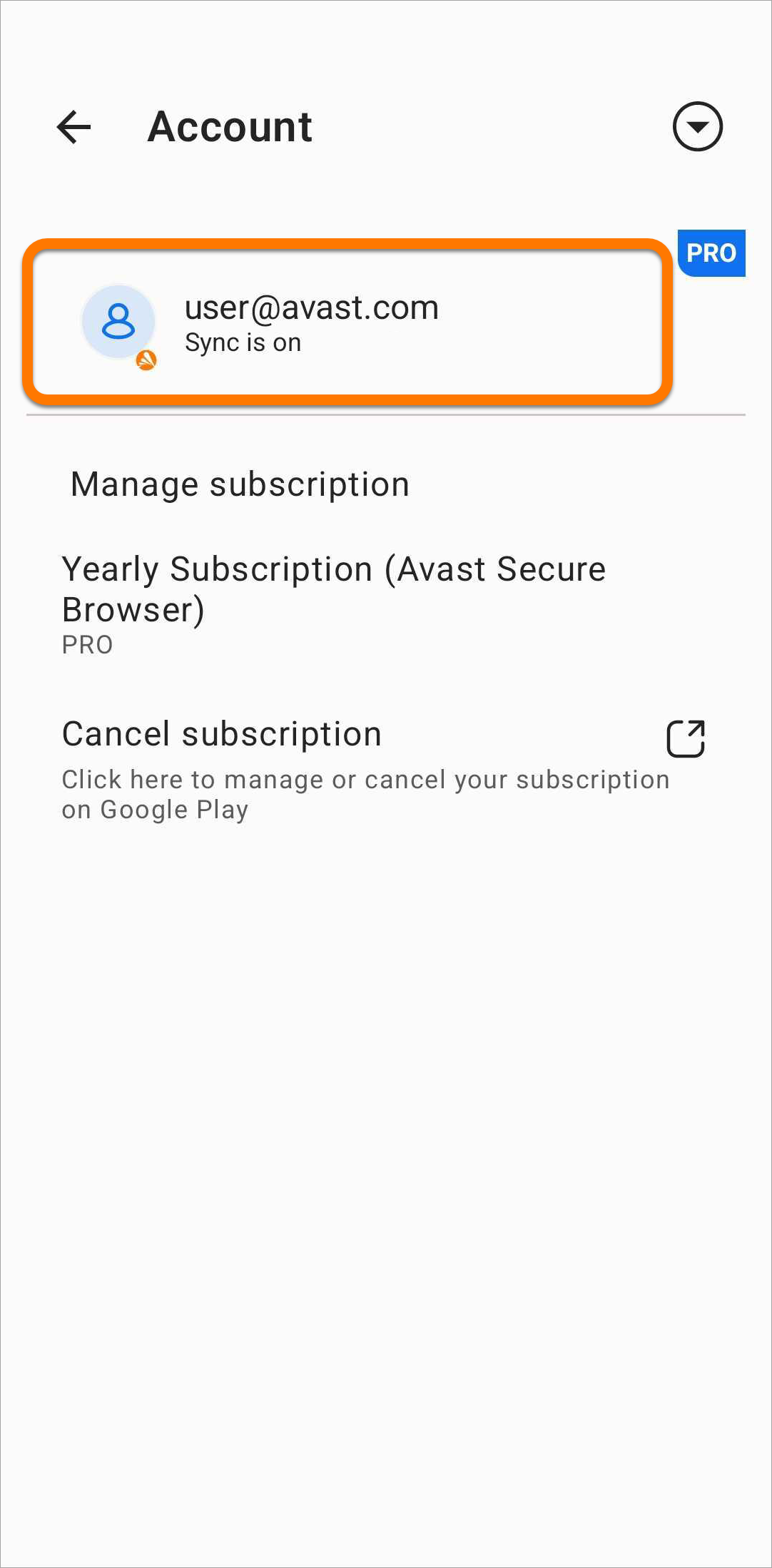
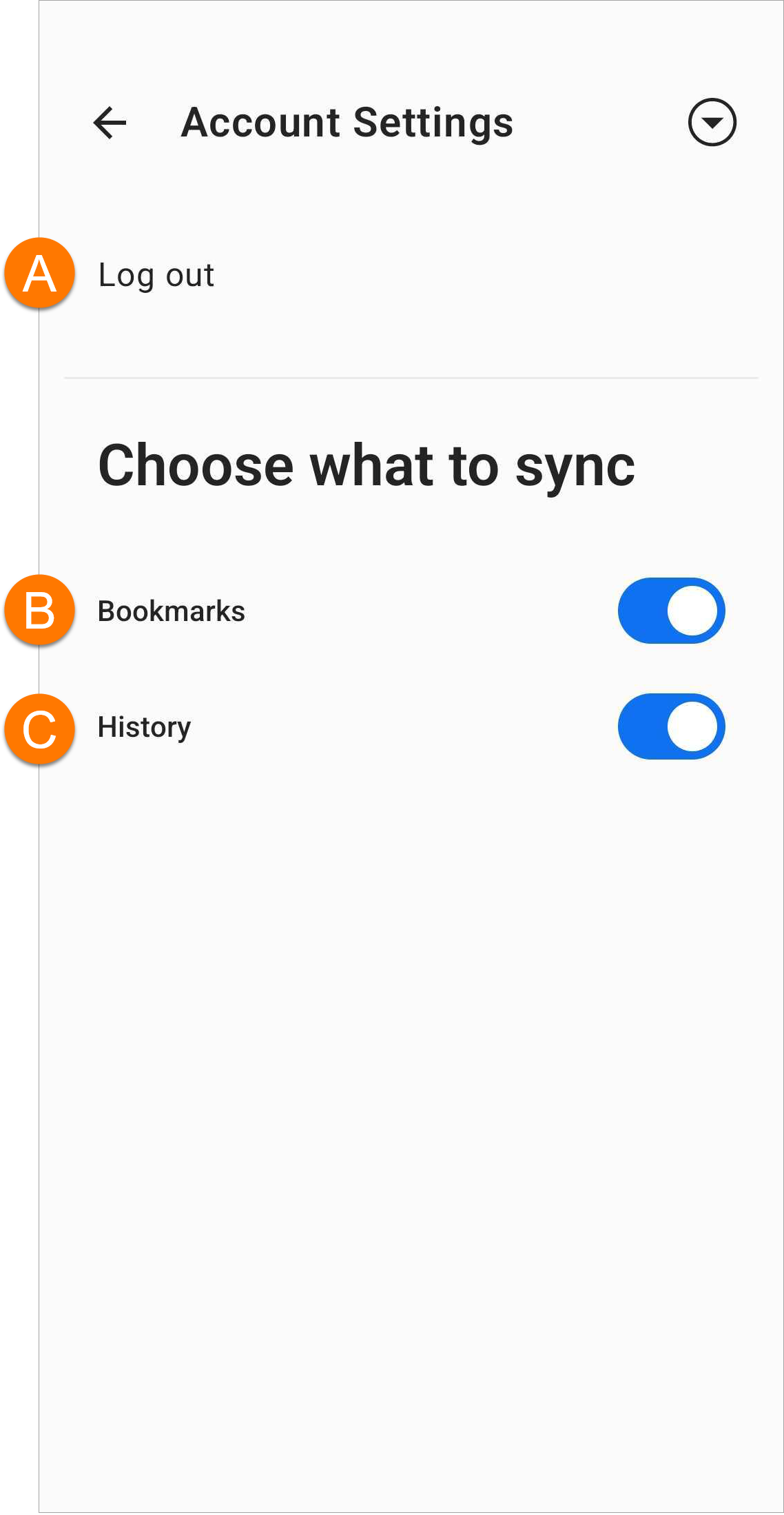

 Account icon in the top-left corner of the main app screen.