To change your App Lock PIN in Avast Mobile Security:
- Open Avast Mobile Security and go to Explore ▸ App Lock.

Alternatively, open the app which is locked by App Lock and proceed to step 2.
- When you are prompted to type your current PIN, tap Forgot your PIN?.
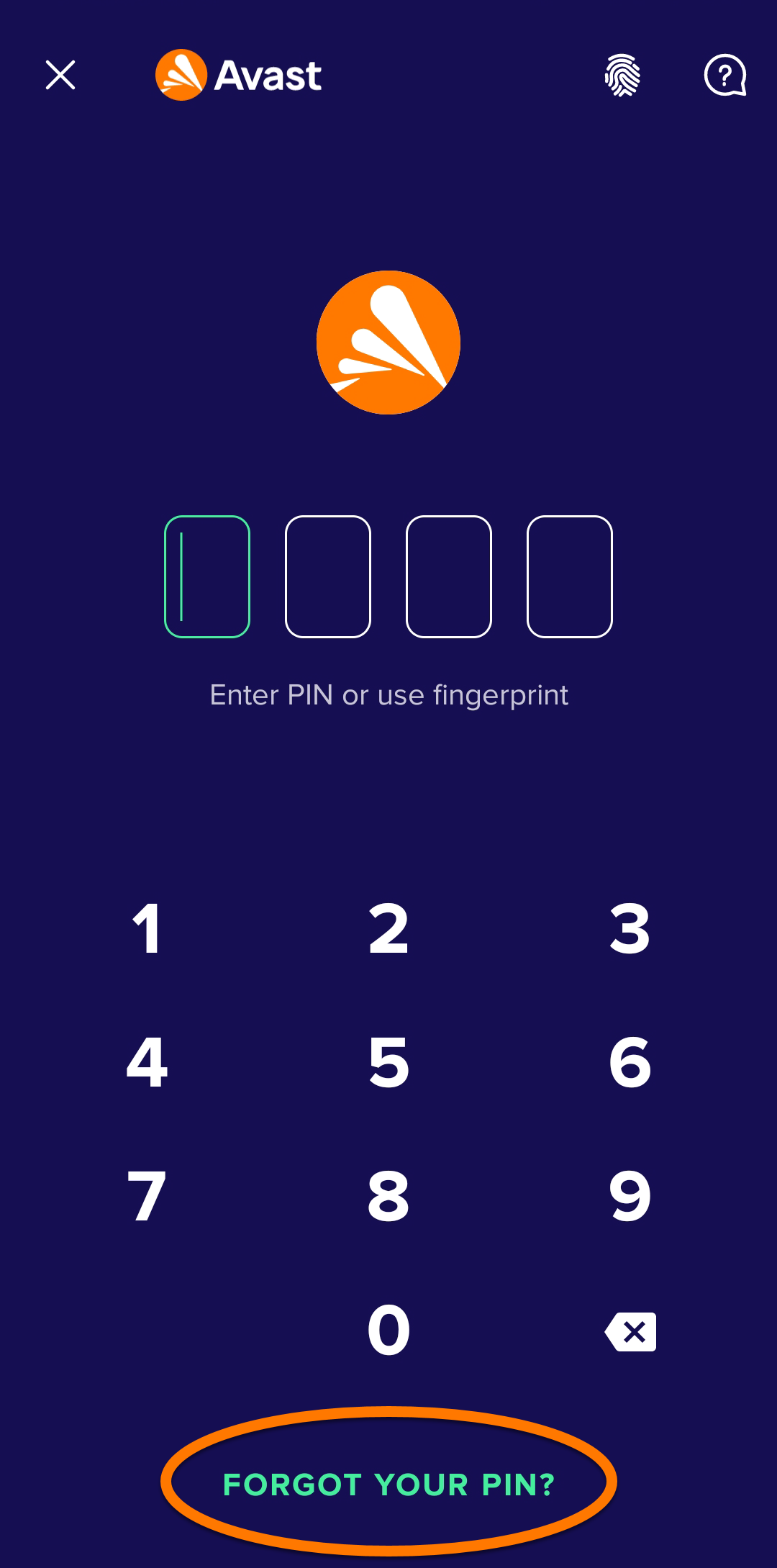
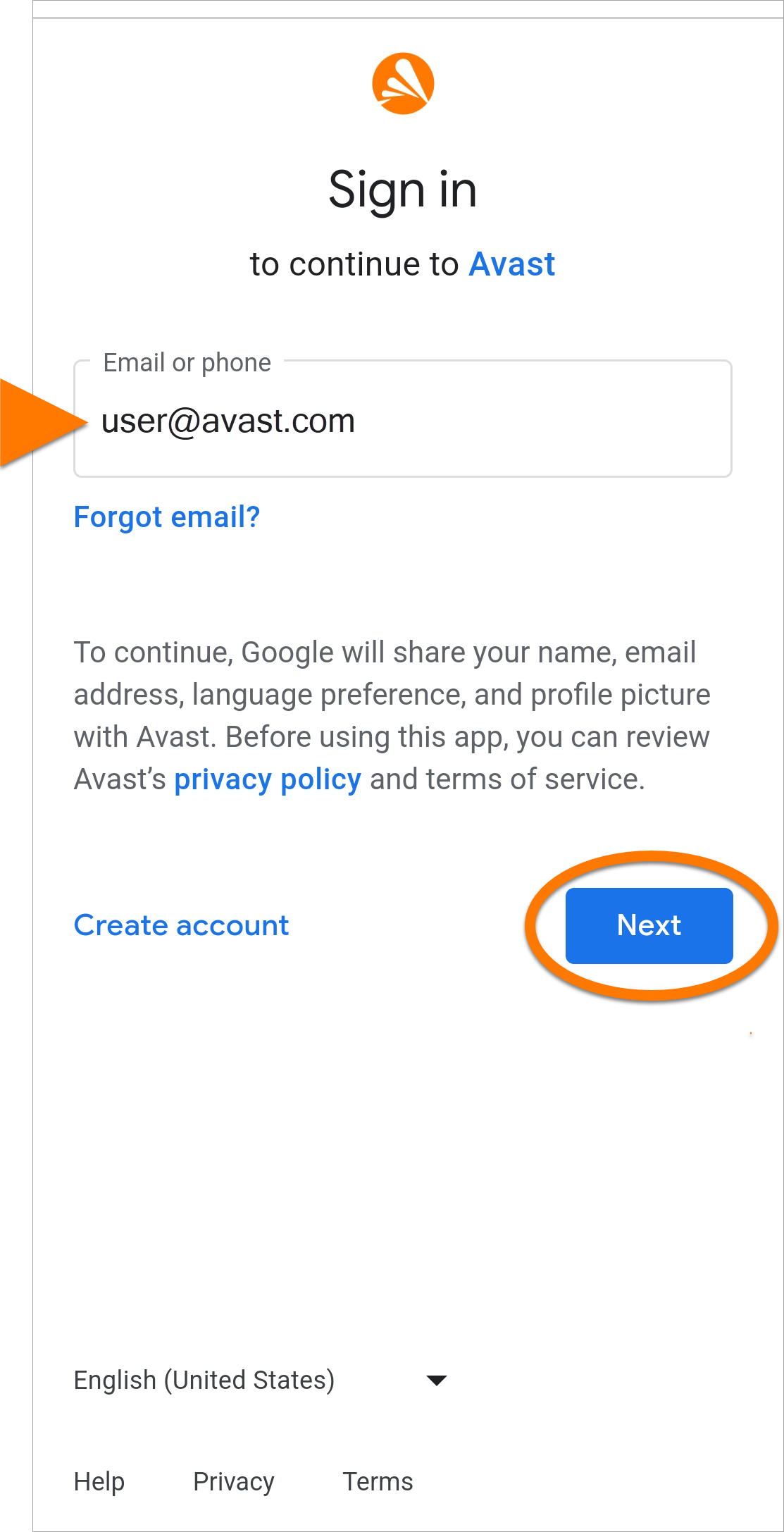
- You are redirected to the Google Account login page. Ensure the Google Account that appears is the one that you selected for App Lock PIN reset, then tap Next.
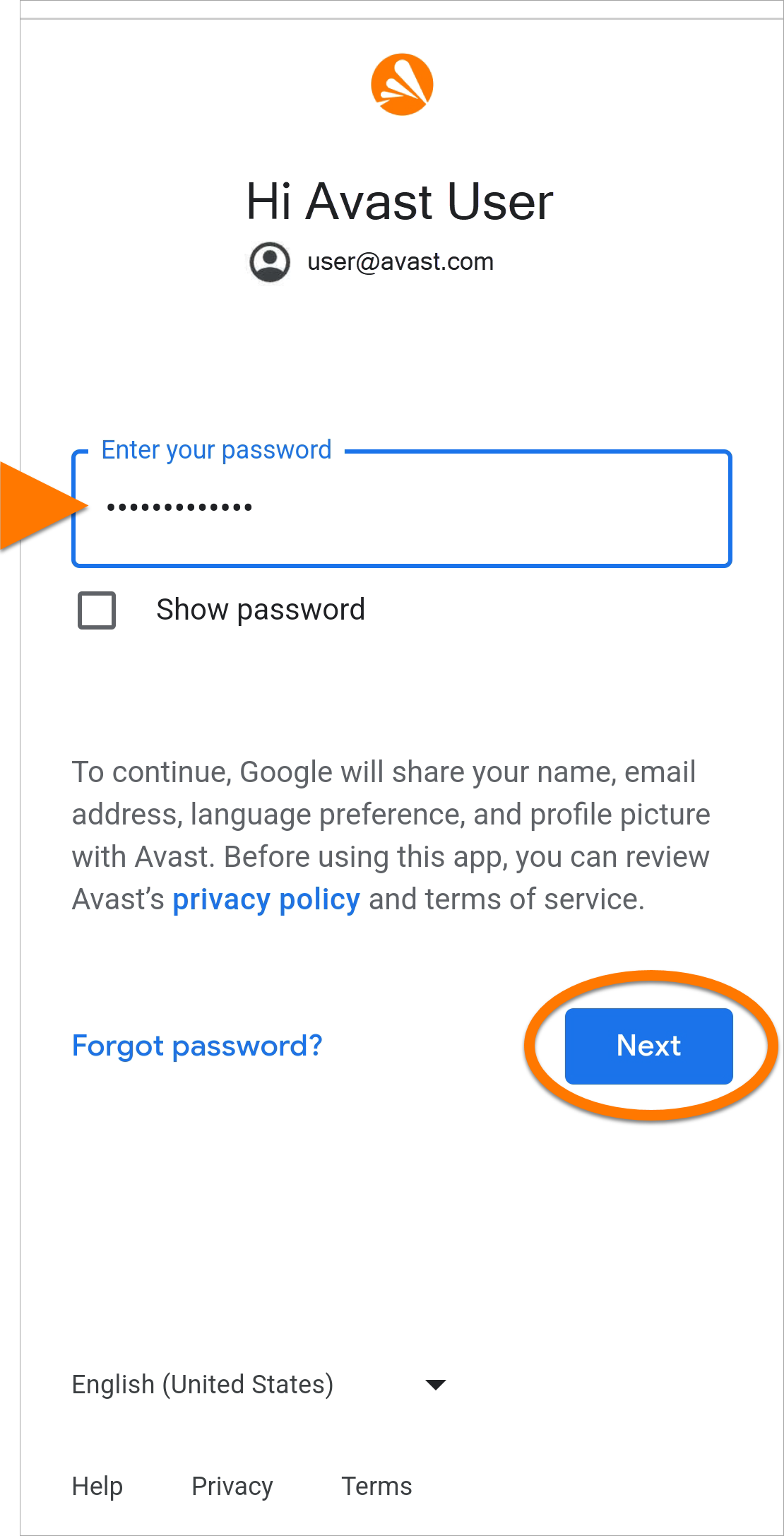
- Type your Google Account password and tap Next.
- Type your new PIN twice to confirm the change.
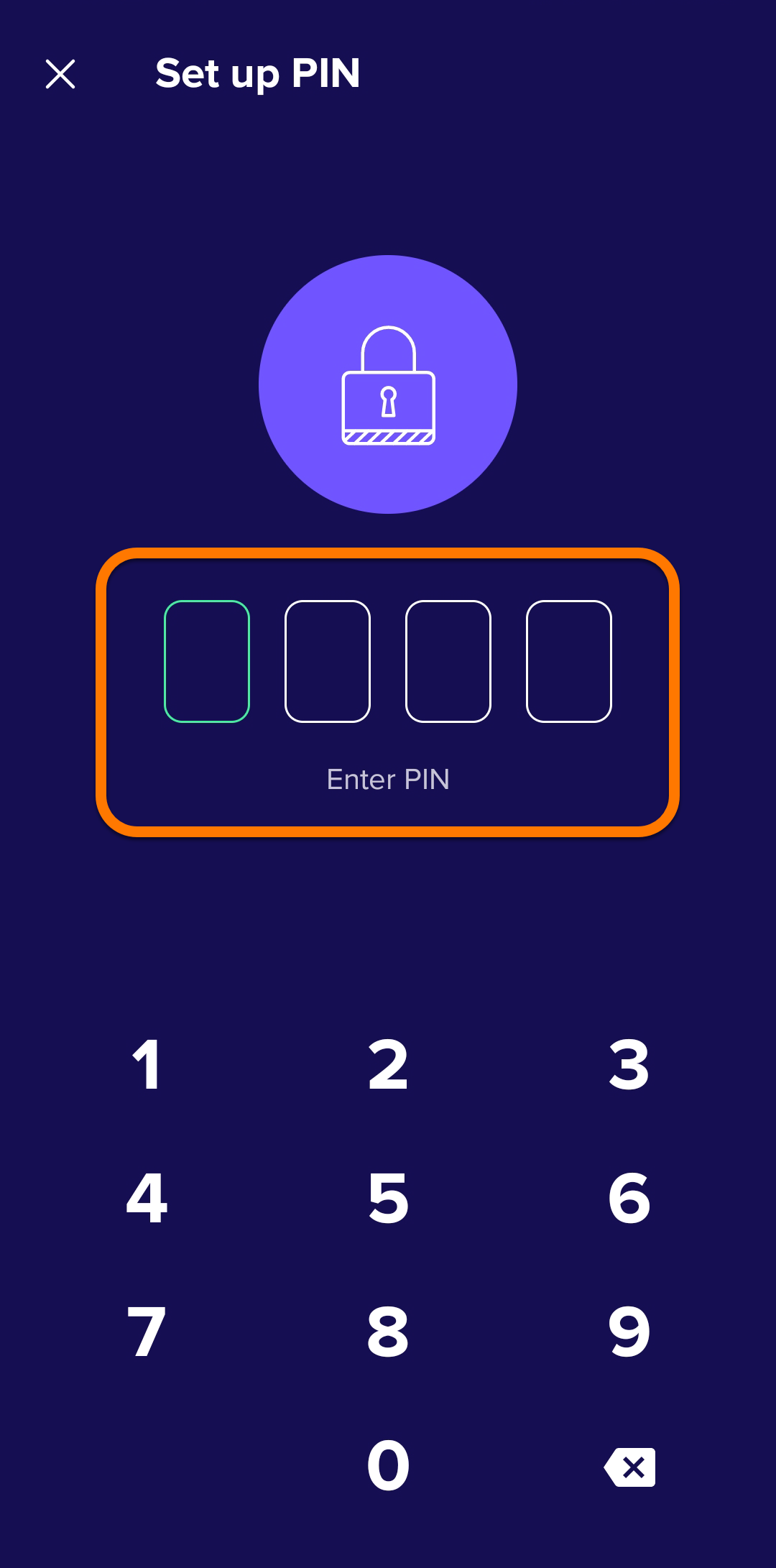
Your new App Lock PIN has been changed.
Further recommendations
For further information regarding Avast Mobile Security and App Lock, refer to the following articles:
To change your App Lock PIN in Avast One:
- Open Avast One and go to Explore ▸ App Lock.

Alternatively, open the app which is locked by App Lock and skip to step 2.
- When you are prompted to type your current PIN, tap Forgot your PIN?.
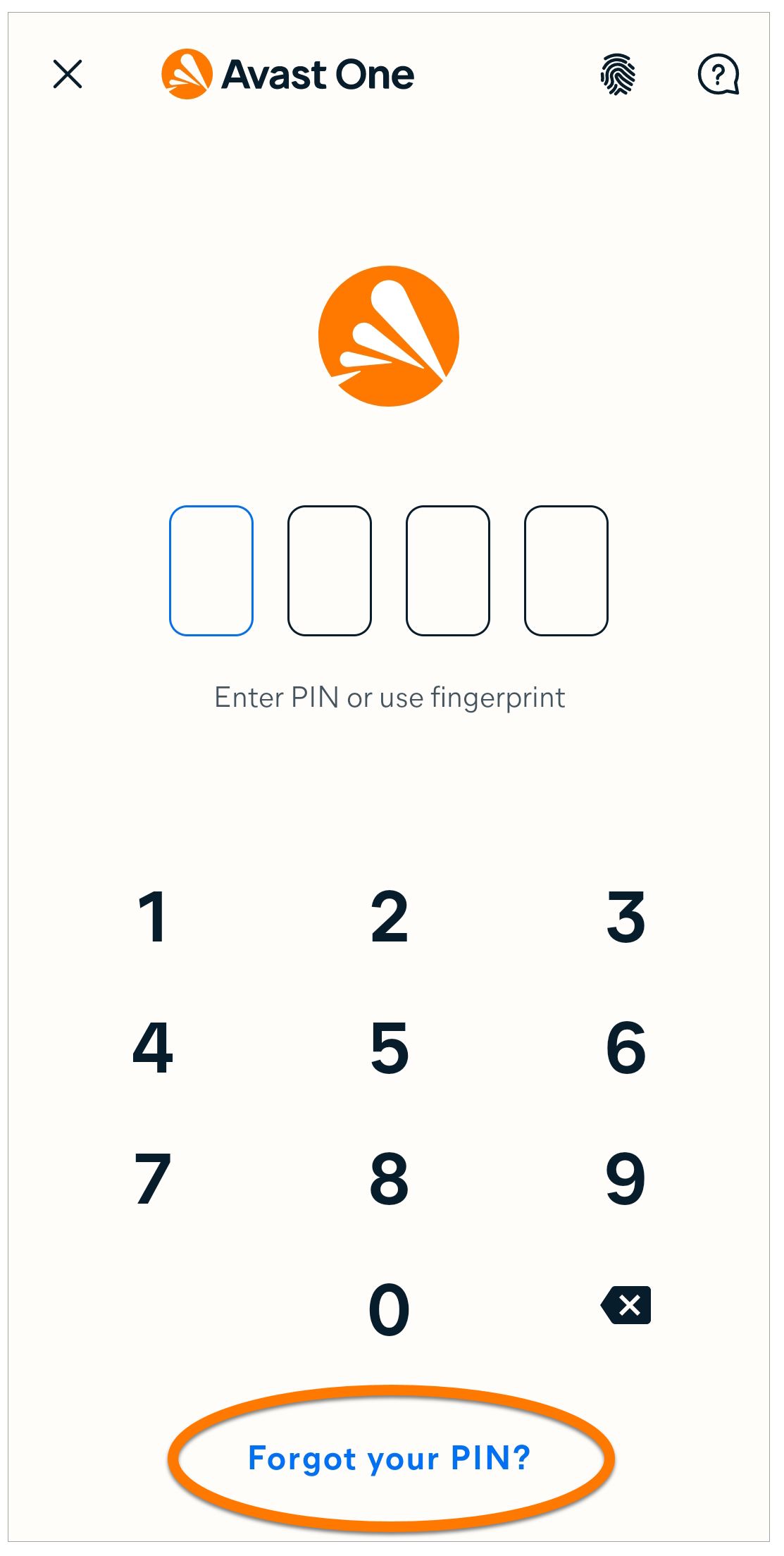
- You are redirected to the Google Account login page. Ensure the Google Account that appears is the one that you selected for App Lock PIN reset, then tap Next.
- Type your Google Account password and tap Next.
- Type your new PIN twice to confirm the change.
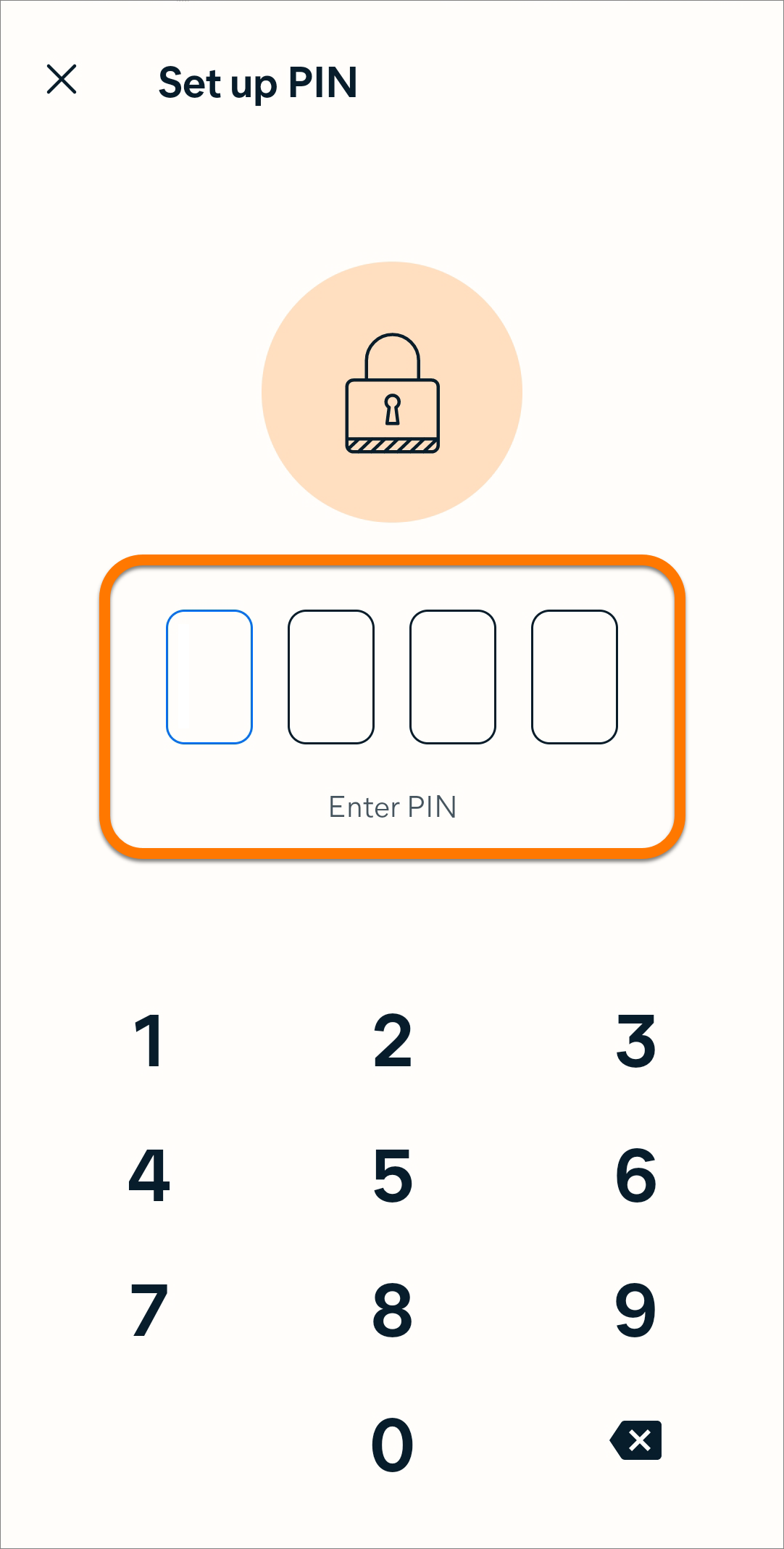
Your new App Lock PIN has been changed.
Further recommendations
For further information regarding Avast One and App Lock, refer to the following article:

