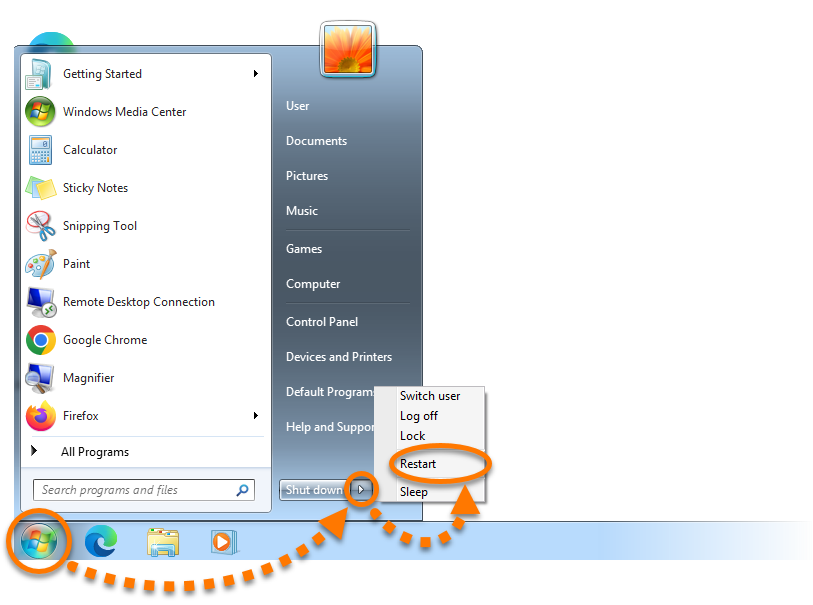
Start icon, select the
 Power icon, then hold down the
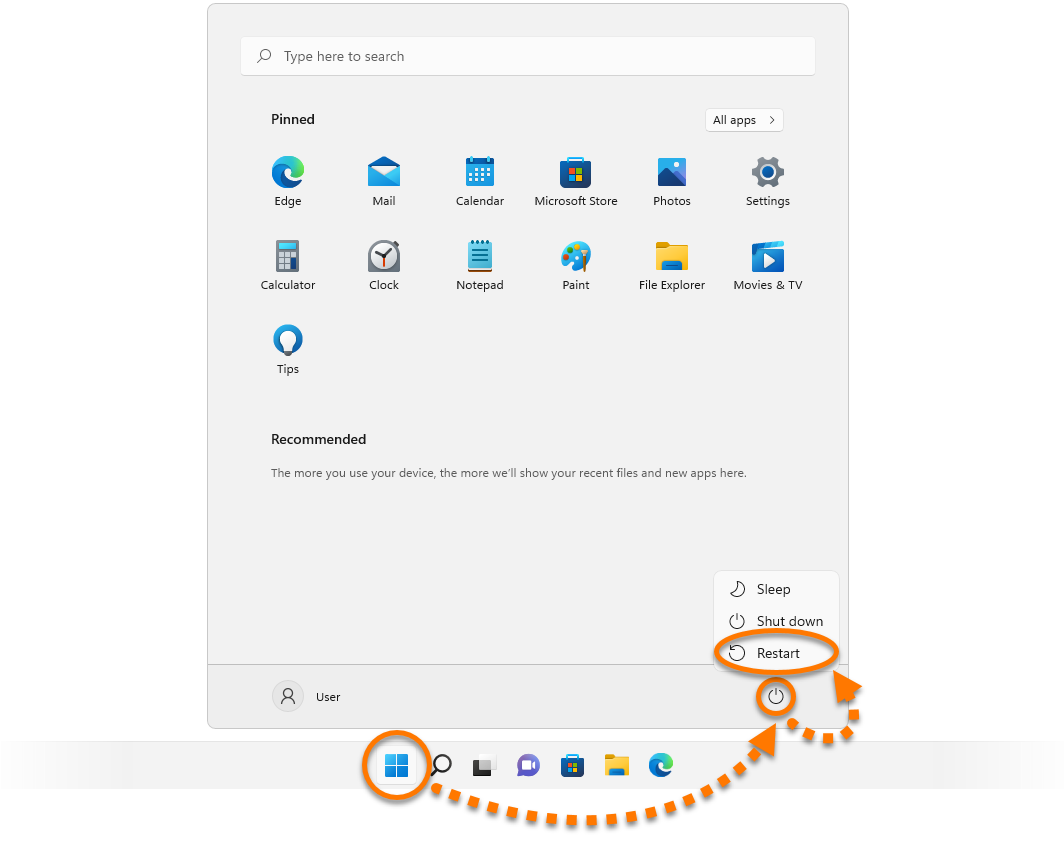
To restart your Windows in Safe Mode, follow these steps:
- Click the Windows
 Start icon, select the
 Power icon, then hold down the
Shift ⇧key on your keyboard and select Restart.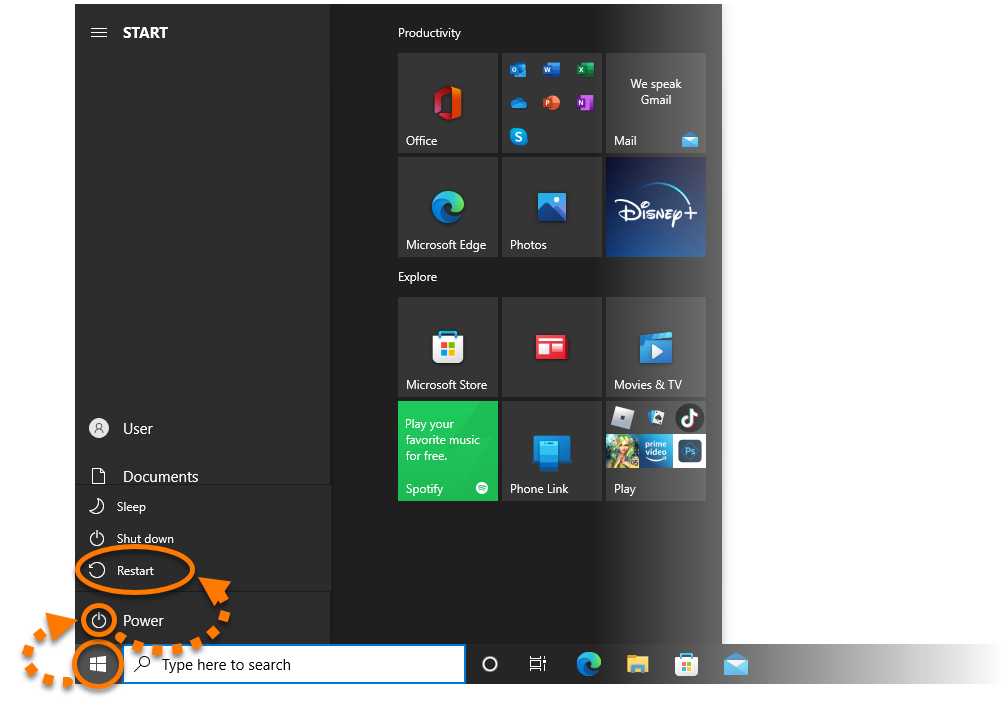
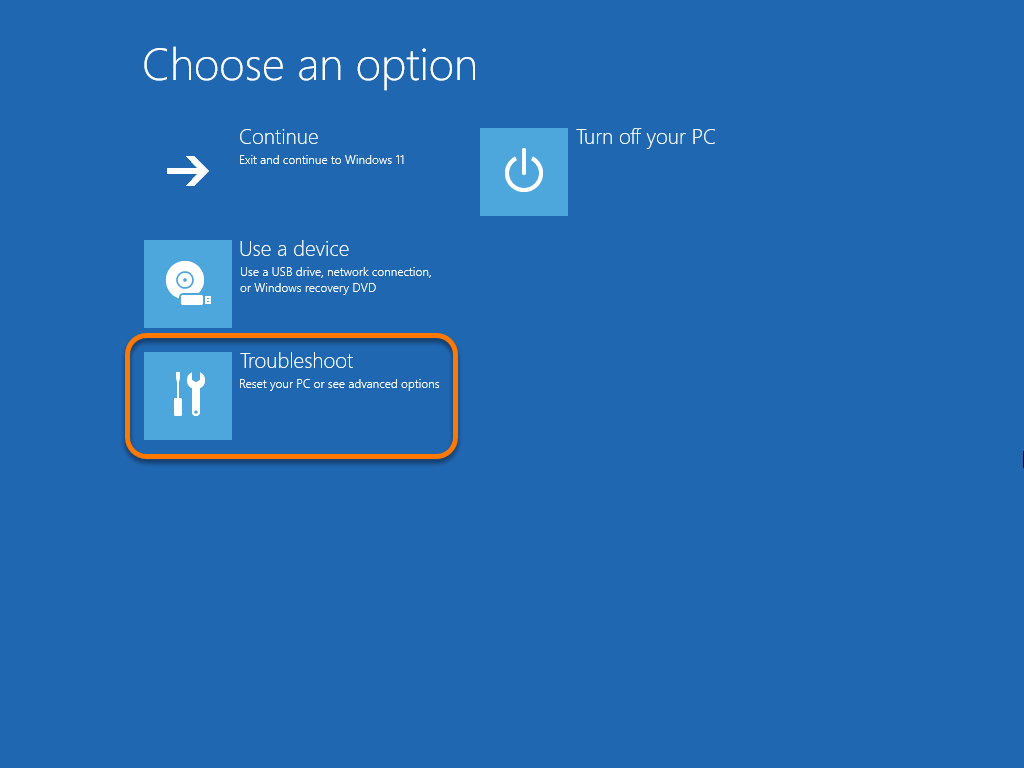
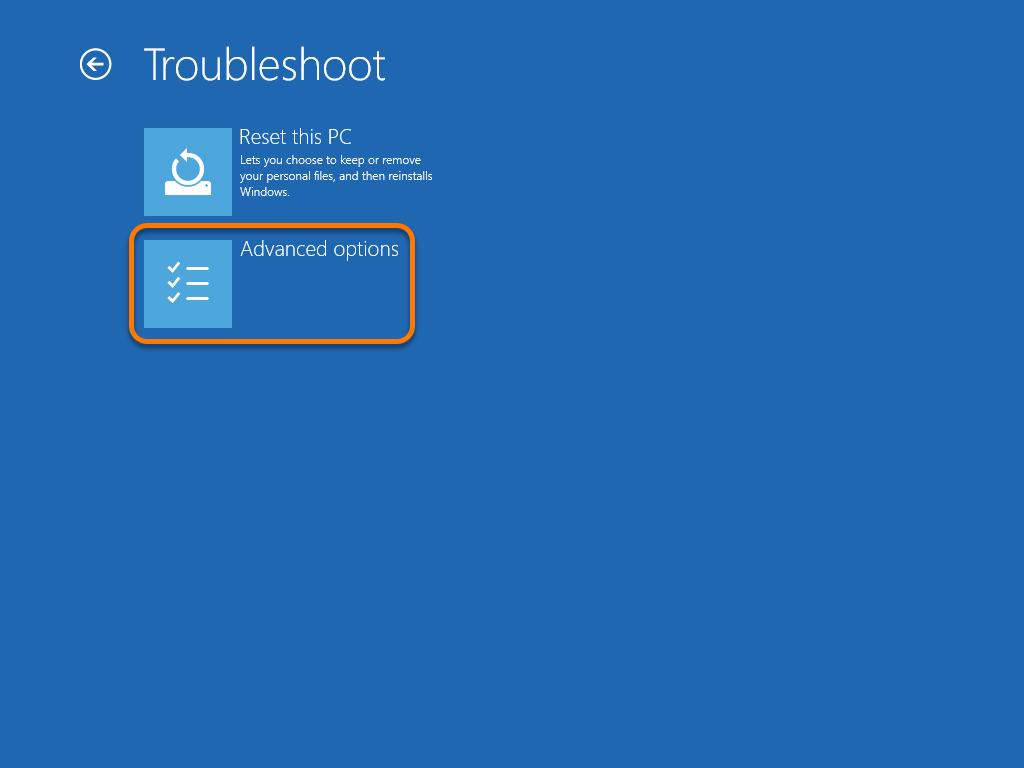
- When the Choose an option screen appears, select Troubleshoot.
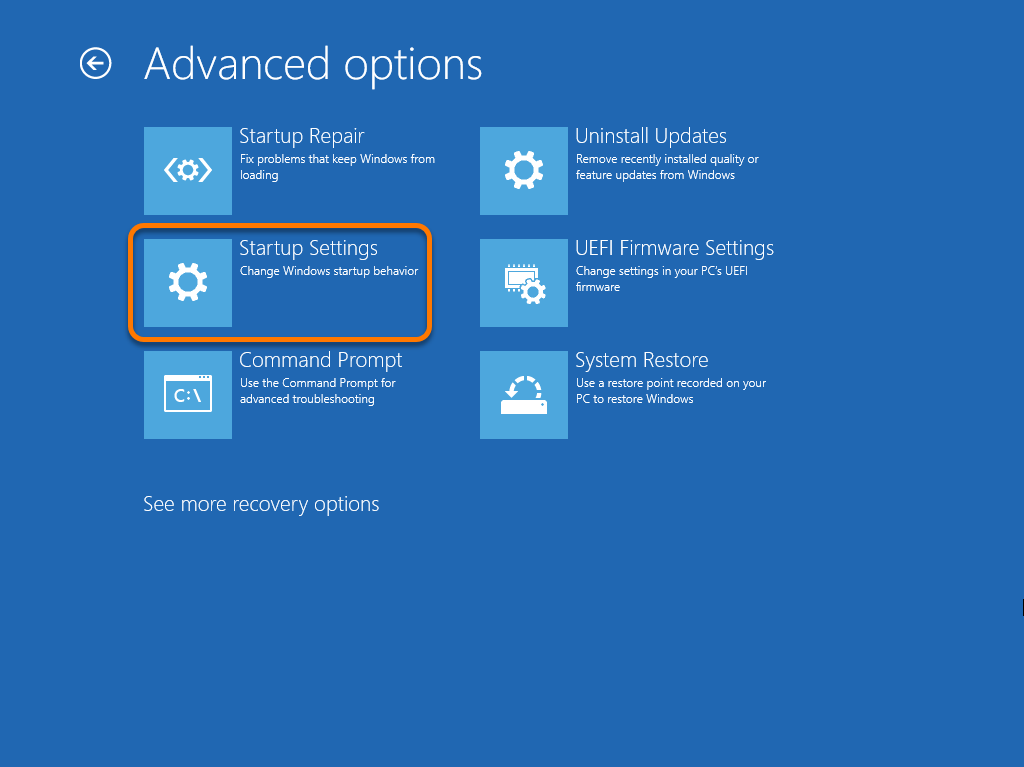
- Select Advanced options.
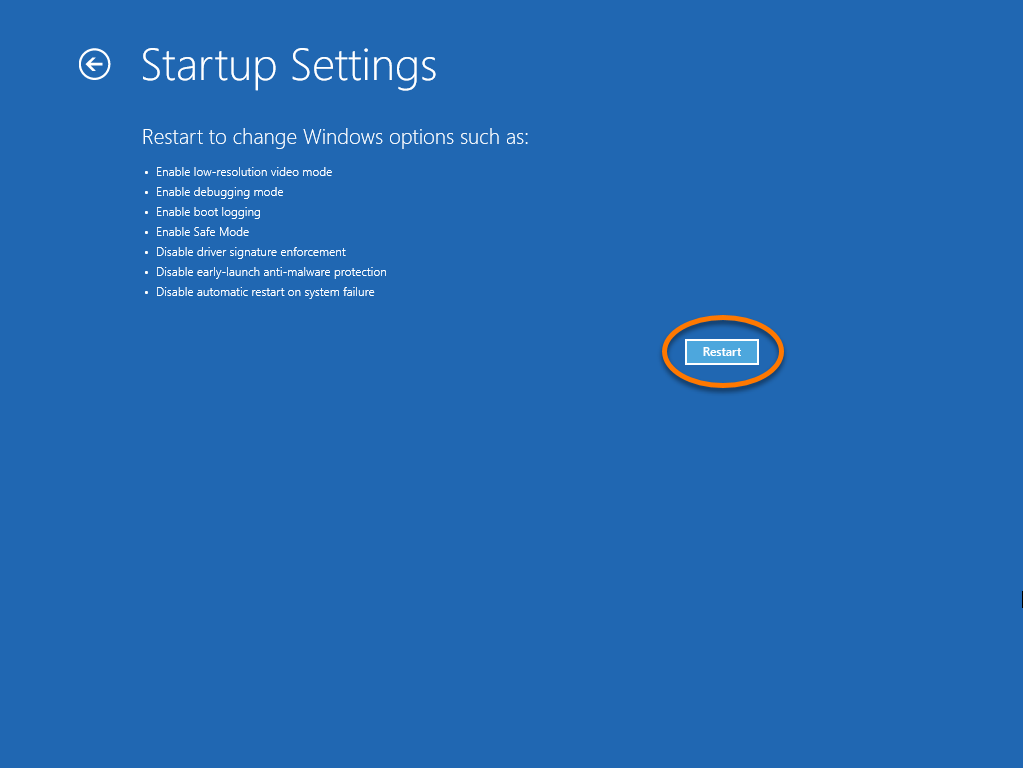
- Select Startup Settings.
- Click Restart to open a list of Startup Settings options.
- Select option 4) Enable Safe Mode.

For certain troubleshooting tasks, you can alternatively select option 5) Enable Safe Mode with Networking or option 6) Enable Safe Mode with Command Prompt.
When your PC restarts, Windows is in Safe Mode and ready for you to perform troubleshooting tasks.
 logo key and
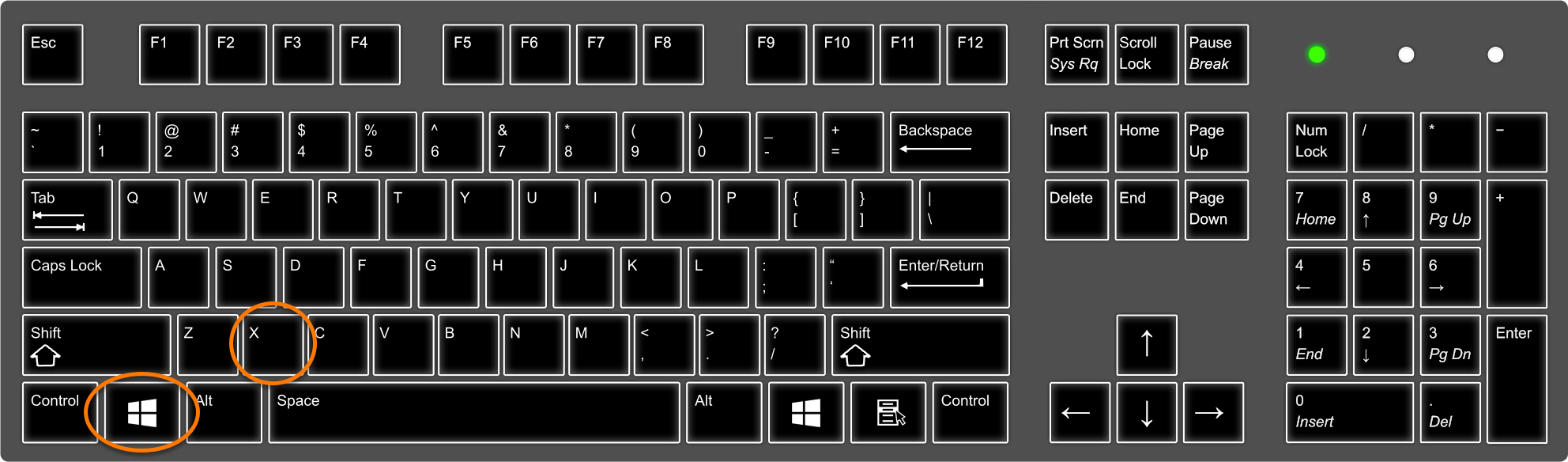
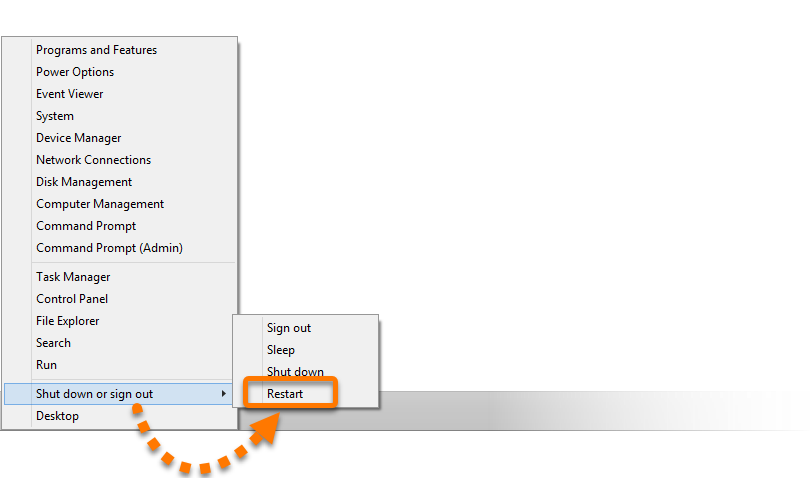
 Start icon and click the arrow icon beside Shut down. Then, while holding down the