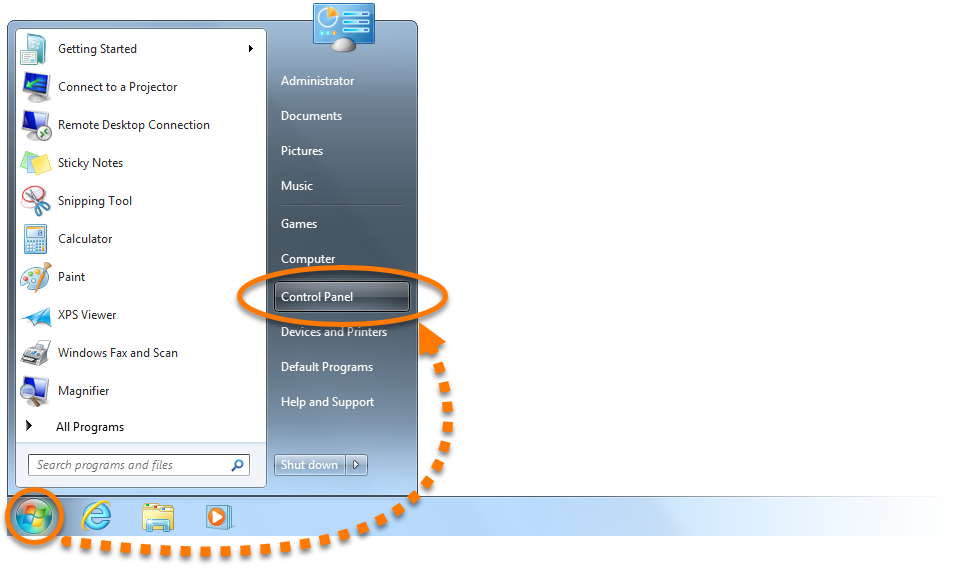
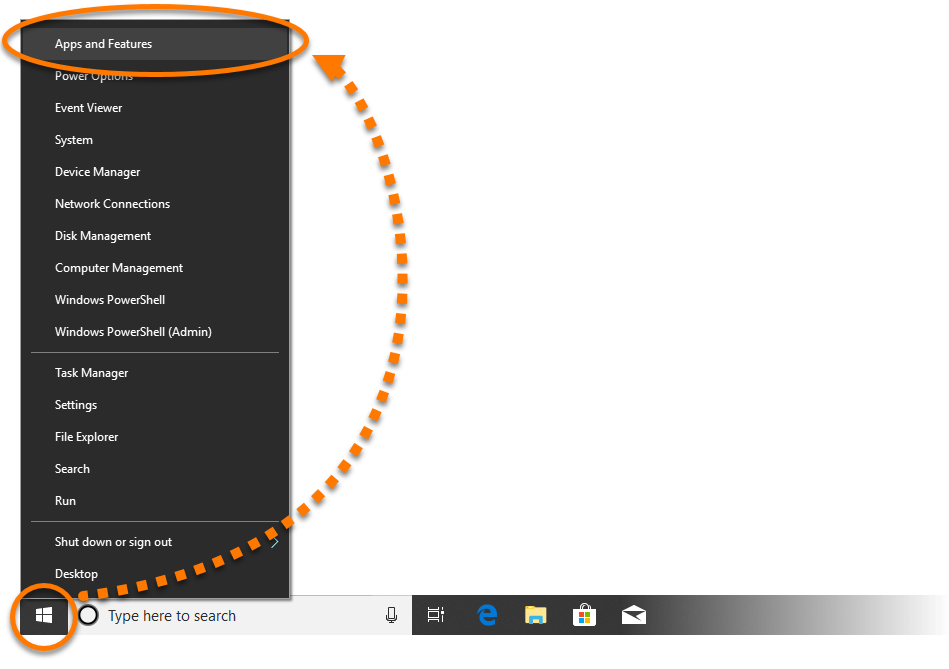
Start icon and select Apps and Features from the menu that appears.

- Ensure that no other applications are running on your PC.
- Right-click the Windows
 Start icon and select Apps and Features from the menu that appears.
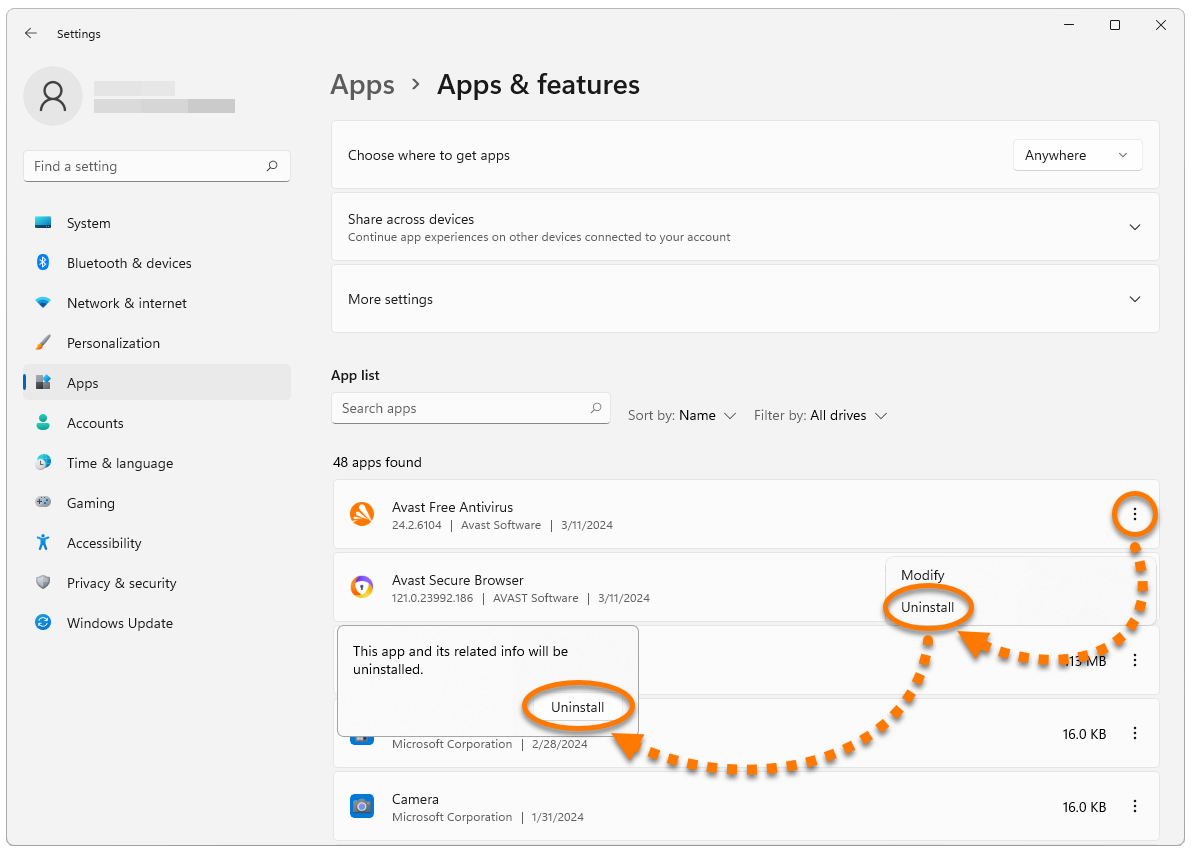
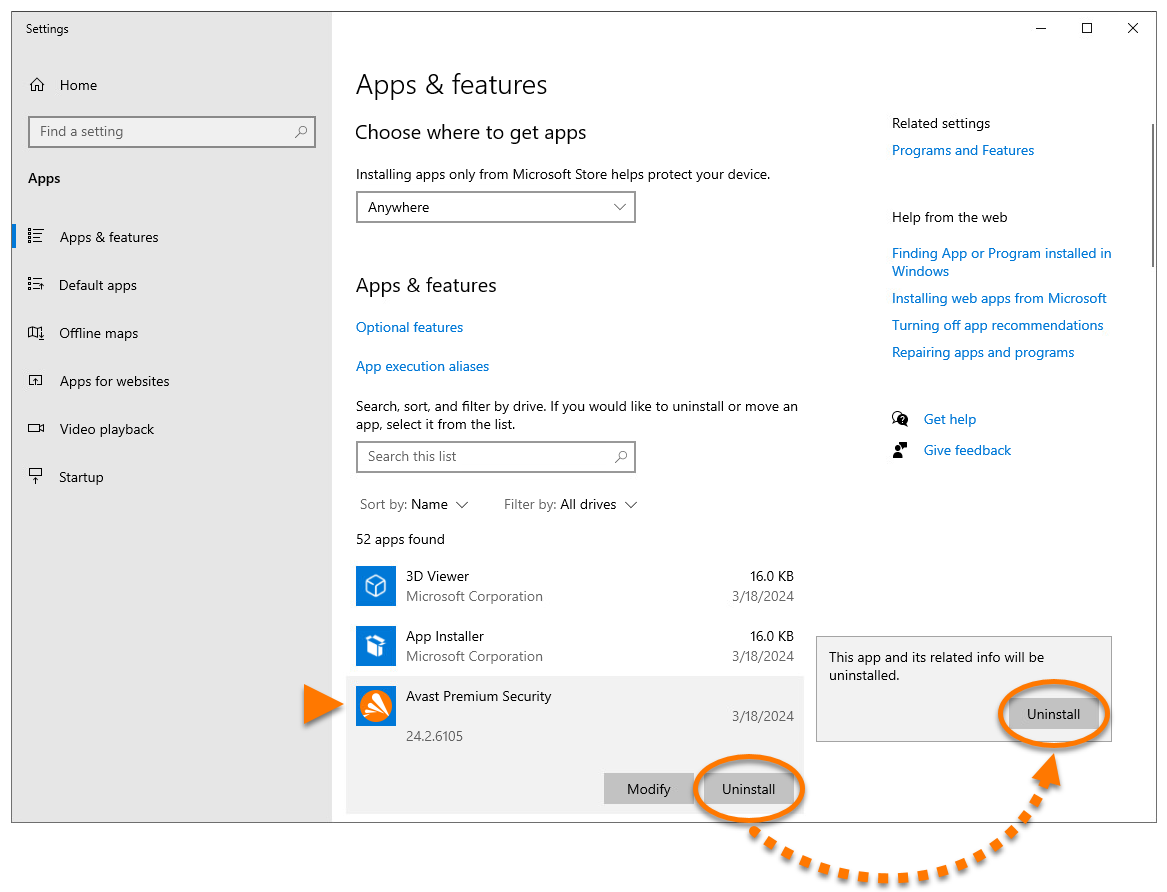
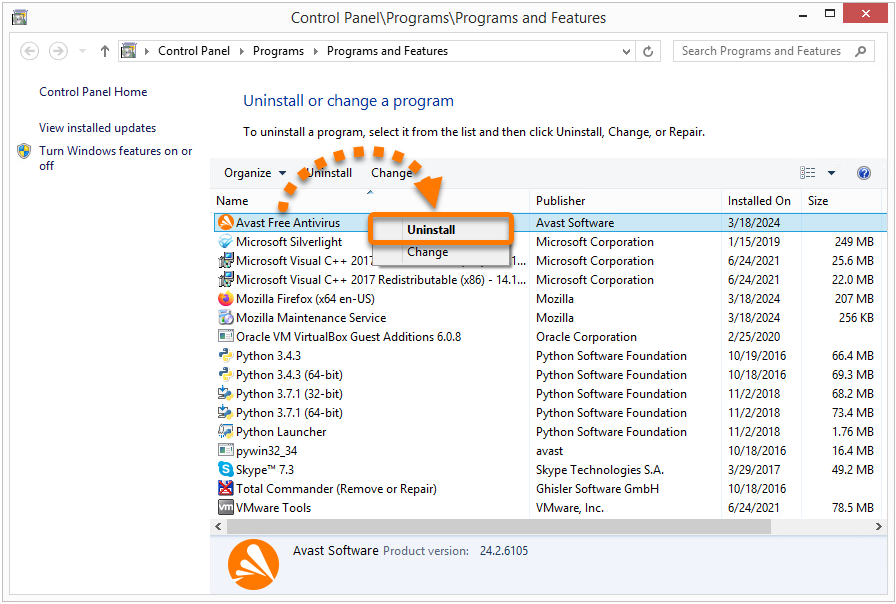
- Click Avast Free Antivirus or Avast Premium Security, and select Uninstall twice.
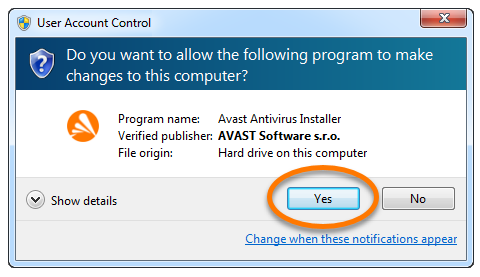
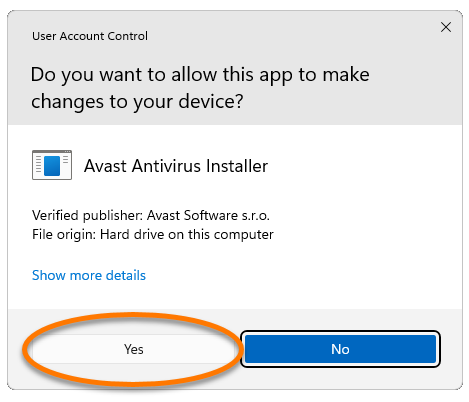
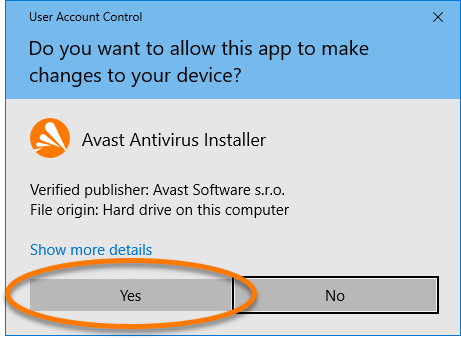
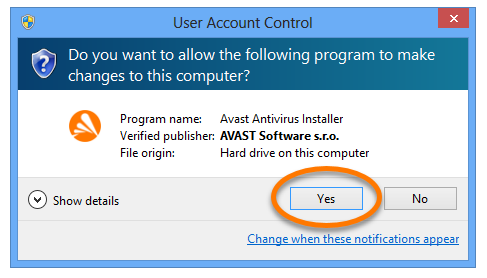
- If prompted for permission by the User Account Control dialog, click Yes.
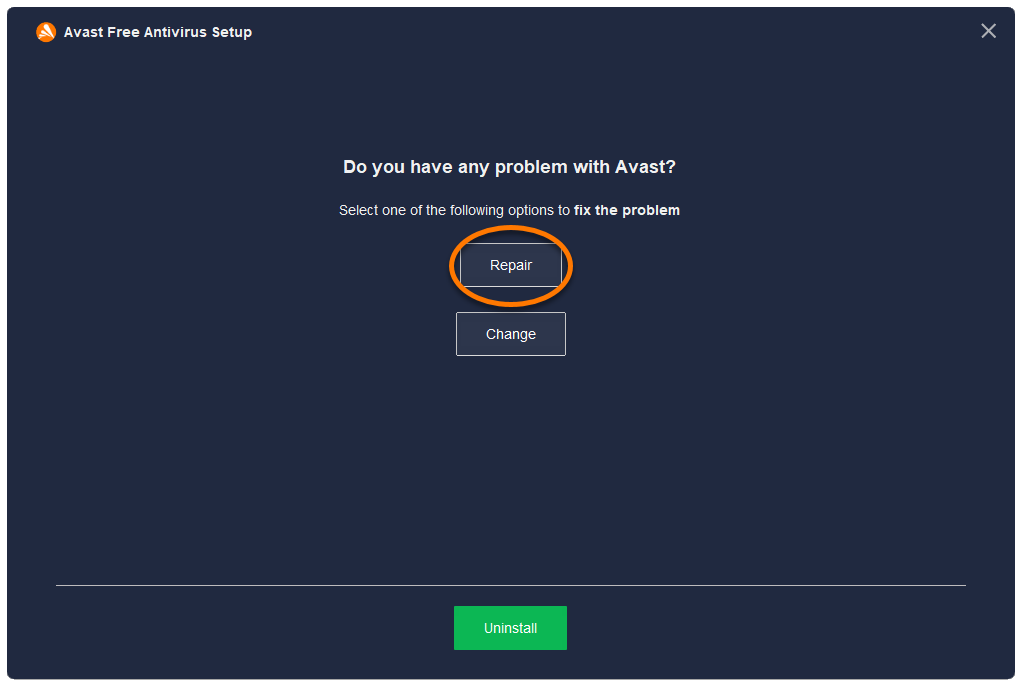
- When the Avast Setup window appears, click Repair.
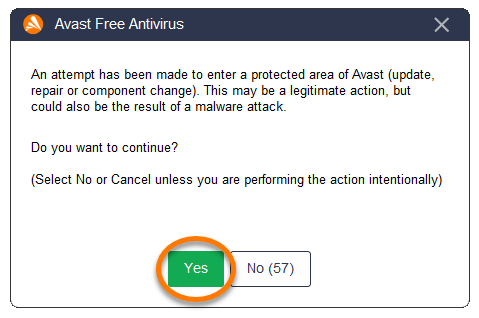
- Select Yes, to confirm that you have intentionally requested to repair the application.
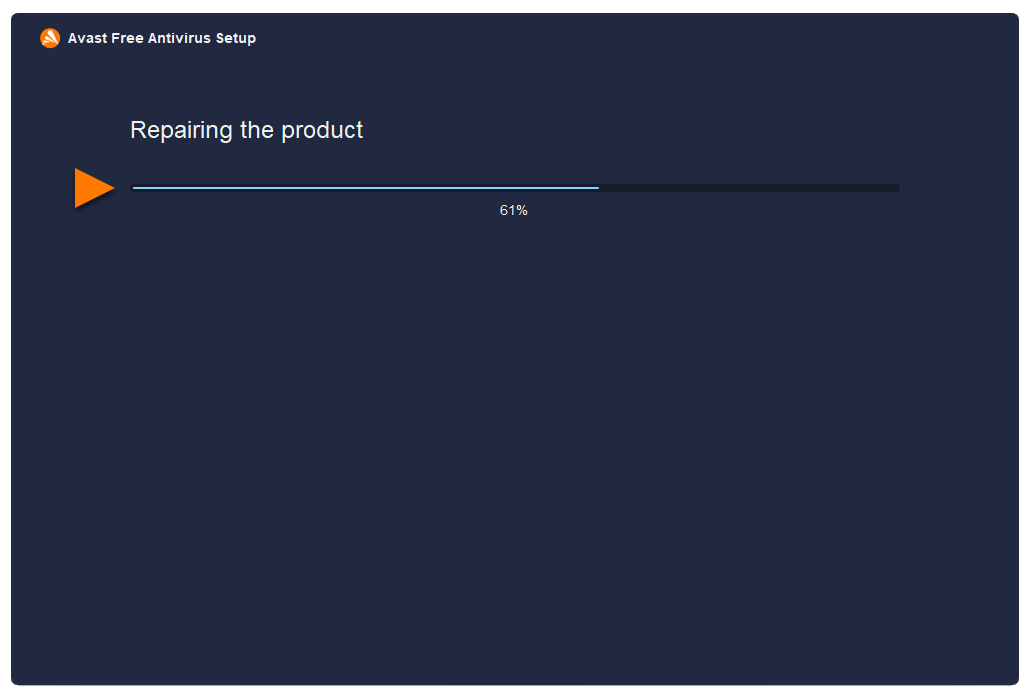
- Wait while setup repairs your Avast application.
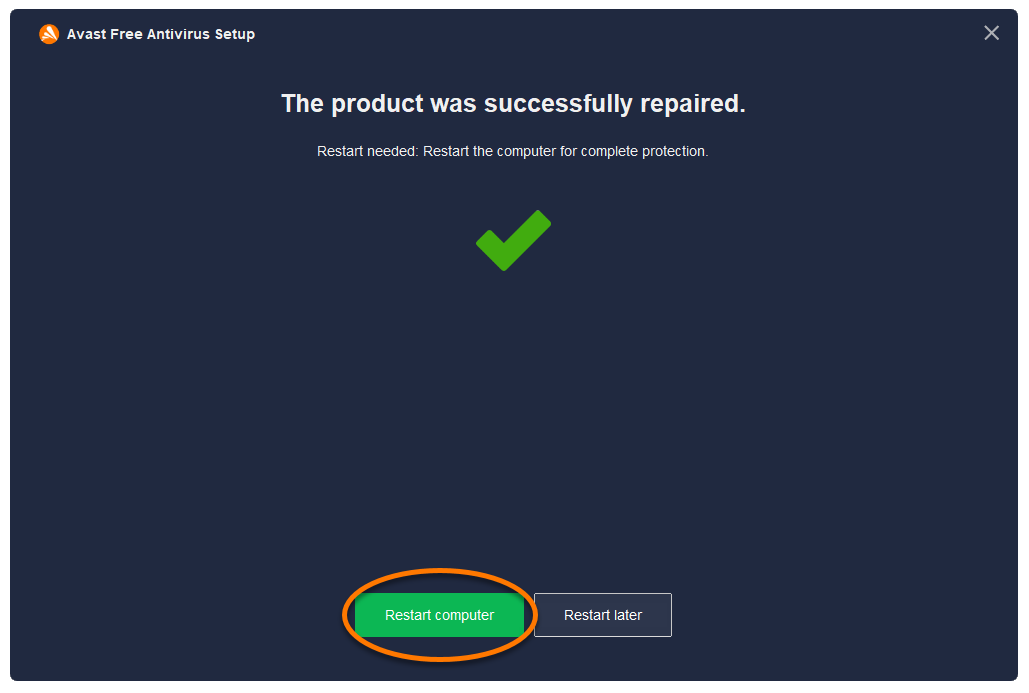
- If prompted, click Restart computer to immediately reboot your PC and complete the repair. If a restart is not necessary, click Done.
Your Avast application is repaired.
 logo key and the
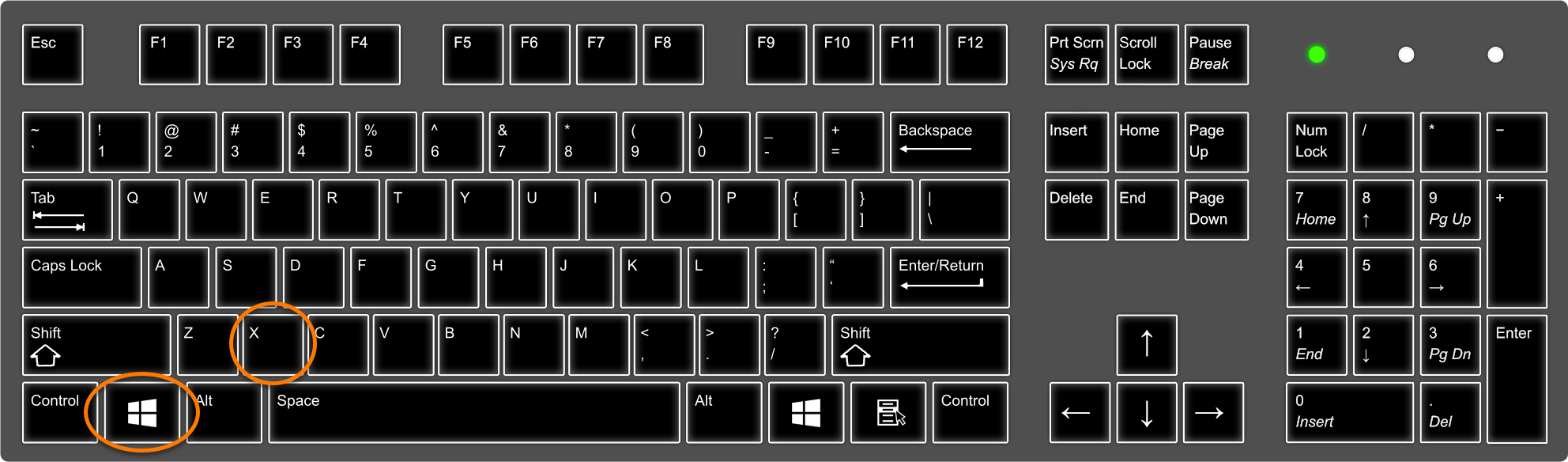

 Start icon and select Control Panel.