Promotional banner image

IS YOUR COMPUTER SLOW? RUN LIKE NEW

If they are not maintained, computers lose performance over time. Avast Cleanup Premium can help significantly improve the performance of your computer.

Joining the Avast Android beta program

Android

Joining beta tester groups gives you the opportunity to test the latest versions of Avast Android apps before public release. You can help us improve our apps by providing feedback.

Become a beta tester of Avast Android apps

  1. Open Google Play Store on your Android device.
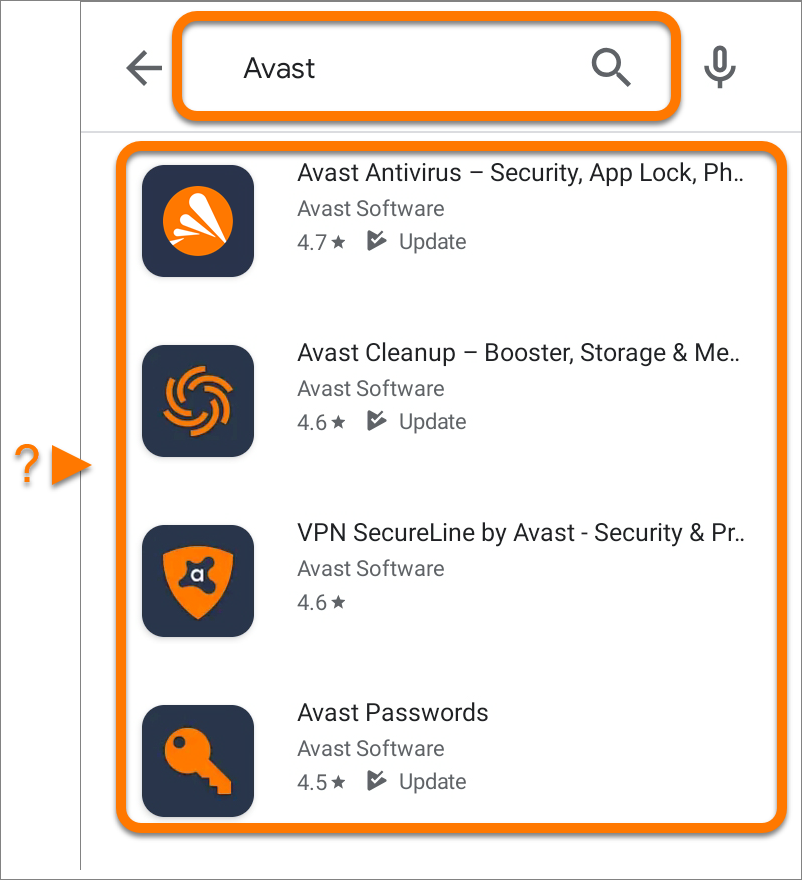
  2. Search for Avast, then select the relevant product from the search results.
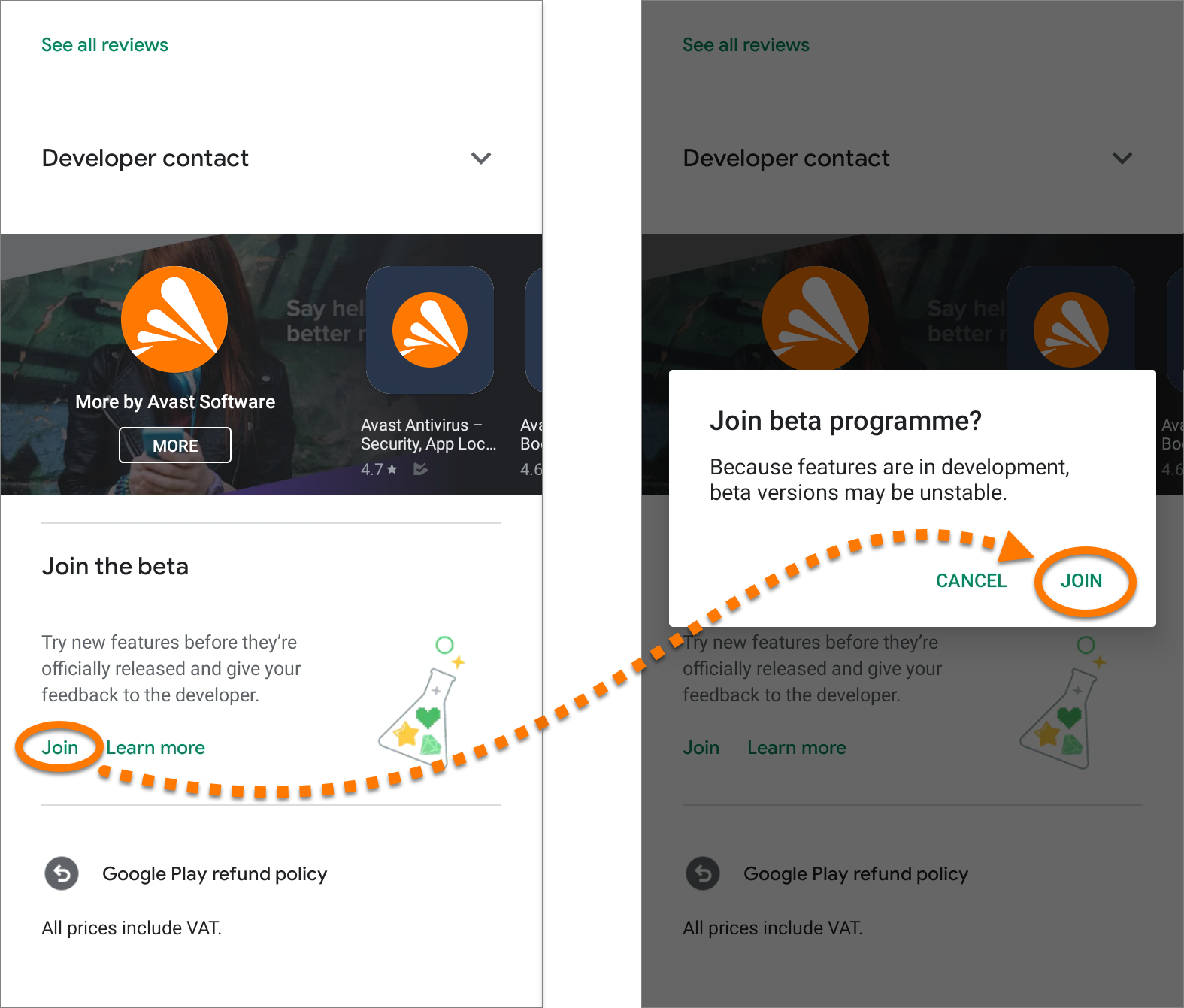
  3. Scroll down to Join the beta, and tap Join.
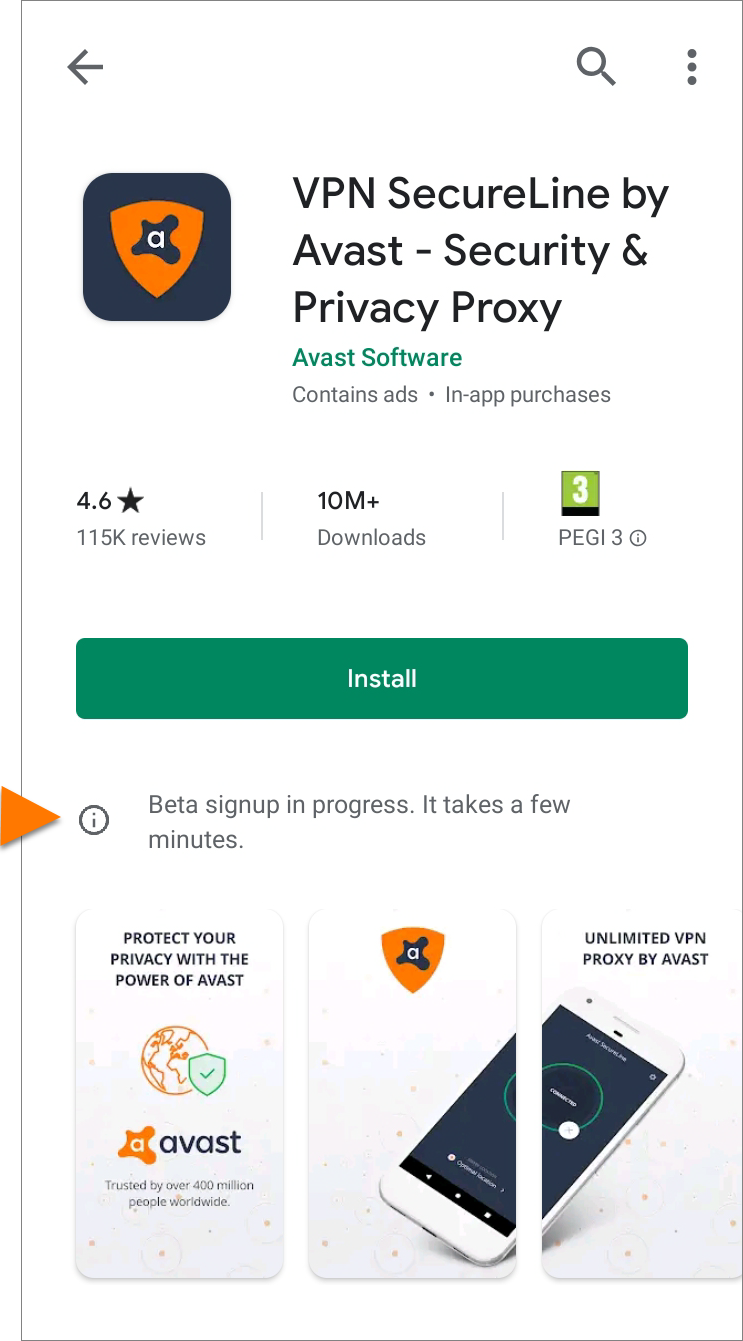
  4. Wait for the beta sign-up process to complete. This can take several minutes.
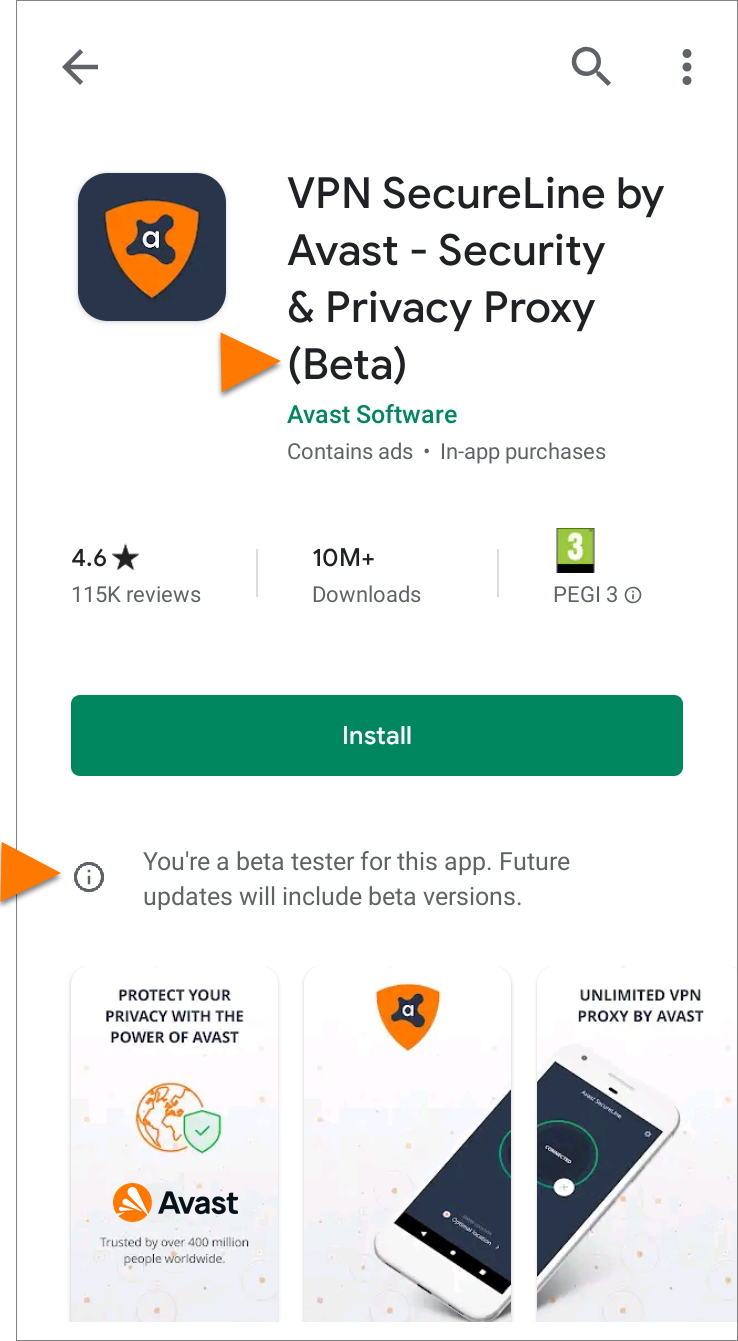
  5. The app information screen now displays (Beta) at the end of the title and You're a beta tester for this app. Future updates will include beta versions.
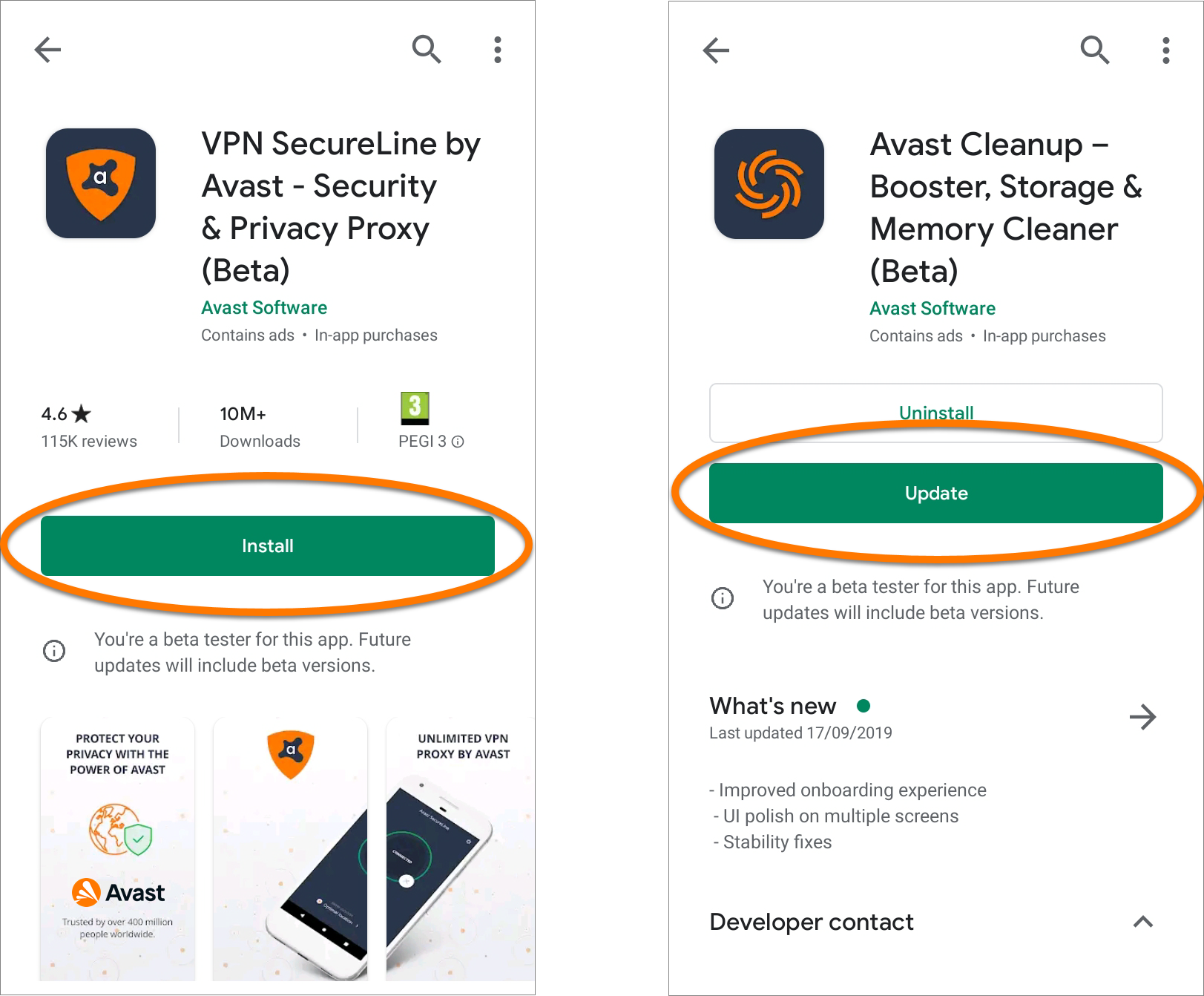
  6. Tap Install or Update to download the latest beta version of the app. If no beta version is currently available, tap Open to open the app.
  7. To become a beta tester for additional Avast Android apps, repeat the steps above for each app.

We recommend enabling auto-updates in Google Play Store to ensure you always have the latest beta version.

To provide feedback about an Avast beta version app, write a comment on the Avast Forum.

Leave the Avast beta testing program

To leave the beta testing program, follow steps 1 - 2 above, scroll down to You're a beta tester, then tap Leave.

  1. Open the relevant link below on your Android device:
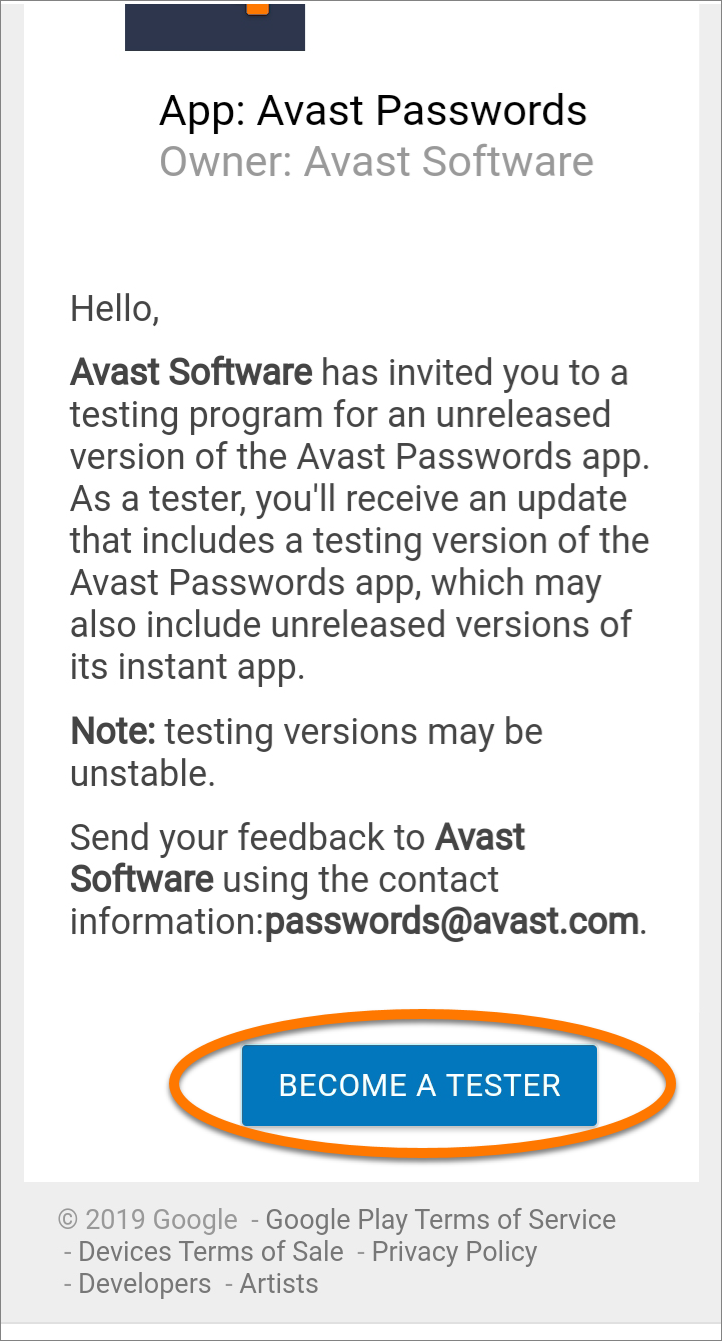
  2. Tap Become a Tester.
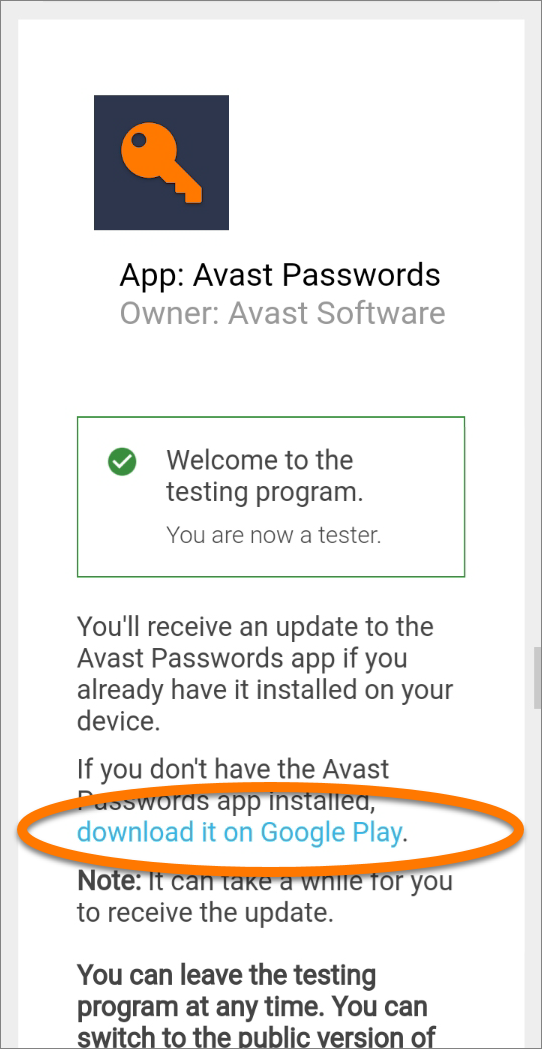
  3. If the app is already installed, it automatically updates to the latest beta version. If the app isn't installed, tap download it on Google Play.
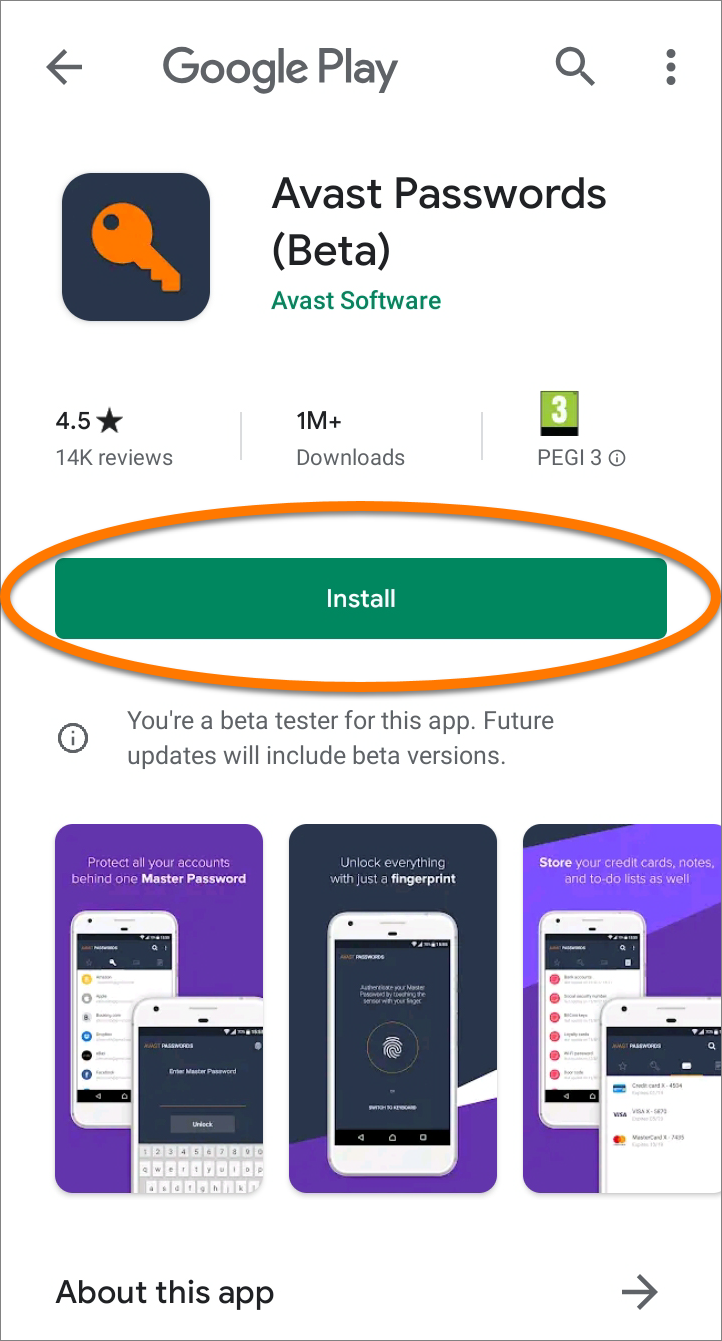
  4. Tap Install to download the latest beta version of the app.
  5. To become a beta tester for additional Avast Android apps, repeat the steps above for each app.

We recommend enabling auto-updates in Google Play Store to ensure you always have the latest beta version.

To provide feedback about an Avast beta version app, write a comment on the Avast Forum.

Leave the Avast beta testing program

To leave the beta testing program, open the relevant links in step 1 above on your Android device, then tap Leave The Program.


DocID: join-android-beta-testLast modified: 09/03/2026

Was this article helpful?

Promotional banner image

Keep your online identity private!

Browse like no one’s watching with Avast anti-tracking software.

Need more help?

Contact us
Avast account
Visit our forums
Visit academy