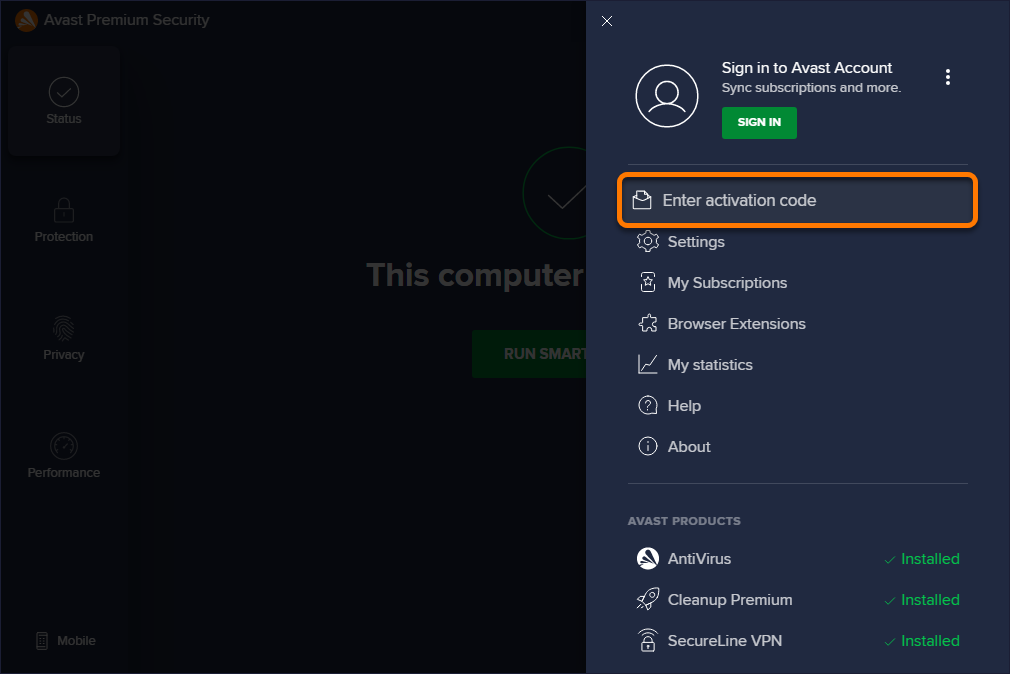
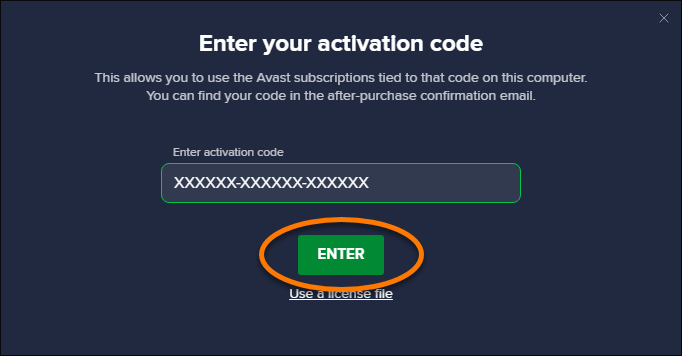
- Click the button below to start downloading the installation file. Download Avast Security
- Once the download is finished, open the
 avast_security_online.dmg file (by default, downloaded files are saved to your Downloads folder).
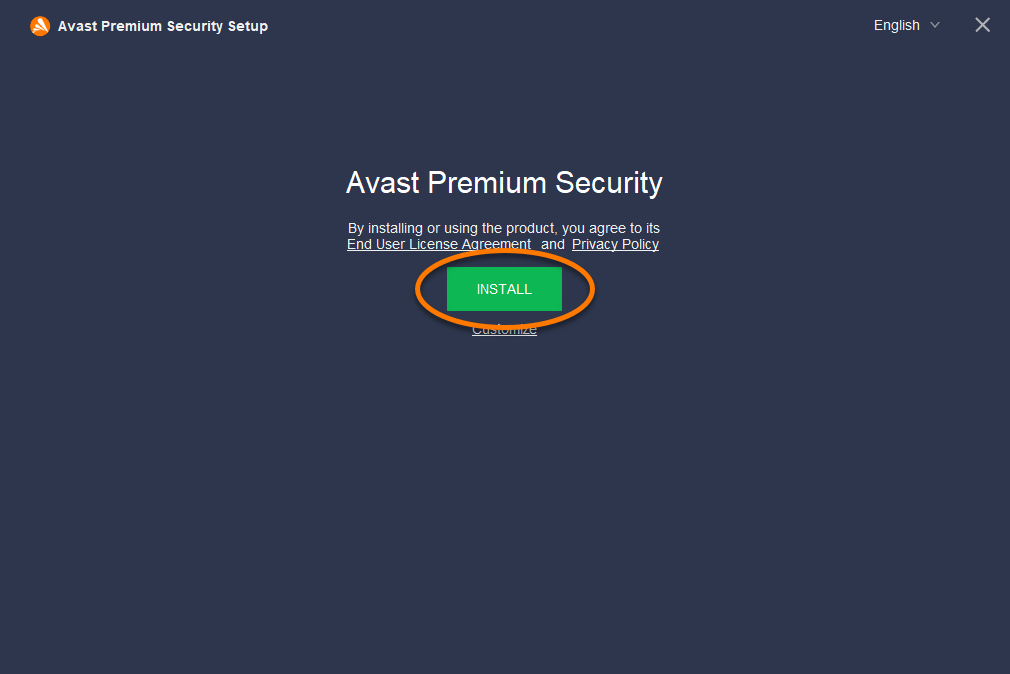
- Double-click Install Avast Security and follow the on-screen instructions to complete the installation process.
See detailed installation instructions
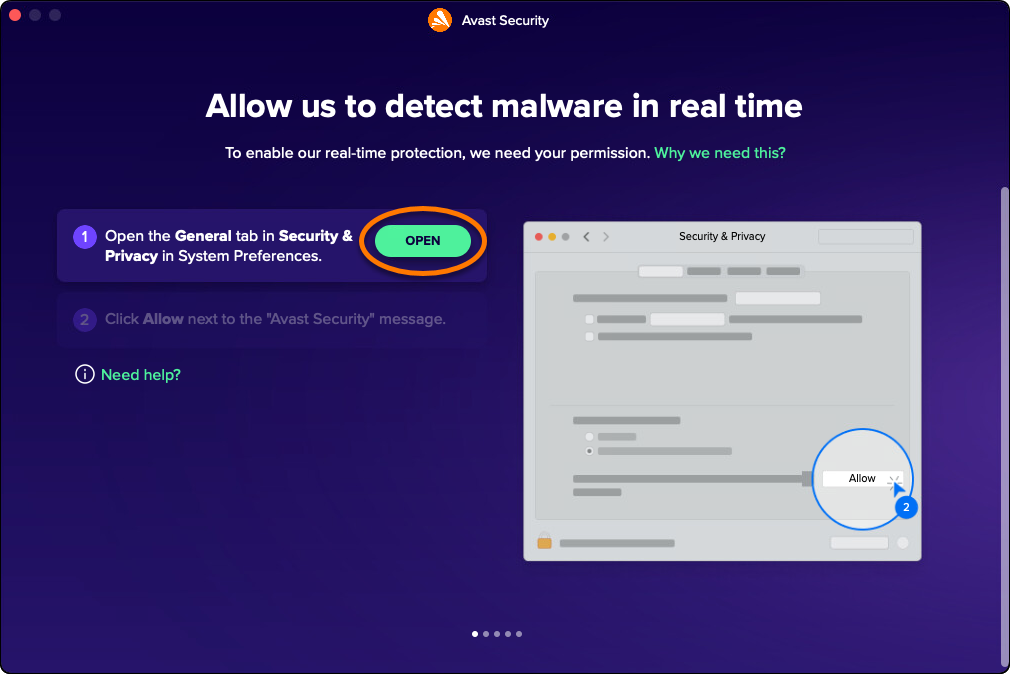
If prompted, click Open to allow required permissions in System Preferences. For detailed instructions, refer to the following article: Allow all protection permissions on macOS.
- In your Applications folder, double-click the
 Avast Security icon to open the application, then go to
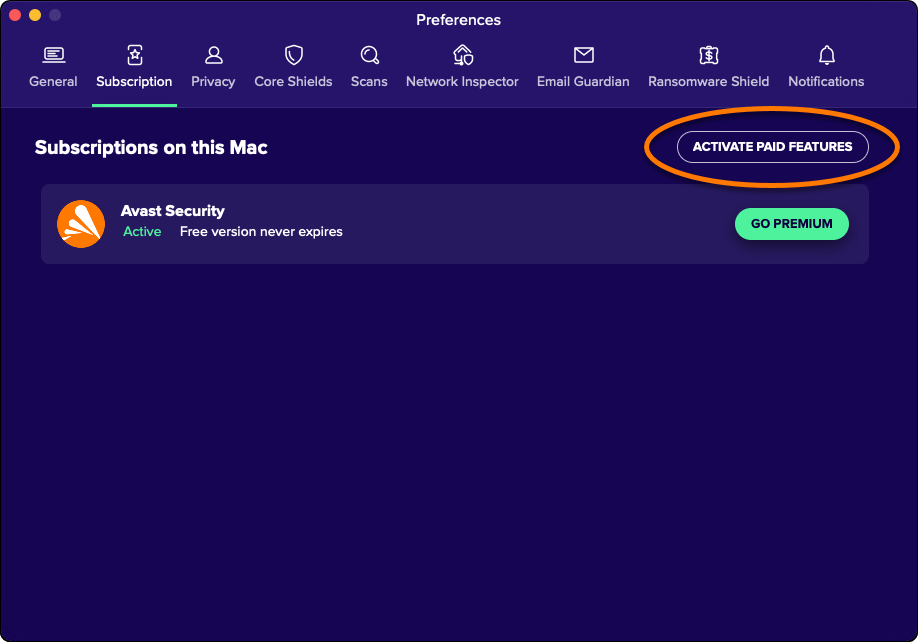
☰Menu and select My subscriptions ▸ Activate paid features.
- Paste your activation code into the text box, and click Activate (if asked, enter your name, email, and postal code).
See detailed activation instructions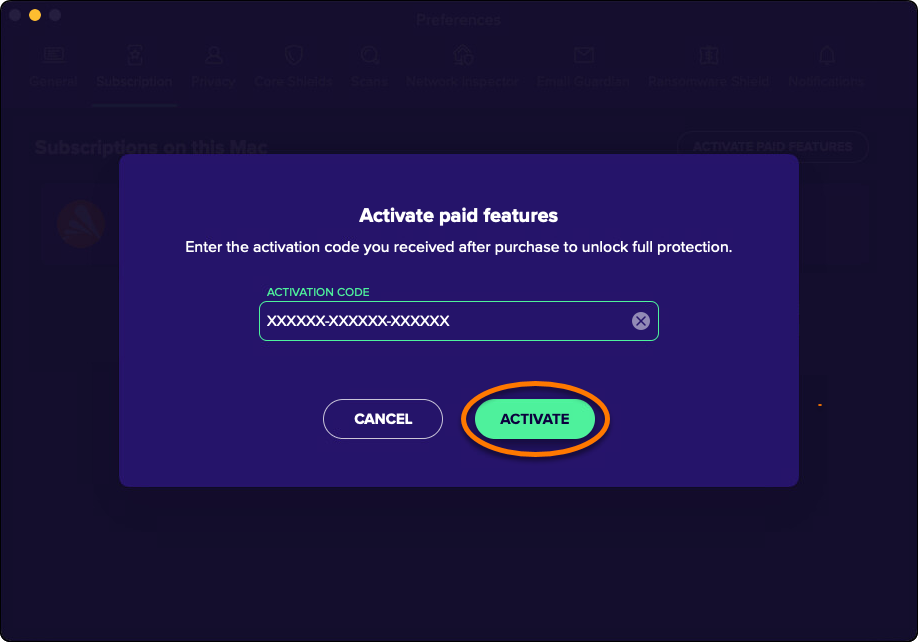
Your Avast Premium Security is now installed. You can install the app on up to 10 devices.
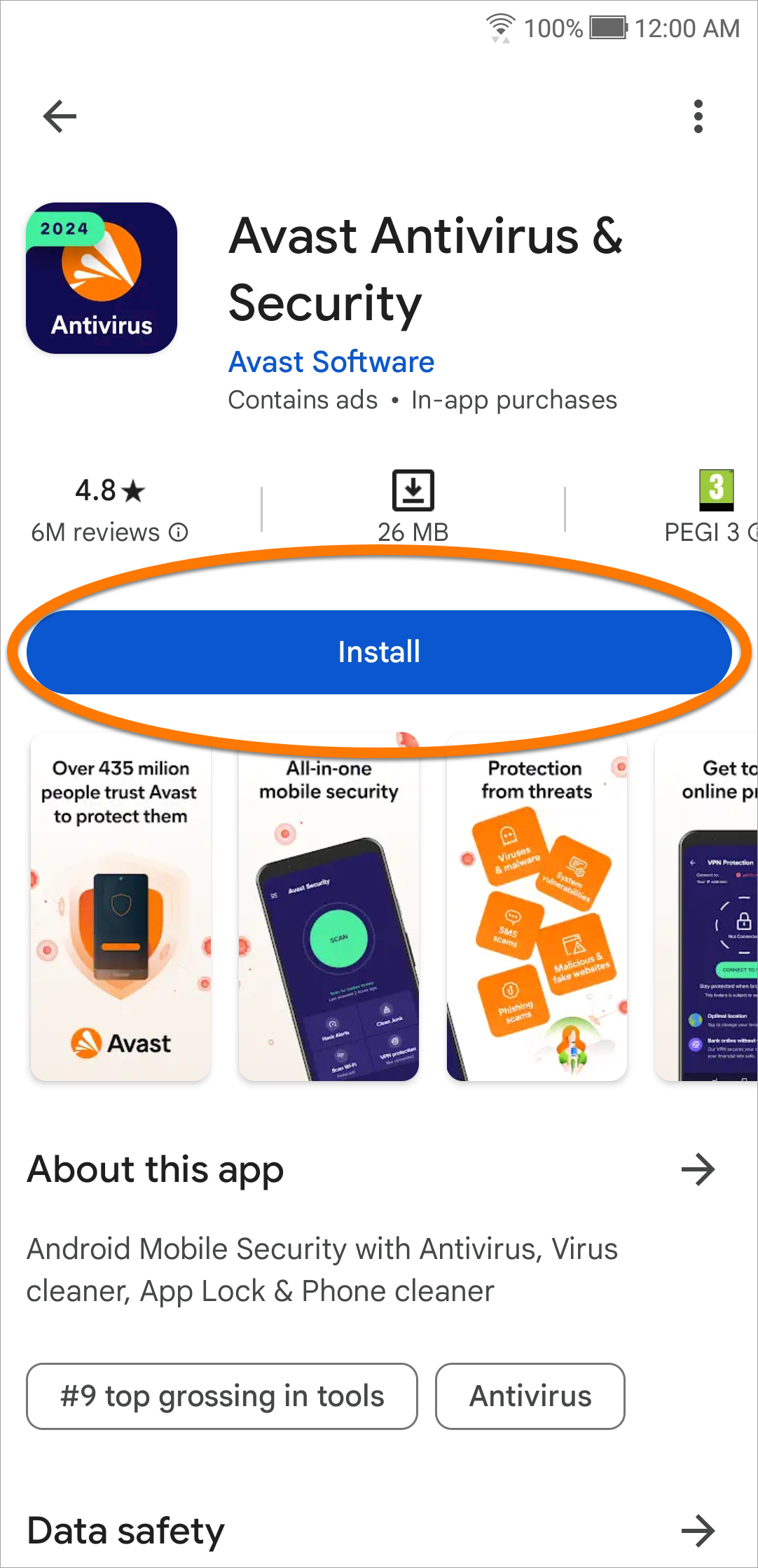
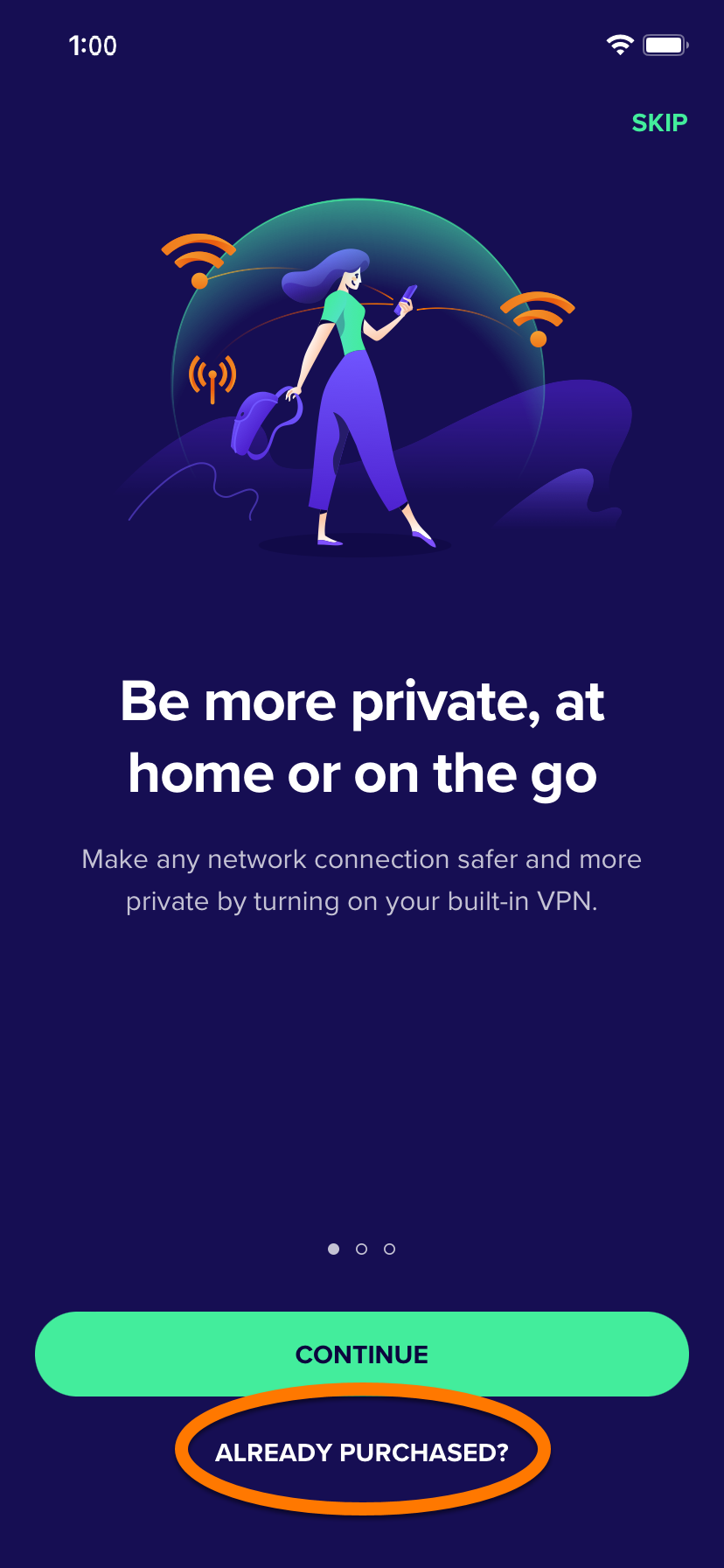
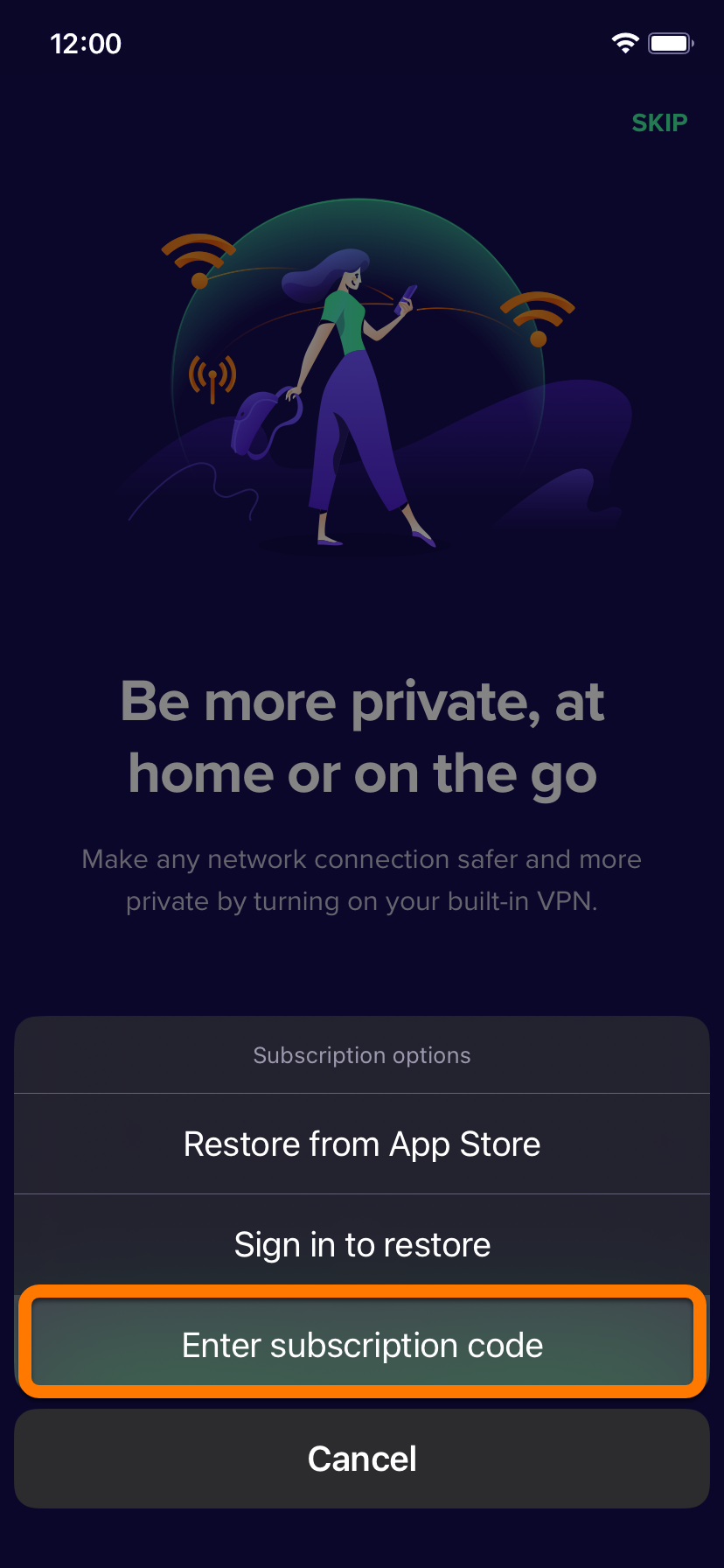
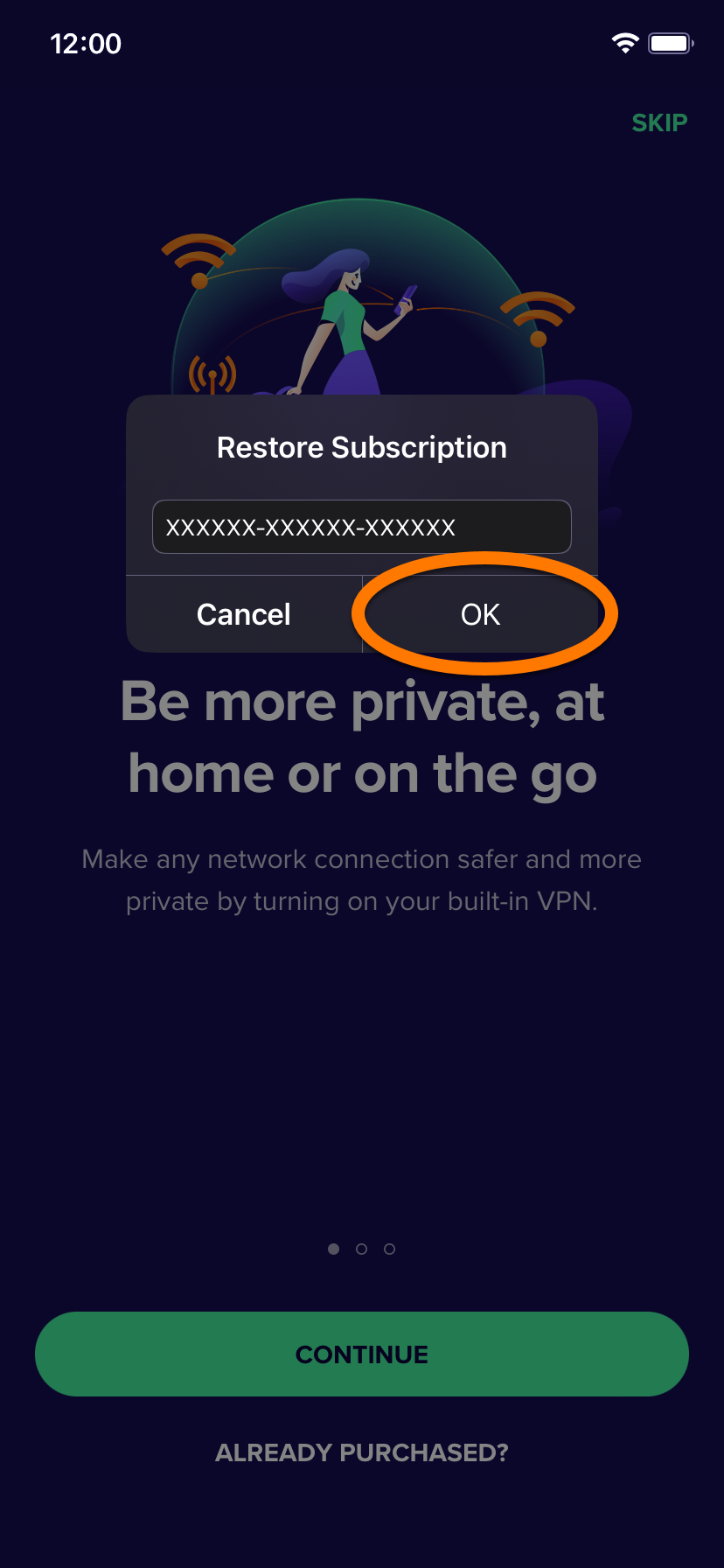
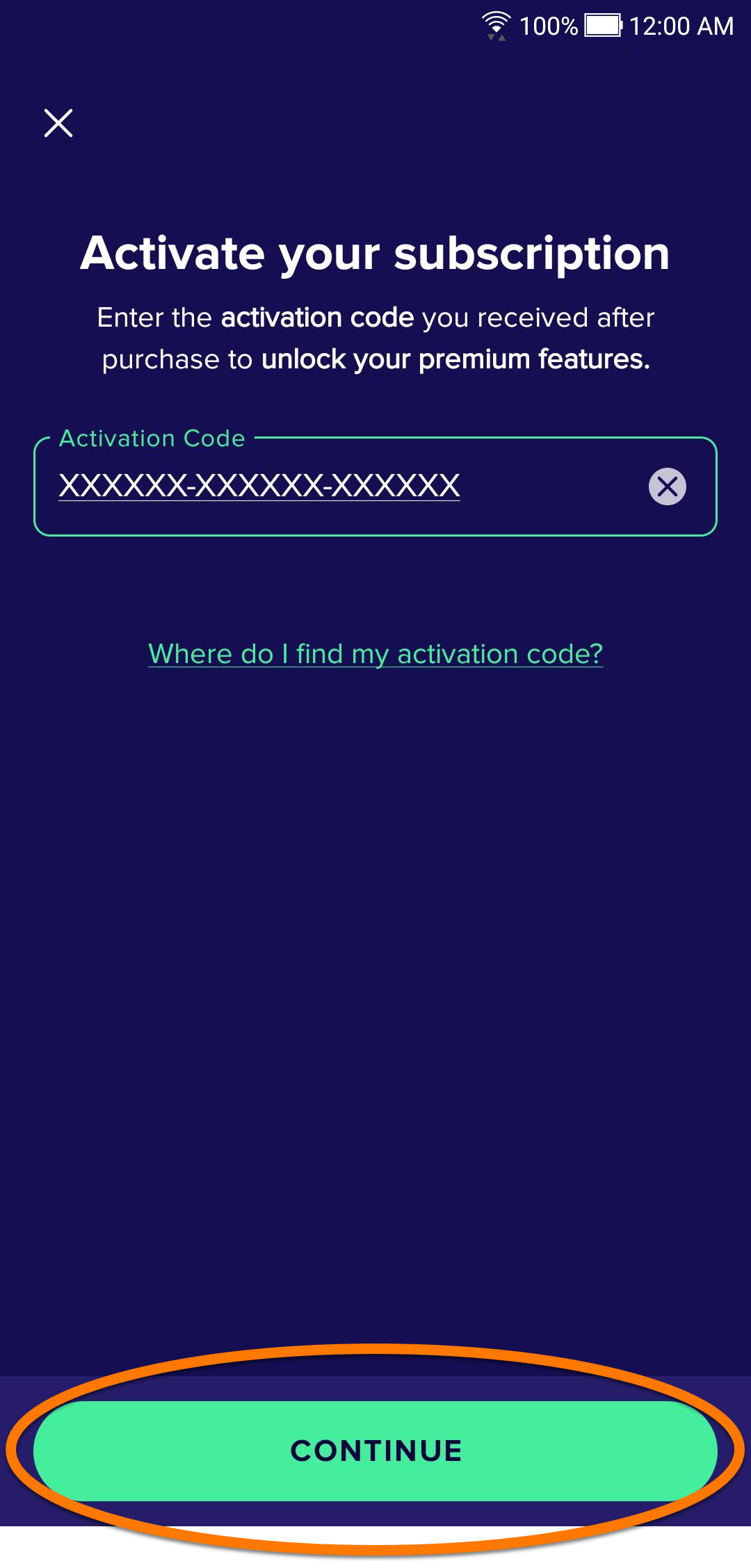
 Avast Mobile Security icon to open the app, select Get started, then choose Already purchased? (if you switched to a free version with ads, tap the
 Account icon in the bottom-right corner of the screen, then tap Upgrade Options ▸
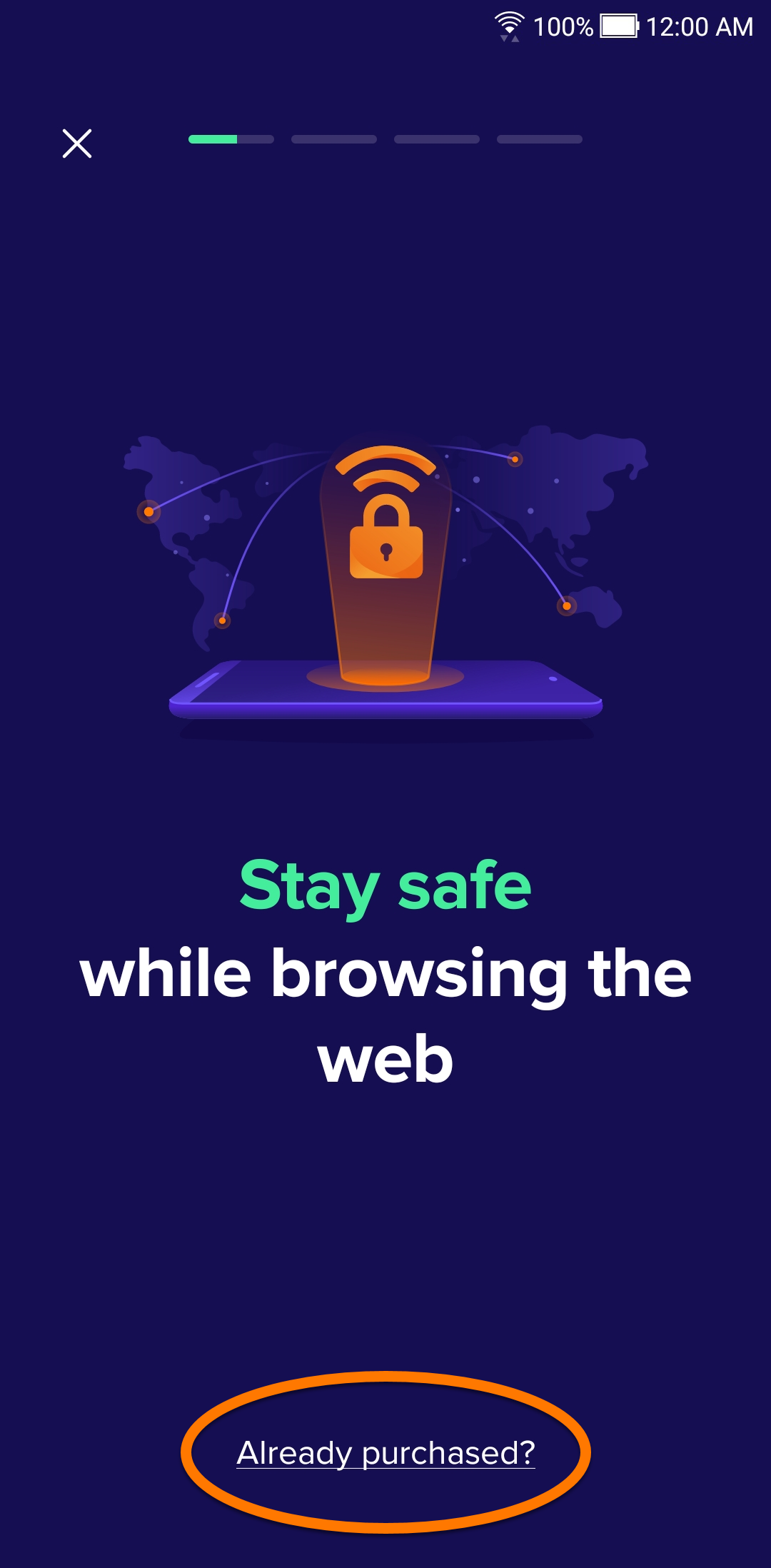
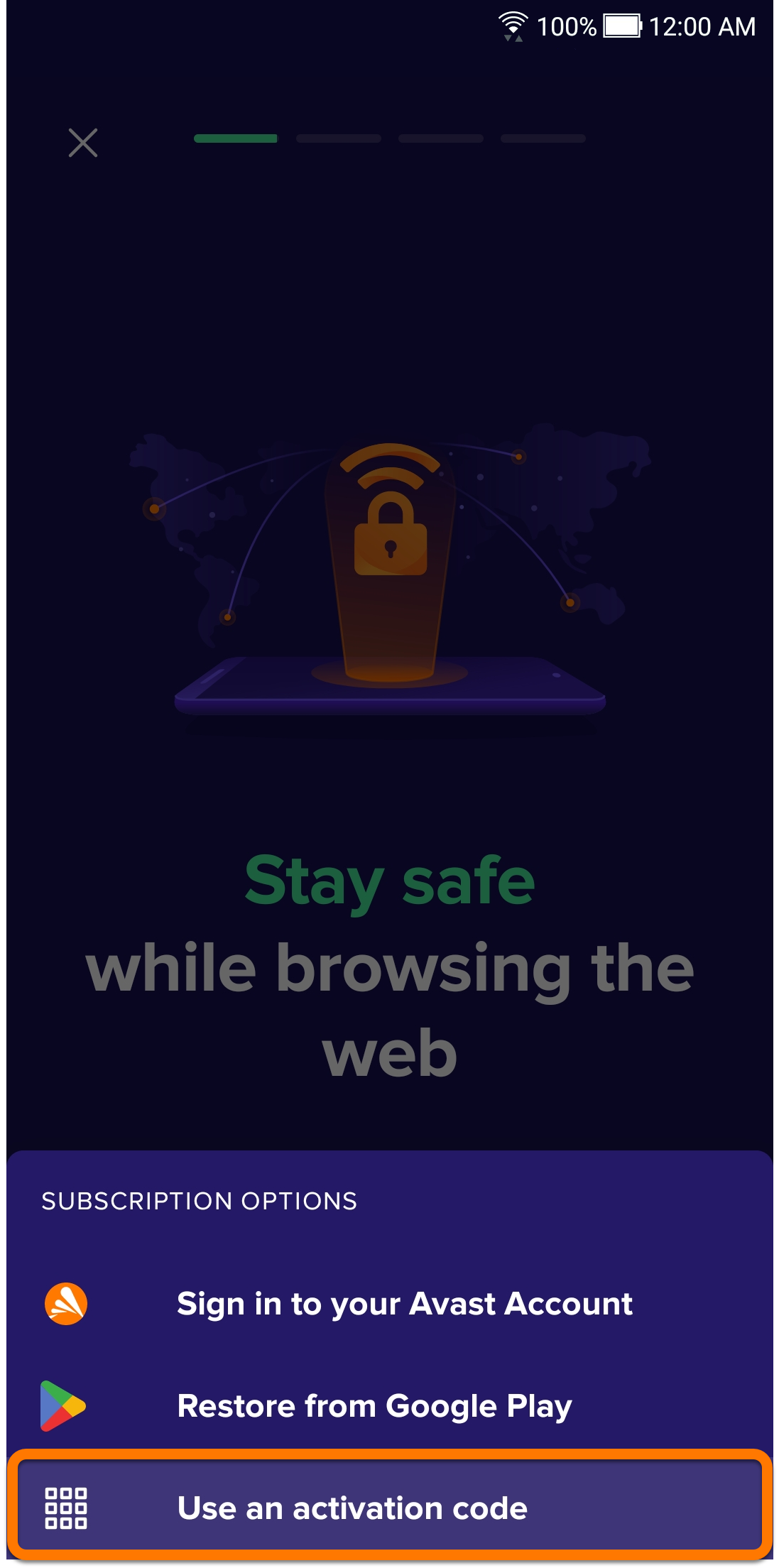
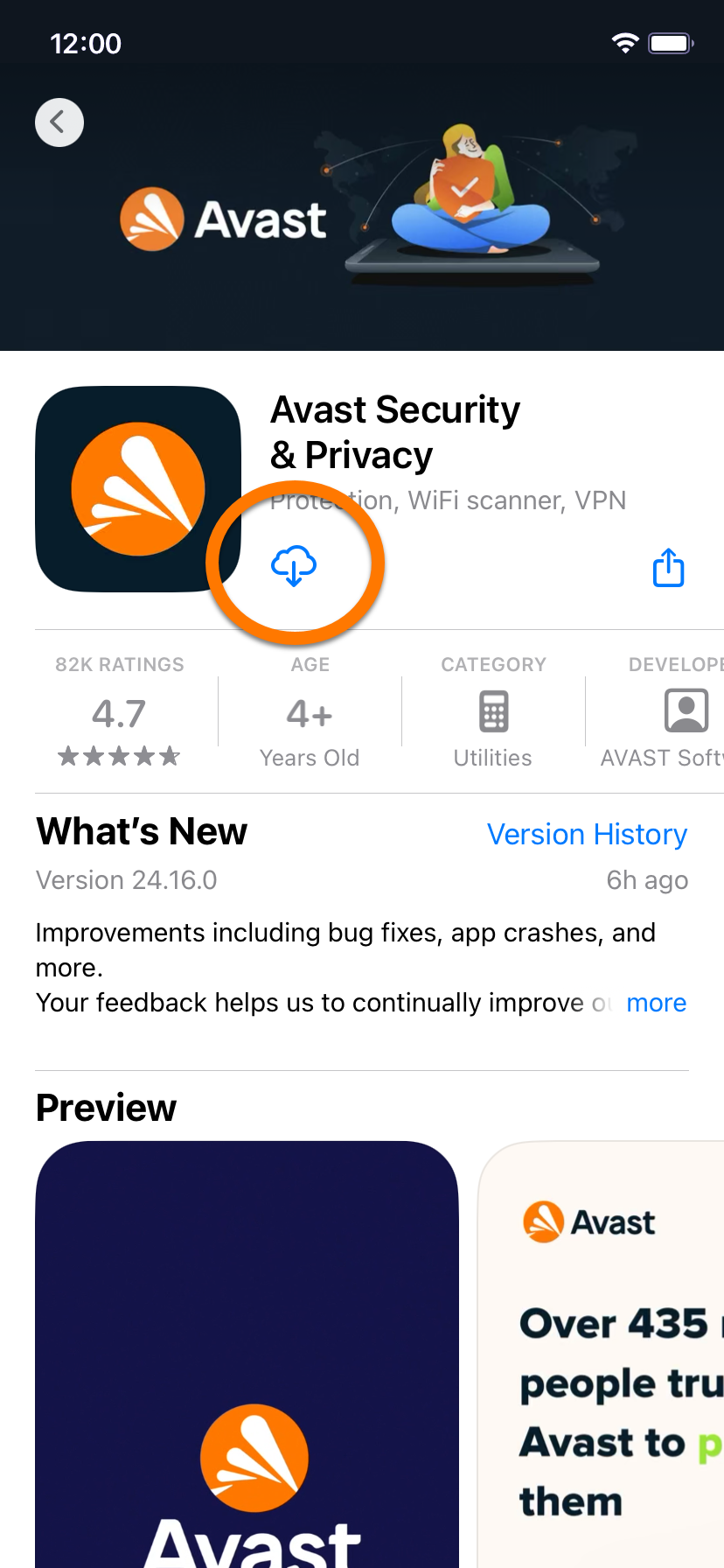
 cloud icon) to download and install the app.
 Avast Security icon to open the app, then tap Get started ▸ Already purchased?.